21
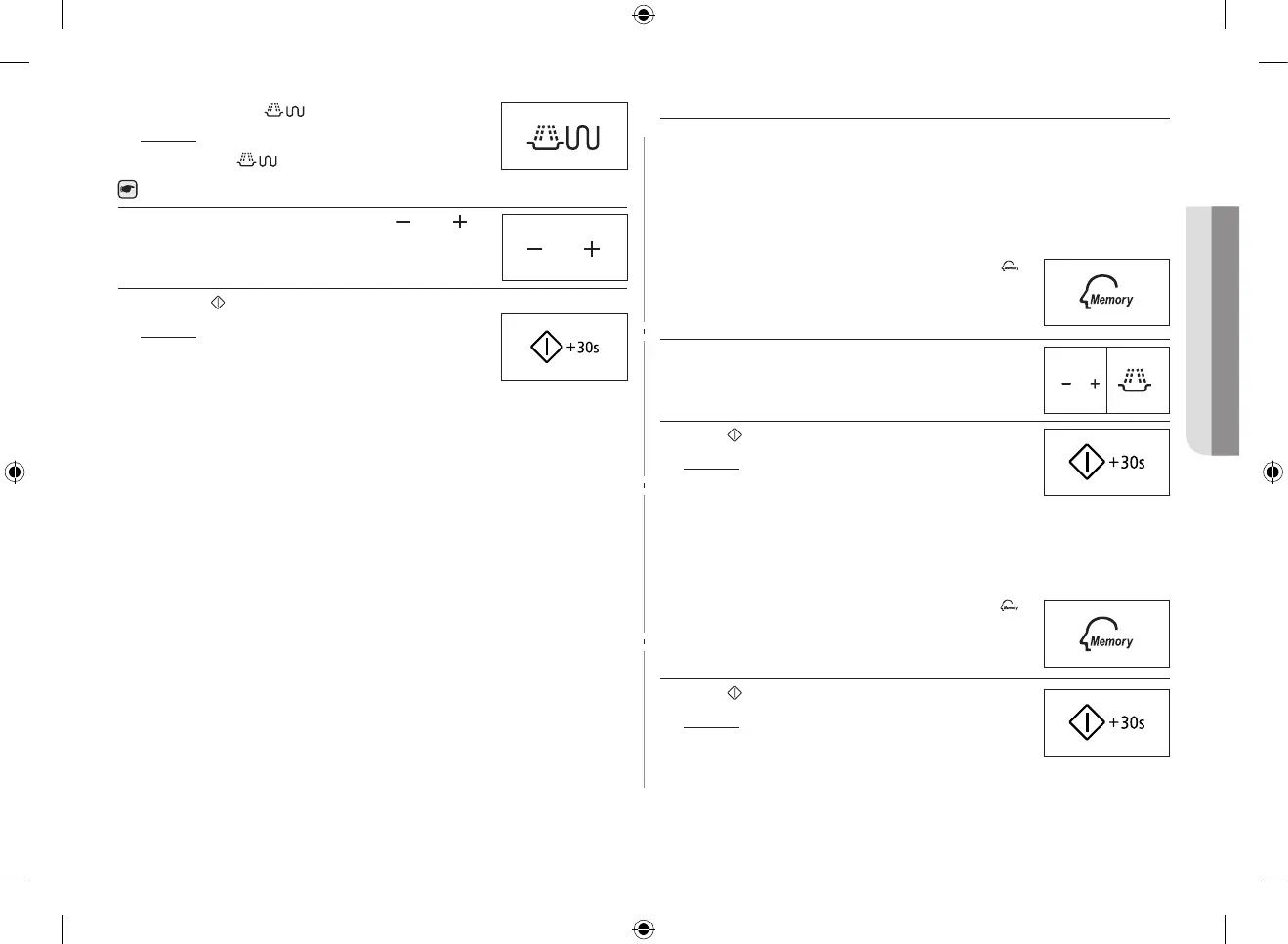
2. Press the Combi ( ) button.
Result : The following indications are displayed:
(microwave and grill mode)
You cannot set the temperature of the grill.
3. Set the Cooking time by pressing the (
) and ( )
buttons. The maximum grilling time is 60 minutes.
4. Press the (
) button.
Result : Combination cooking starts. When it
has finished.
1) The oven beeps four times.
2) The end reminder signal will beep 3
times (once every minute).
3) The current time is displayed again.
USING THE MEMORY FEATURE
If you often cook or reheat the same types of dishes, you can store the
cooking times and power levels in the oven’s memory, so that you do not
have to reset them each order.
You can store two dierent setting.
Storing the Setting.
1.
To programme the...
Then press the Memory (
)
button...
First setting
Second setting
Once (Display is P1)
Twice (Display is P2)
2. Set your cooking programme as usual (cooking time
and power level) see if necessary.
3. Press (
) button.
Result : Your setting are now stored in the
oven’s memory.
Using the settings.
First, place the food in the centre of the turntable and close the door.
1.
To select the...
Then press the Memory (
)
button...
First setting
Second setting
Once (Display is P1)
Twice (Display is P2)
2. Press ( ) button.
Result : The food is cooked as requested.
GE87MC_XEE_DE68-04114D-04_EN.indd 21 2014-09-19 12:16:33


 To Next Page