90
Support
7
7 Support
7.4 Contents Home
MENU [] Support Contents Home ENTER
[]
Press the CONTENT button to select the desired menu. Each screen will be displayed.
7.4.1 Channel List
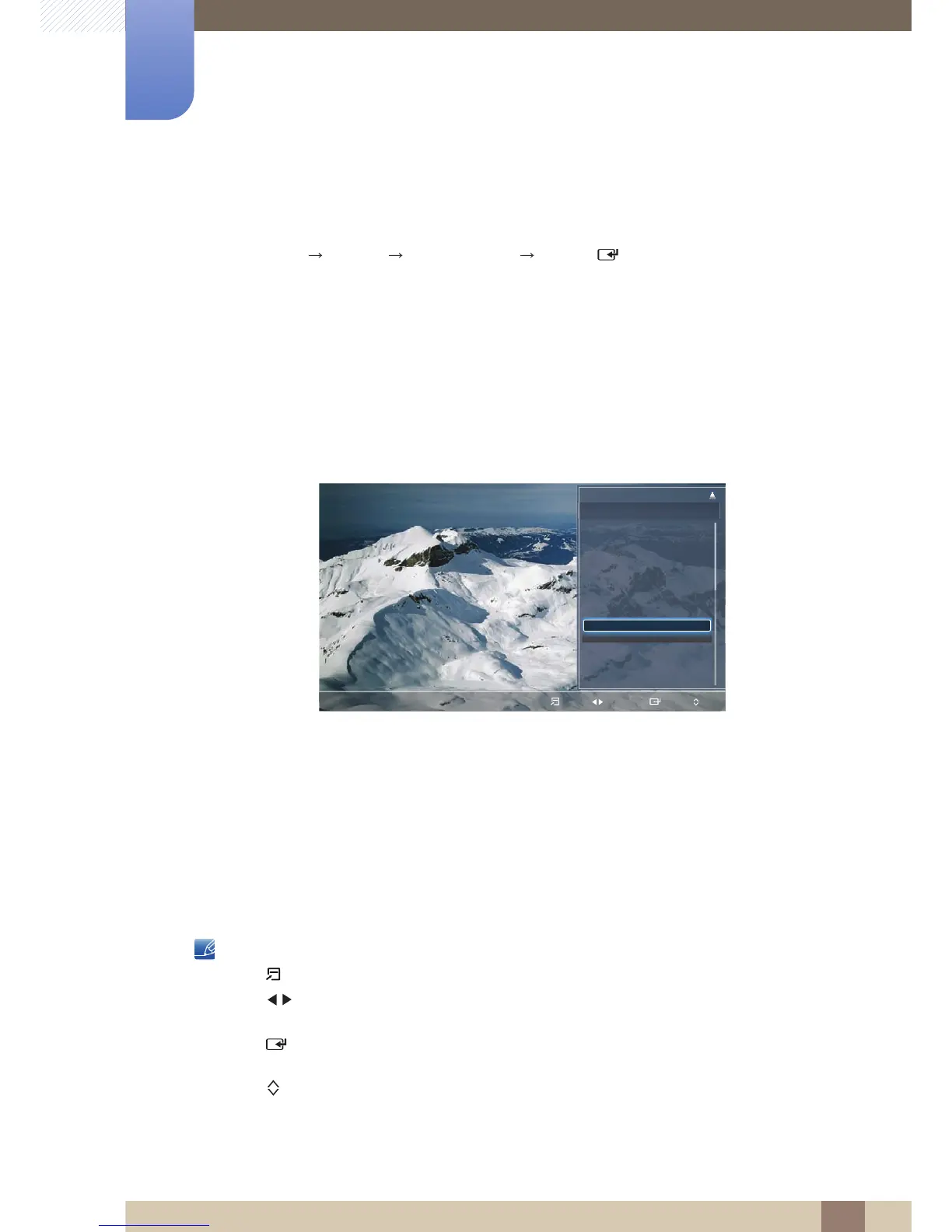
You can view all the channel searched.
When you press the CH LIST button on the remote control, Channel List screen will be displayed at
once.
z All: Shows all currently available channels.
z TV: Shows all currently available TV channels.
z Radio: Shows all currently available radio channels.
z Data/Other: Shows all currently available MHP or other channels.
z Analogue: Shows all currently available analogue channels.
z Favourites 1-5: Shows all favourites channels.
Using the control buttons with the Channel List.
z (Tools): Displays the option menu.
z (Ch. Mode / Channel): Move to the All, TV, Radio, Data/Other, Analogue or Favourites 1-
5.
z (Watch / Information): Watches the channel you selected. / Displays details of the selected
programme.
z (Page): Move to next or previous page.
The displayed image may differ depending on the model.




 To Next Page