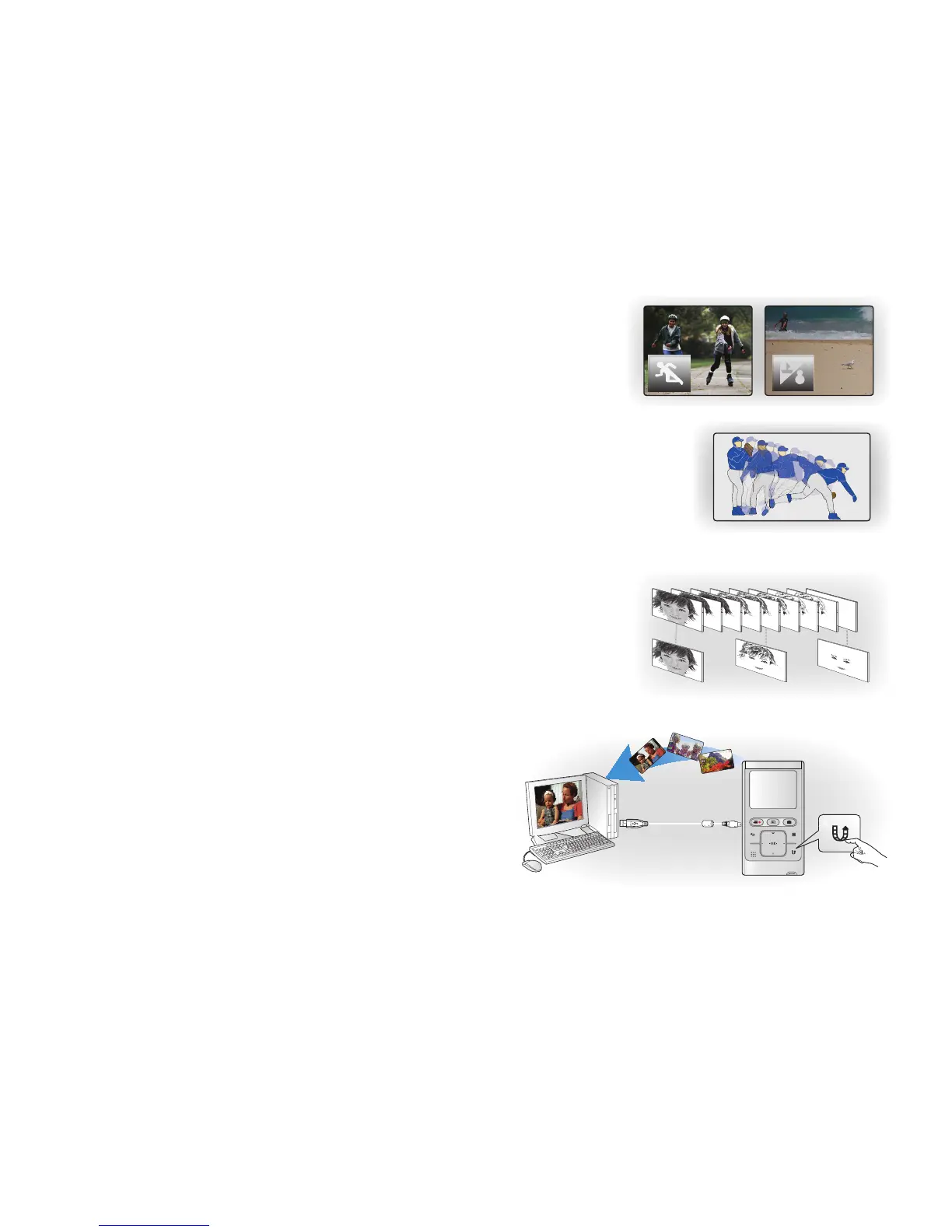
Shooting Custom Scenes
In Scene mode, appropriate options are already set for each scene so that you
can select any of them for easy shooting.
High Speed Recording
This camcorder can record at 120 frames per second (fps). In addition, the recorded
video can be played back at low speed (x1/2).
Simple & Easy User Interface
Designed to provide optimized and easy use with an ergonomic design.
An improved Graphics User Interface offers a new and fresh look as well as easy
operation.
Time Lapse Recording Catches the Moment
You can record a long scene in short intervals. Record artistic, documentary
videos including the passage of clouds, blooming fl owers etc. Use this function
to make UGC (User-Generated Contents) videos, educational programs or for
other purposes.
Direct Upload of Your Videos to the Web!
The built-in editing software Intelli-studio installs directly from
this camcorder to your PC, when you simply connect your
camcorder to a PC via USB cable. Intelli-studio also allows
direct uploading of your contents to YouTube with the press of
a button. Sharing the contents with your friends is simpler than
ever before.
English_iii







 To Next Page