English - 11
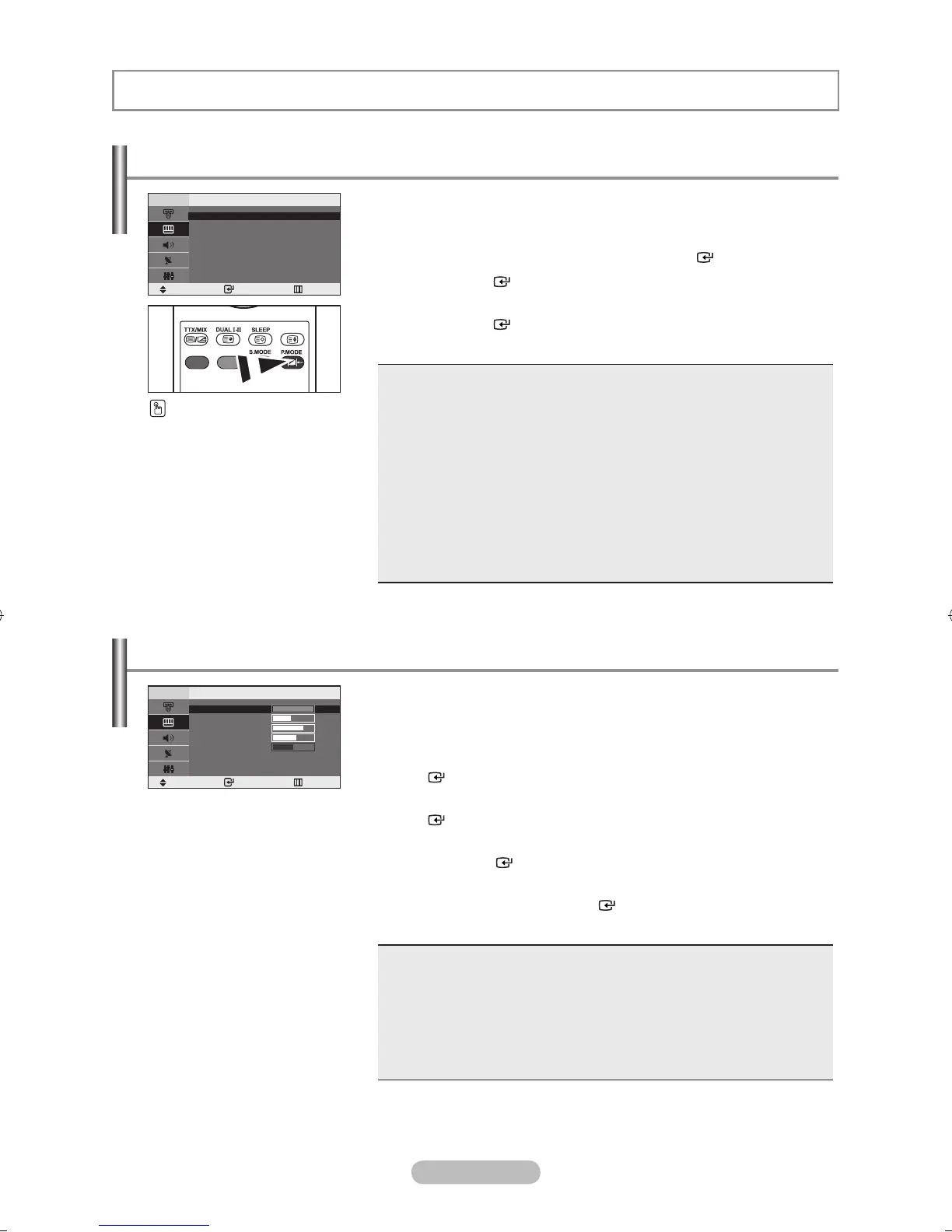
Contrast 100
Brightness 45
Sharpness 75
Colour 55
Tint
G50
R50
SETTING THE PICTURE
You can select the type of picture which best corresponds to your
viewing requirements.
1. Press the MENU button to display the menu. Press the ▲ or ▼
button to select “Picture”, then press the ENTER button.
2. Press the ENTER button to select “Mode”.
3. Press the ▲ or ▼ button to select the desired picture effect.
Press the ENTER button.
4. Press the EXIT button to exit.
Dynamic: Selects the picture for high-definition in a bright room.
Standard: Selects the picture for optimum display in a normal environment.
Movie: Selects the picture for comfortable display in a dark room.
Custom: Select to view your favorite display settings.
(Refer to “Adjusting the Custom Picture”)
[PC mode]
Entertain: High brightness. (For watching motion pictures such as a DVD or
Video CD.)
Internet: Medium brightness. (For working with a mixture of images such as
text and graphics.)
Text: Normal brightness. (For documentations or works involving heavy text.)
Custom: Select to view your favorite display settings.
In the PC mode, “Entertain”, “Internet”, “Text”, “Custom” appears.
➣
You can also press the
P.MODE button on the remote
control to select one of the
picture settings.
Changing the Picture Standard
Your set has several settings which allow you to control picture
quality.
1. Press the MENU button to display the menu.
Press the ▲ or ▼ button to select “Picture”, then press the
ENTER button.
2. Press the ▲ or ▼ button to select “Custom”, then press the
ENTER button.
3. Press the ▲ or ▼ button to select a particular item.
Press the ENTER button.
4. Press the ◄ or ► button to decrease or increase the value of a
particular item. Press the ENTER button.
5. Press the EXIT button to exit.
Contrast: Adjusts the lightness and darkness between objects and the back-
ground.
Brightness: Adjusts the brightness of the whole screen.
Sharpness: Adjusts the outline of objects to either sharpen them or make them
more dull.
Colour: Adjusts the colours, making them lighter or darker.
Tint(NTSC only): Adjusts the colour of objects, making them more red or
green for a more natural look.
If you make any changes to these settings, the picture mode is
automatically switched to “Custom”.
In the PC mode, only “Contrast” and “Brightness” can be adjusted.
➣
➣
Adjusting the Custom Picture
Dynamic
Standard
Movie
Custom
Move Enter Return
Mode
Move Enter Return
Custom



 To Next Page
 Loading...