6
Registering the device and connecting
via the Bluetooth feature
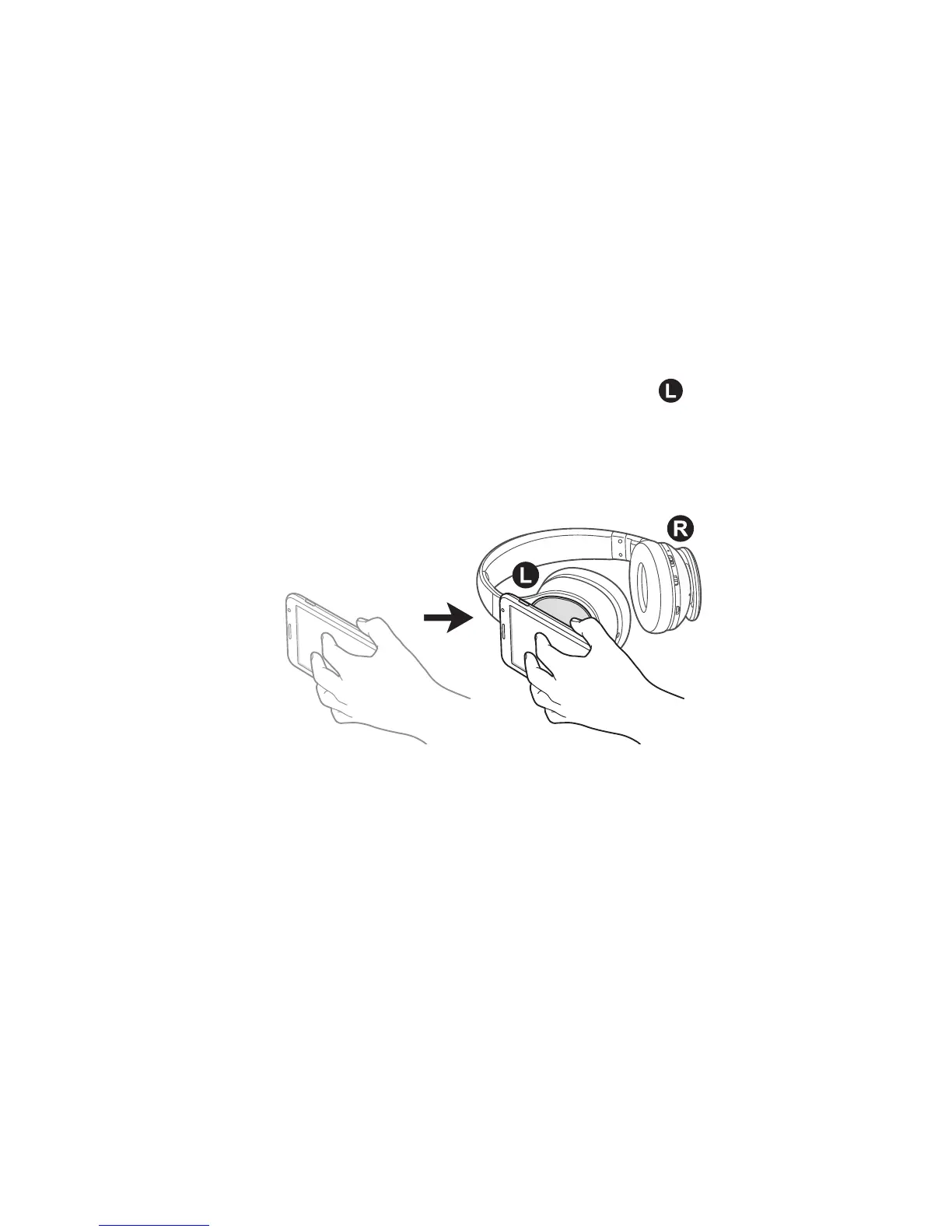
Connecting via the NFC feature
1
Activate the NFC and Bluetooth features on the other
device.
2
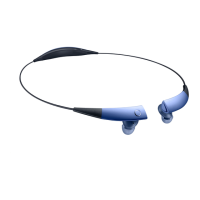
Turn on the headset and place the other device’s
NFC antenna near the NFC antenna area (
) of the
headset.
Device connection is complete after you allow the
other device to connect to your headset.
Connecting devices manually
1
Slide the Power switch to pairing mode and hold it
for 3 seconds.
The headset enters the Bluetooth pairing mode and
the notification light flashes red, green, and then blue.
2
On the Bluetooth-enabled device, activate the
Bluetooth feature and select Samsung Level On from
the detected device list.



 To Next Page