Apps and features
64
Highlighting subjects using the Live focus feature
1
On the shooting modes list, tap
LIVE FOCUS
.
2
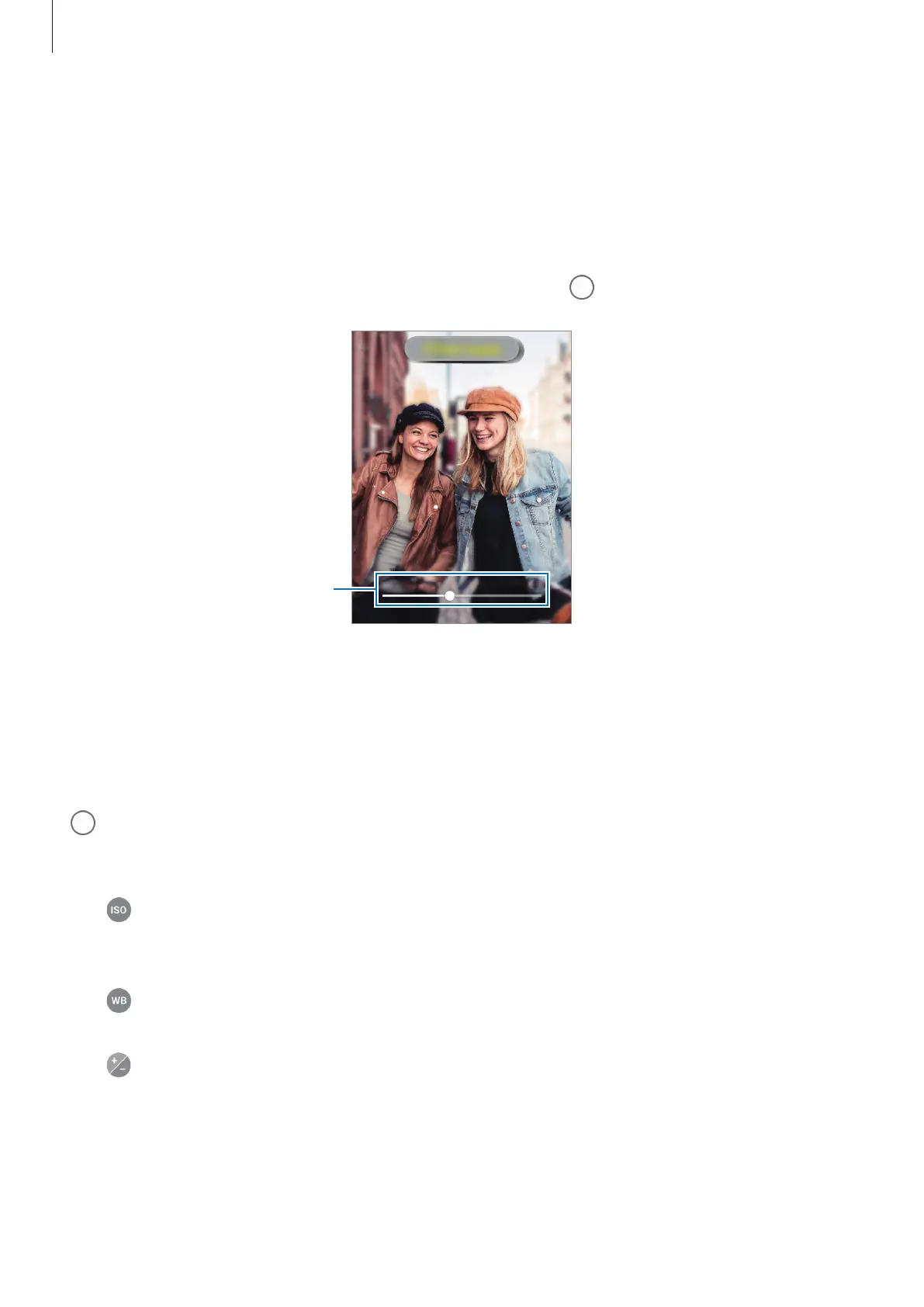
Drag the background blur adjustment bar to the left or right to adjust the blur level.
3
When
Effect ready.
appears on the preview screen, tap to take a photo.
Background blur adjustment bar
Pro mode
Capture photos while manually adjusting various shooting options, such as exposure value
and ISO value.
On the shooting modes list, tap
PRO
. Select options and customise the settings, and then tap
to take a photo.
Available options
•
: Select an ISO value. This controls camera light sensitivity. Low values are for
stationary or brightly lit objects. Higher values are for fast-moving or poorly lit objects.
However, higher ISO settings can result in noise in photos.
•
: Select an appropriate white balance, so images have a true-to-life colour range. You
can set the colour temperature.
•
: Change the exposure value. This determines how much light the camera’s sensor
receives. For low-light situations, use a higher exposure.



 To Next Page