Apps and features
65
Panorama mode
Using panorama mode, take a series of photos and then stitch them together to create a wide
scene.
To get the best shots using panorama mode, follow these tips:
•
Move the camera slowly in one direction.
•
Keep the image within the frame on the camera’s viewfinder. If the preview
image is out of the guide frame or you do not move the device, the device will
automatically stop taking photos.
•
Avoid taking photos of indistinct backgrounds, such as an empty sky or a plain
wall.
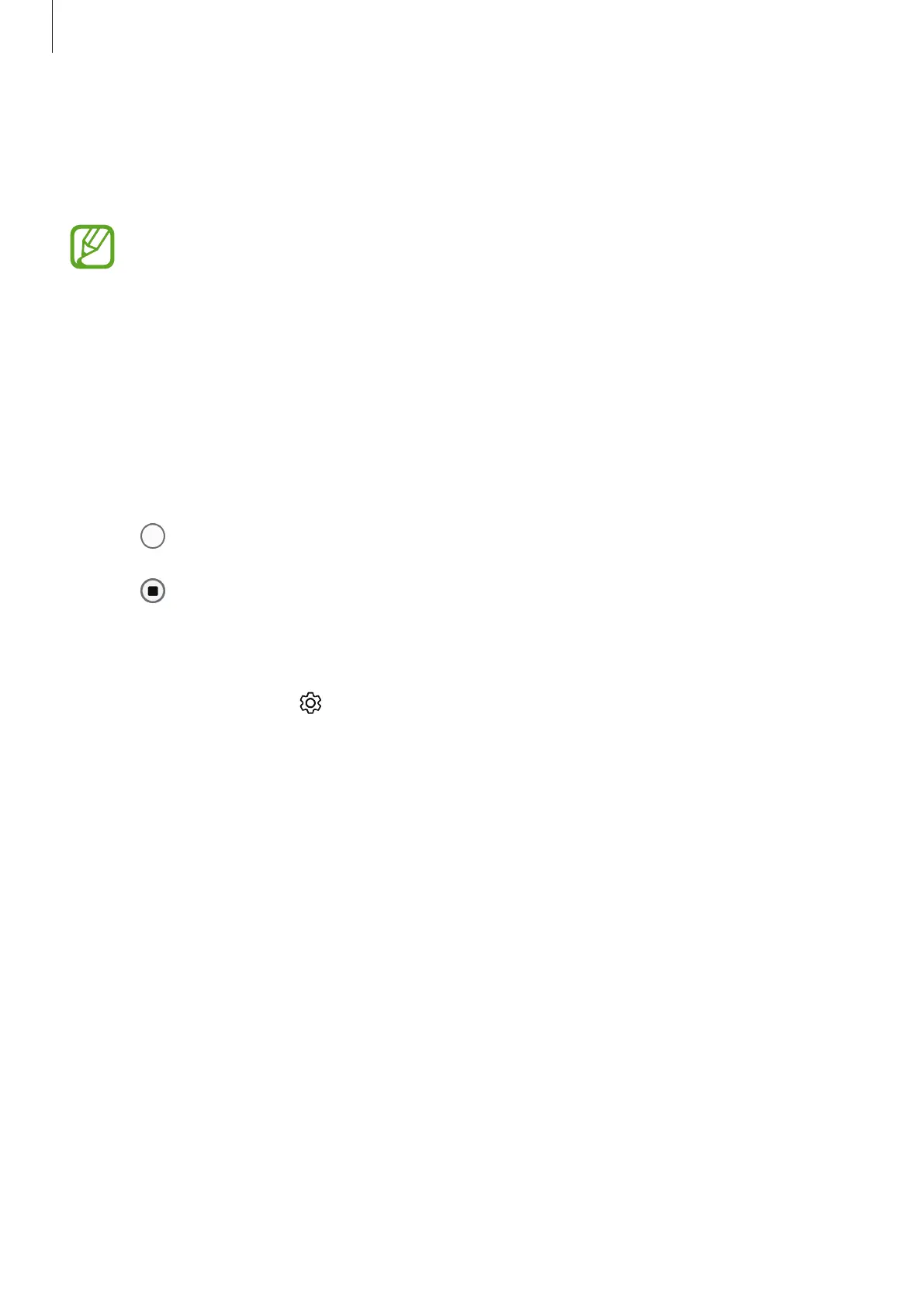
1
On the shooting modes list, tap
PANORAMA
.
2
Tap and move the device slowly in one direction.
3
Tap to stop taking photos.
Customising camera settings
On the preview screen, tap . Some options may not be available depending on the
shooting mode.
Pictures
•
HDR (rich tone)
: Take photos with rich colours and reproduce details even in bright and
dark areas.
Videos
•
Rear video size
: Select a resolution for videos you want to take with the rear camera.
Using a higher resolution will result in higher quality videos, but they will take up more
memory.
•
Front video size
: Select a resolution for videos you want to take with the front camera.
Using a higher resolution will result in higher quality videos, but they will take up more
memory.



 To Next Page