Next
55
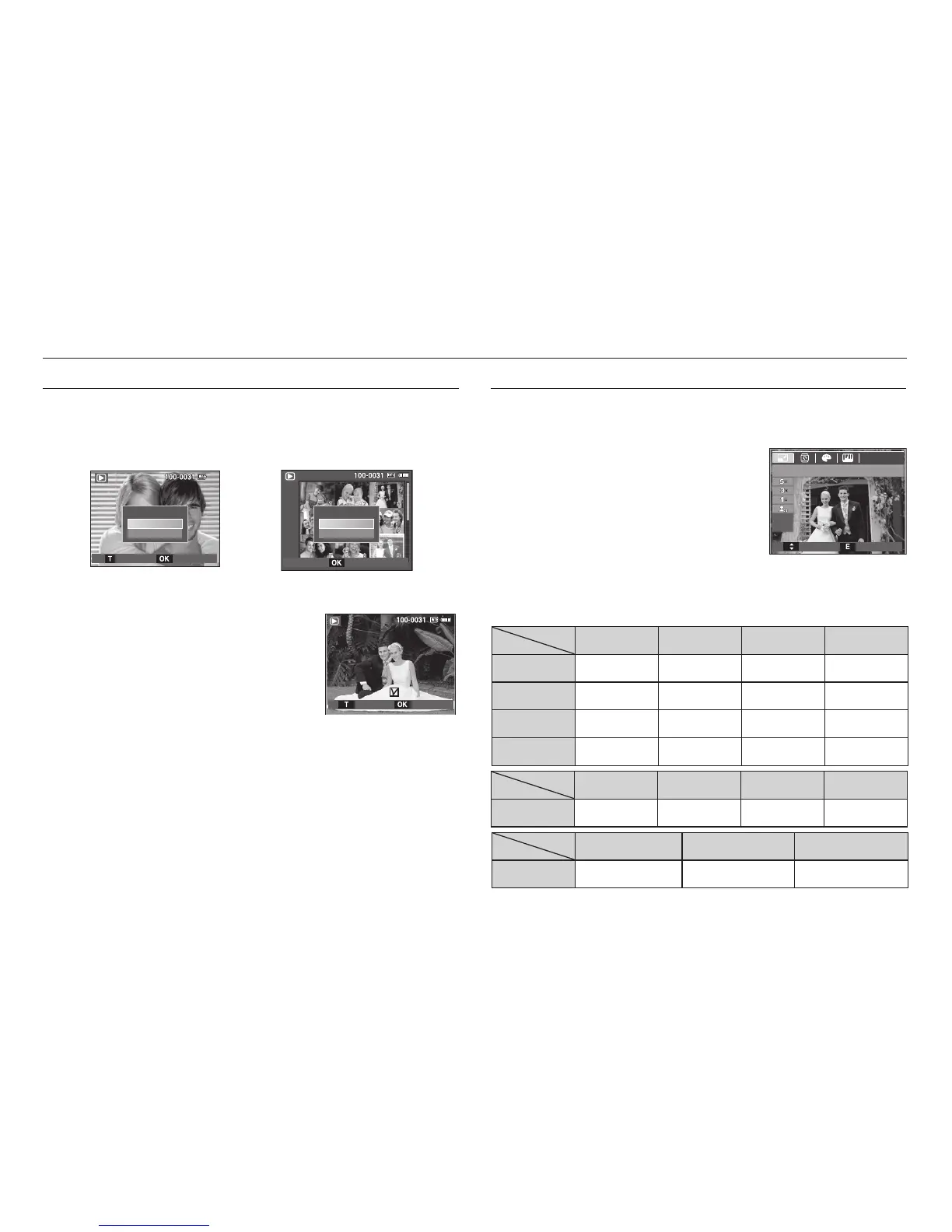
E (Effect) button : Resize
Change the resolution (size) of pictures taken. Select [Start image] (
) to
save an image to be the start-up image.
1. Press the play mode button and press the
E button.
2. Press the Left / Right button and select
the [RESIZE] (
) menu tab.
3. Select a desired sub menu by pressing
the Up / Down button and press the OK
button.
Image Resize Types
(z: Selectable)
zzzz
zzz
zz
z
zzz
zz
Setting up the play back function using the camera buttons
Delete (
) button
This deletes images stored on the memory card.
1. Select an image that you want to delete by pressing the Left / Right
button and press the DELETE () button.
[Single Image] [Thumbnail Image]
2. To delete images, press the T button.
- Left/Right button : Selects images
- T button : checks for deletion
- OK button : confi rm the selection
3. Select the sub menu values by pressing the Up / Down button and
then press the OK button.
- If [No] is selected : cancels “Delete Image”.
- If [Yes] is selected : deletes the selected images.
RESIZE
Move Exit
Delete?
No
Ye s
Delete?
No
Ye s
ConfirmSelect
DeleteSelect
Confirm








 To Next Page