59
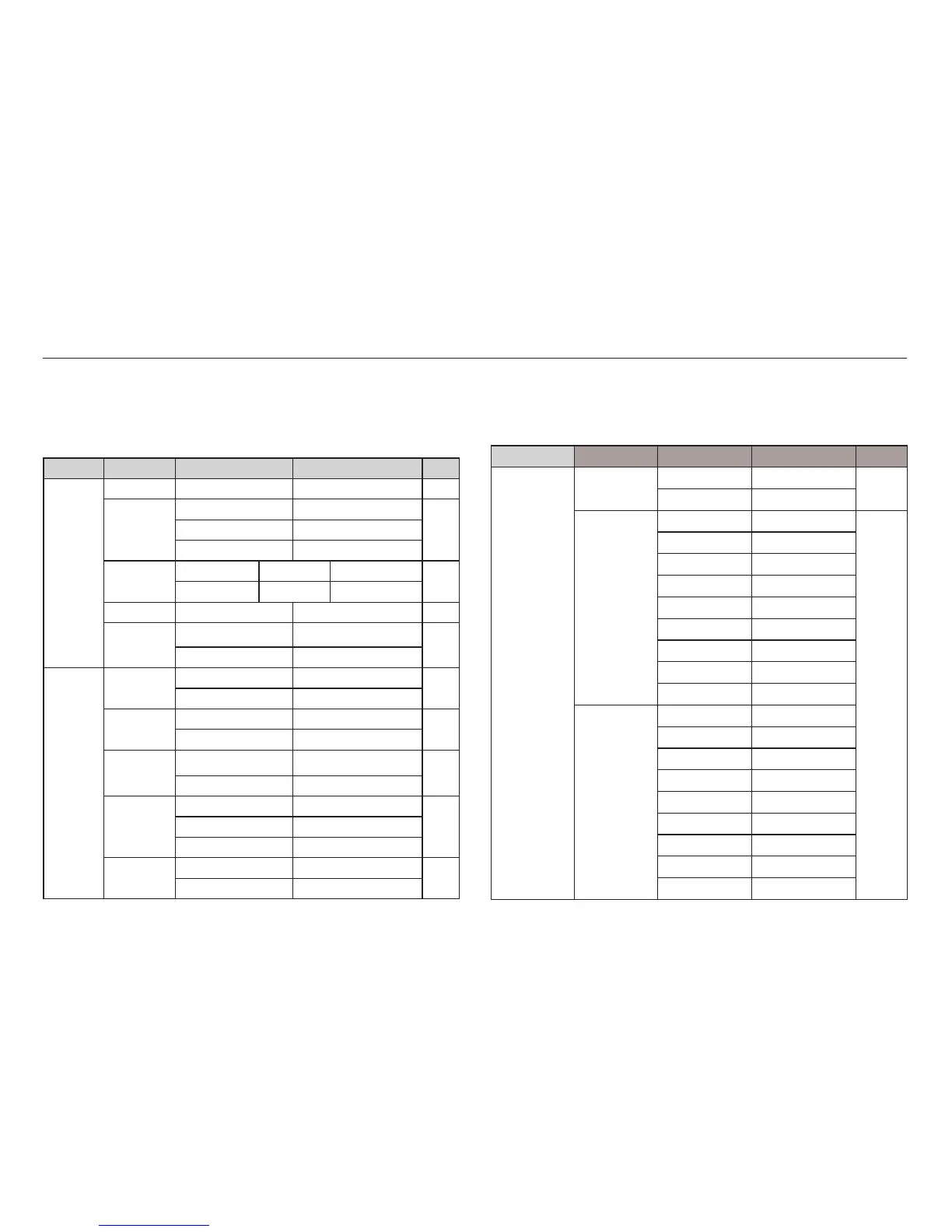
Menu Tab Main Menu Sub Menu Secondary Menu Page
Images
One Pic -
p.68
All Pics -
Size
Auto -
p.68
PostCard -
Card -
4X6 -
L-
2L -
Letter -
A4 -
A3 -
Layout
Auto -
Full -
1-
2-
4-
8-
9-
16 -
Index -
This menu is available while the camera is connected to a PictBridge
supporting printer (direct connection to the camera, sold separately) with a
USB cable.
Setting up the play back function using the LCD monitor
PLAY mode functions can be changed by using the LCD monitor.
In the PLAY mode, pressing the MENU button displays the menu on the LCD
monitor. The menus you can set up in Play mode are as follows. To capture
an image after setting up the play menu, press the PLAY mode button or
shutter button.
Menu Tab Main Menu Sub Menu Secondary Menu Page
MULTI
SLIDE
SHOW
(
)
Show
Play / Repeat Play
-p.60
Images
All -
p.61Date -
Select -
Effect
Off Basic Classic
p.61
Memories Rhythmic Delight
Interval 1, 3, 5, 10 sec - p.62
Music
Off Panorama
p.62
First Smile Remembrance
PLAY
BACK
(
)
Voice Memo
Off -
p.62
On -
Protect
Select -
p.63
All Lock / Unlock
Delete
Select -
p.63
All
No / Yes
DPOF
Standard
Select / All Pics / Cancel
p.64Index
No / Yes
Size
Select / All Pics / Cancel
Copy To
Card
No -
p.66
Ye s -








 To Next Page