3-15
Chapter 3.Using The Computer
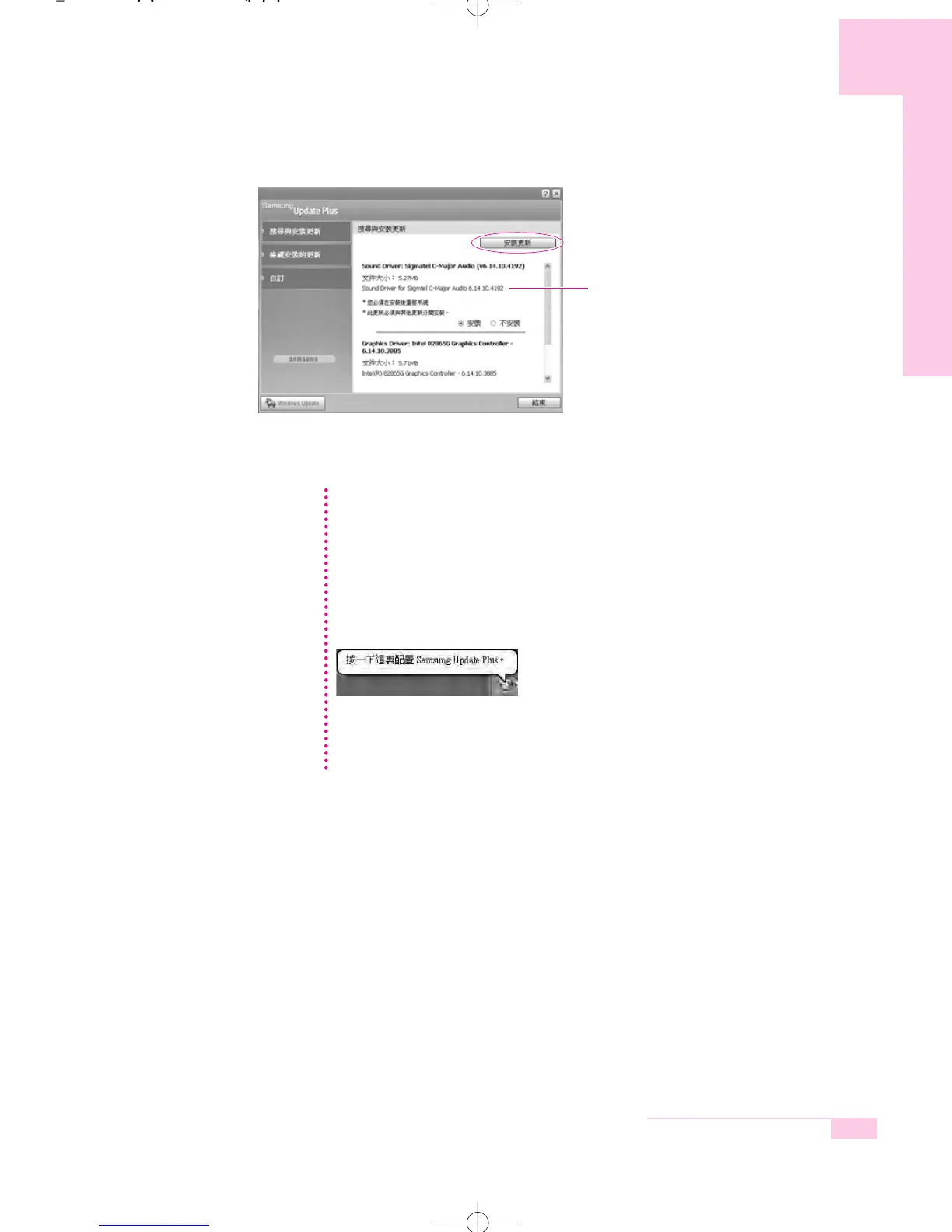
(The update list on the screen may differ depending
on the computer model.)
Update List
Updates that must be installed separately.
If you select an update that must be installed separately, a message appears
informing you of this. Follow the instruction message to correctly install it.
Automatic update items display
By default, your computer is configured to automatically search for updates.
If there is a new update available, this is notified in the notification area.
Click the balloon help icon in the notification area. Here you will be able to
find the latest available updates.
To change the automatic update settings, click the Custom button in Figure 2
and change the settings.
: Samsung Update Plus does not provide updates for additionally installed
software and device drivers.
NN
NN
oo
oo
tt
tt
ee
ee
r65-hk_ch3 2006.1.2 2:45 PM 페이지15 1000 Dolev-2540-Color-S T



 To Next Page