3-31
Chapter 3.Using The Computer
■
Exiting
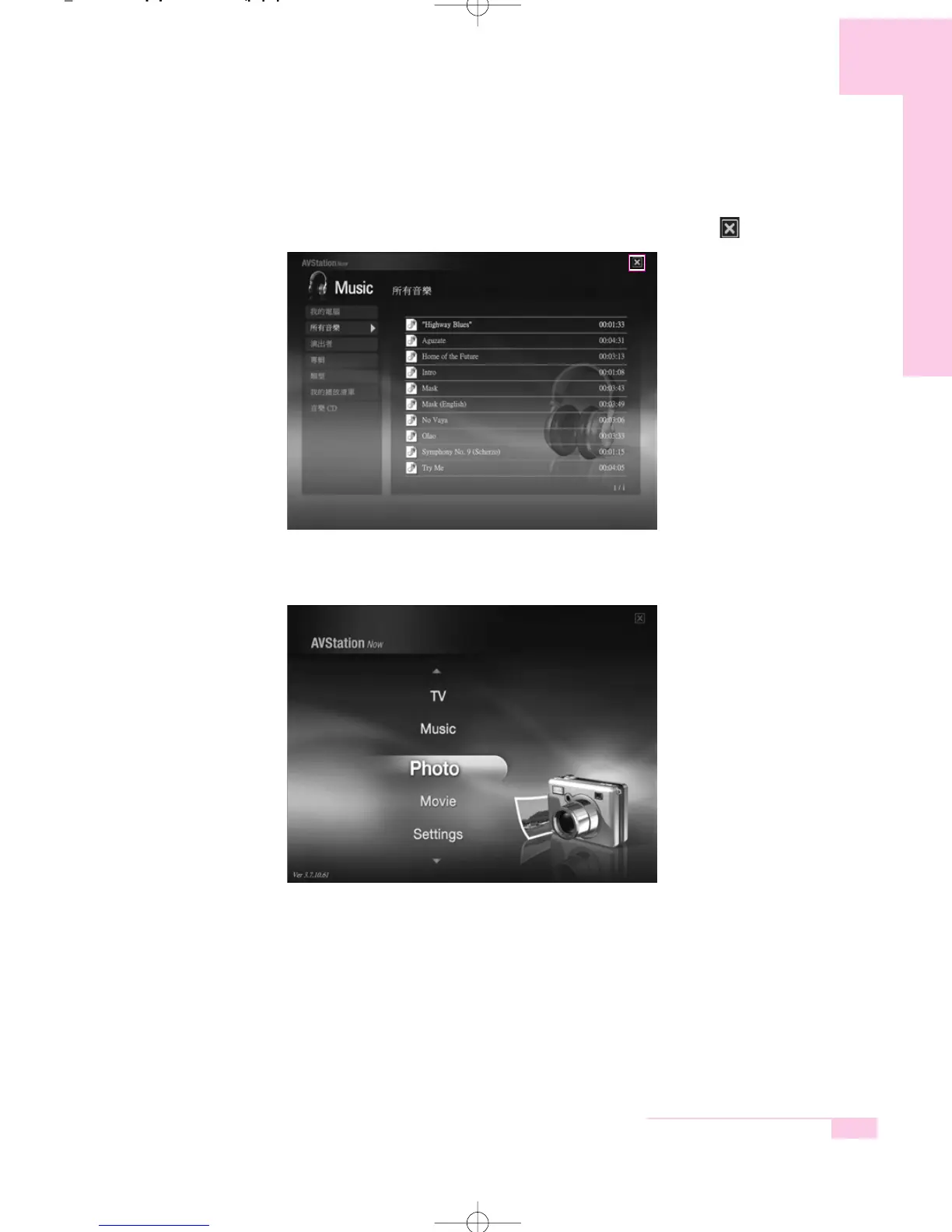
Move the mouse pointer to the top of the screen and click the Exit ( ) button.
Screen Layout
MUSIC : You can play a music file or audio CD.
PHOTO : You can view a photograph or image file one by one or in a
SlideShow.
MOVIE : You can play a video, DVD or VCD title.
Settings : You can set the Music, Photo and Movie settings.
m55-hk_ch3 2006.2.7 9:2 AM 페이지31 1000 Dolev-1524-Mono-S T



 To Next Page