4-30
Manual
Using Bluetooth
Describes how to exchange files between computers supporting Bluetooth and how to
use other Bluetooth devices.
■
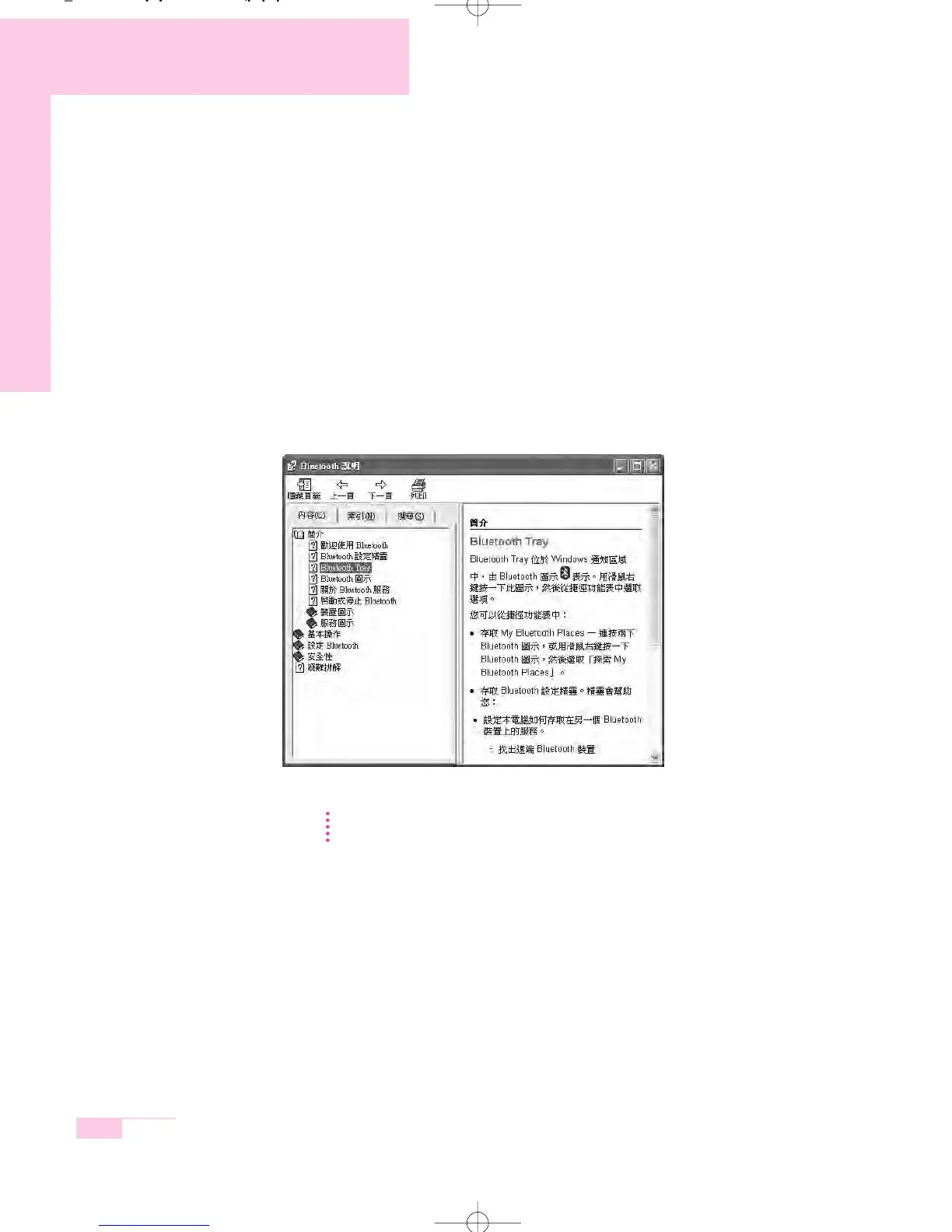
Bluetooth Help
Bluetooth Help provides detailed procedures on using Bluetooth functions.
Double-click on My Bluetooth Settings on the Desktop and press the <F1> key
(Help).
NN
NN
oo
oo
tt
tt
ee
ee Select Start > Help and Support > Networking and the Web > Networking >
Wireless networking > Bluetooth devices (wireless) to view Windows Help.
m55-hk_ch4 2006.2.7 9:4 AM 페이지30 1000 Dolev-1524-Mono-S T



 To Next Page