4-31
Chapter 4. Connecting to the Internet
■
Exchanging Files between Bluetooth computers
The procedures to exchange files and folders between Bluetooth computers are
described below.
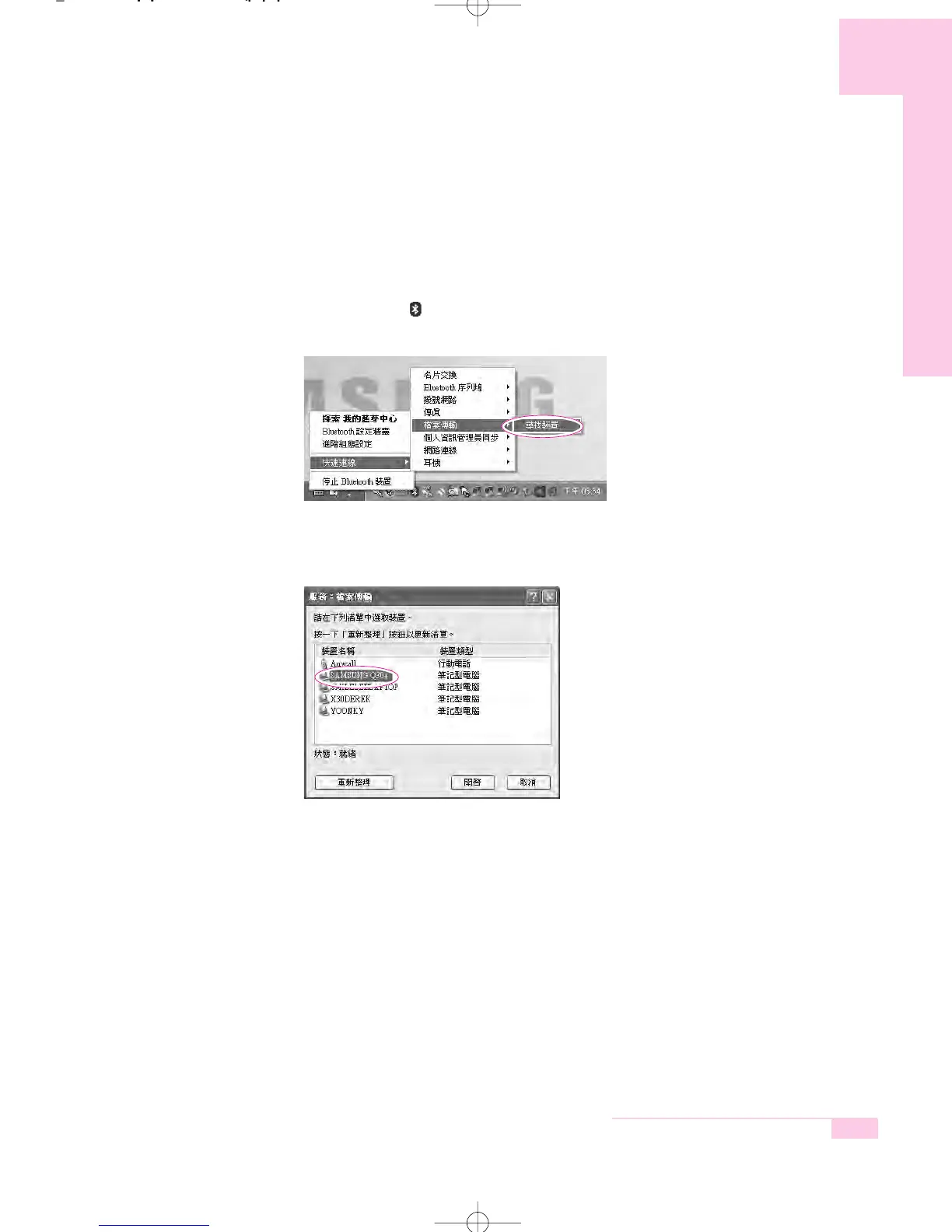
1. On the computer that is sending a file (hereafter Computer A), right-click the
Bluetooth icon ( ) in the notification area and select Quick Connection > File
Transmission > Search for Device.
2. In the Select Device window, click on a computer to be connected (hereafter
Computer B).
r65-hk_ch4 2006.1.2 2:41 PM 페이지31 1000 Dolev-2540-Color-S T



 To Next Page