3-28
Manual
■
Adding Videos to the Library
The MOVIE Library is a library holding video files to be used by MOVIE Station.
The procedures to add video files saved on the computer to the Library are
described below.
You can add files, add folders or search and add files. As an example, the pro-
cedures to add folders are described below.
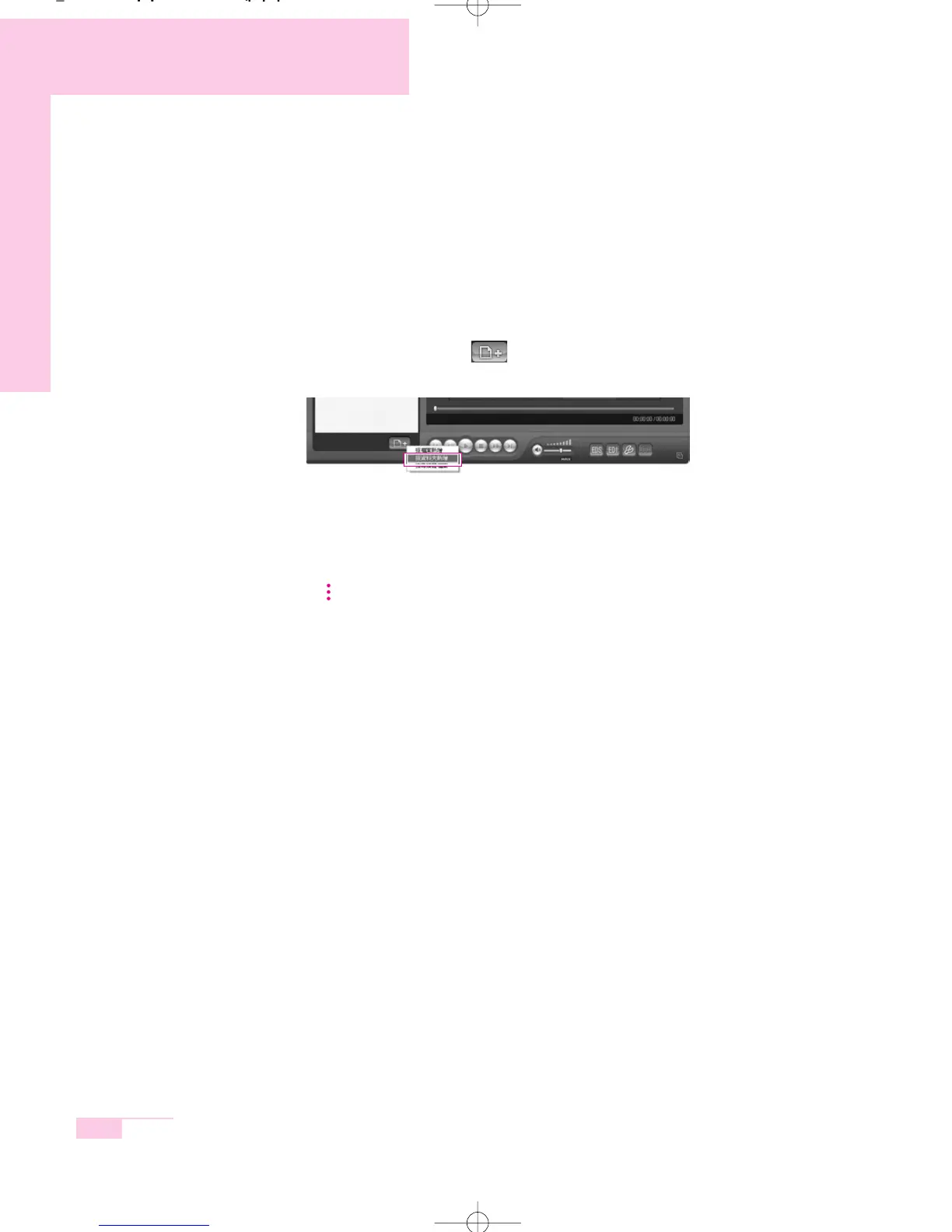
1. Click the Register a File ( ) button below the Library and click Add by
Folders.
2. Select a folder which includes video files and click the OK button. The video
files in the folder are added to the Library.
NN
NN
oo
oo
tt
tt
ee
ee The video files used in AVStation are automatically added to the Library.
r65-hk_ch3 2006.1.2 2:45 PM 페이지28 1000 Dolev-2540-Color-S T



 To Next Page