4-23
Chapter 4. Connecting to the Internet
■
Step 2. Using Shared Files or Folders
This section describes how to access shared files or folders if your computer is a
member of the same workgroup.
1. Click Start > My Computer. Under Other Places, click My Network
Places in your computer.
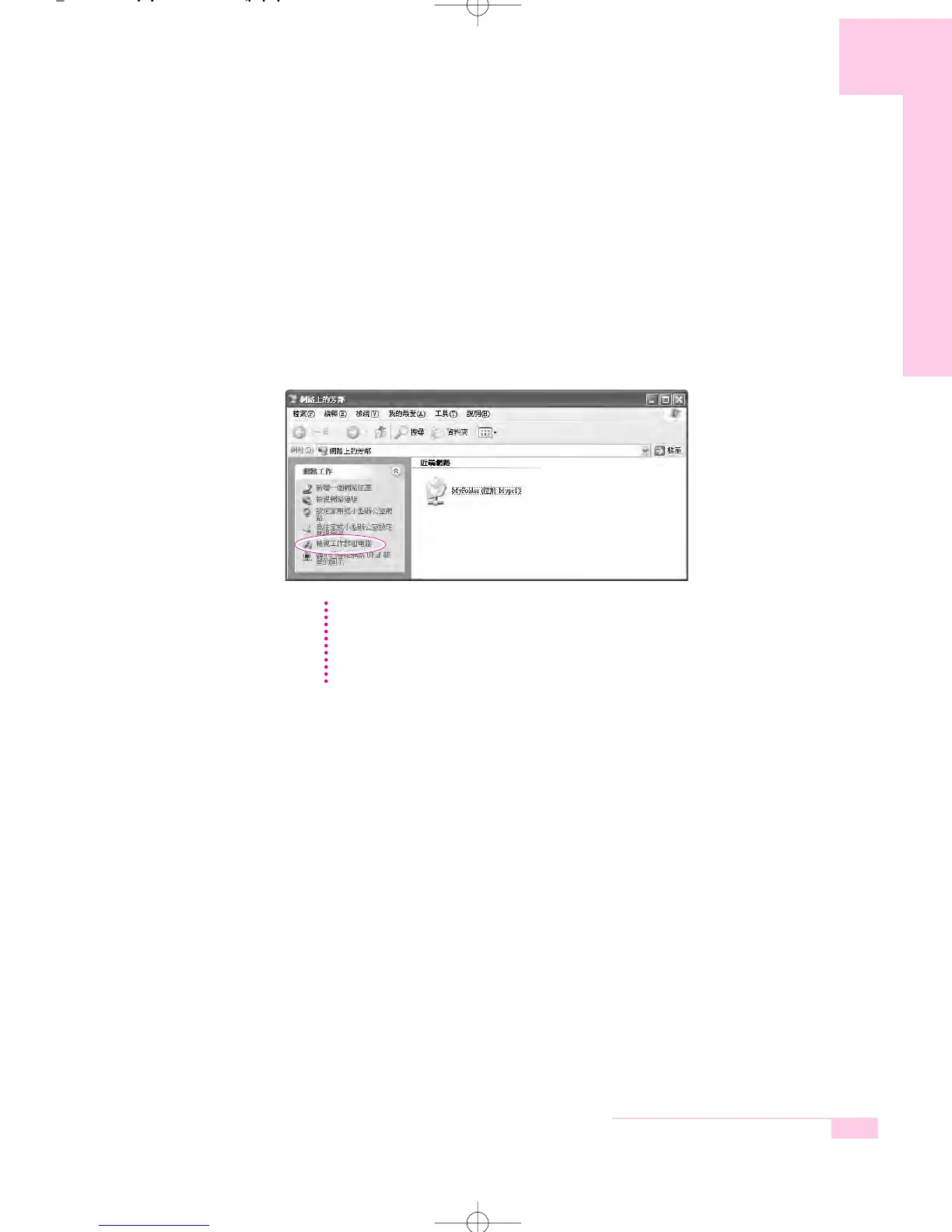
2. Click ‘View workgroup computers’, and click the desired computer to
access the shared file.
If your computer is a member of another workgroup:
1. Click Other Places > Microsoft Windows Network.
2. Click the desired workgroup.
3. Click the desired computer to display the shared files or folders.
NN
NN
oo
oo
tt
tt
ee
ee
r65-hk_ch4 2006.1.2 2:41 PM 페이지23 1000 Dolev-2540-Color-S T



 To Next Page