53 54
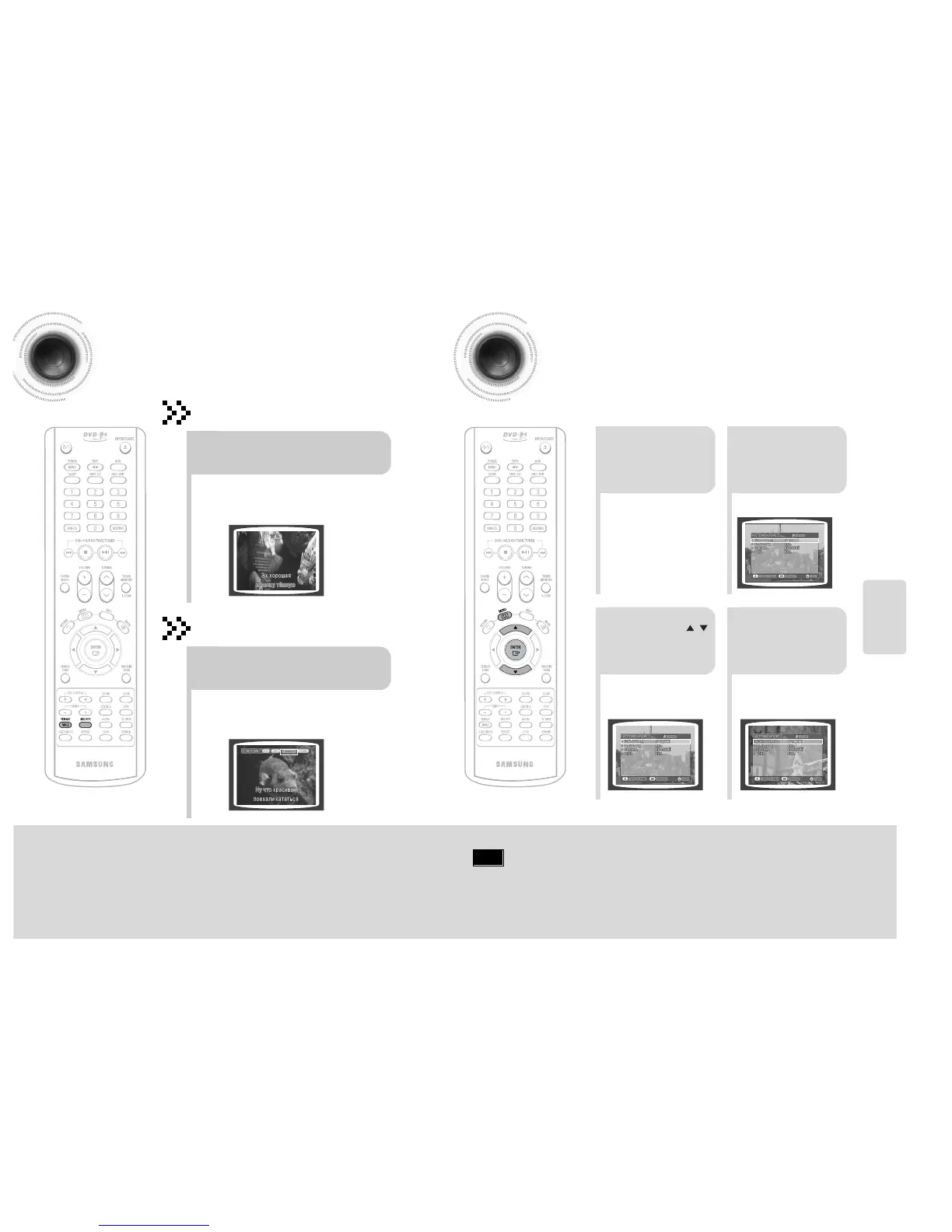
Male-Female Key Control / Melody Function
SETUP
•
Each time the button is pressed, this selection alternates
between Male and Female.
•
Select Male when singing in male voice and select Female
when singing in female voice.
During the playback, press the
FEMALE(MALE) button.
Male-Female Key Control
•
Each time the button is pressed, the selection changes as
follows: OFF ➝ MILD ➝ STANDARD ➝ STRONG.
•
Select Melody ON to hear to the melody during
accompaniment.
During the playback, press the
MELODY button.
Melody Function
Setting the Chorus
21
Load a DVD-OK
discs.
Press MENU
button.
3
•
Each time the button is pressed, the
selection changes as follows:
LOW ➝ MIDDLE ➝ HIGH ➝ OFF.
4
Press Cursor ,
button to move to
‘Chorus’.
Press ENTER
button to select
the desired item.
Note
• Chorus function may not work depending on information
recorded in the disk.
You can set the chorus to strong, middle, weak or OFF.



 To Next Page