GB
4
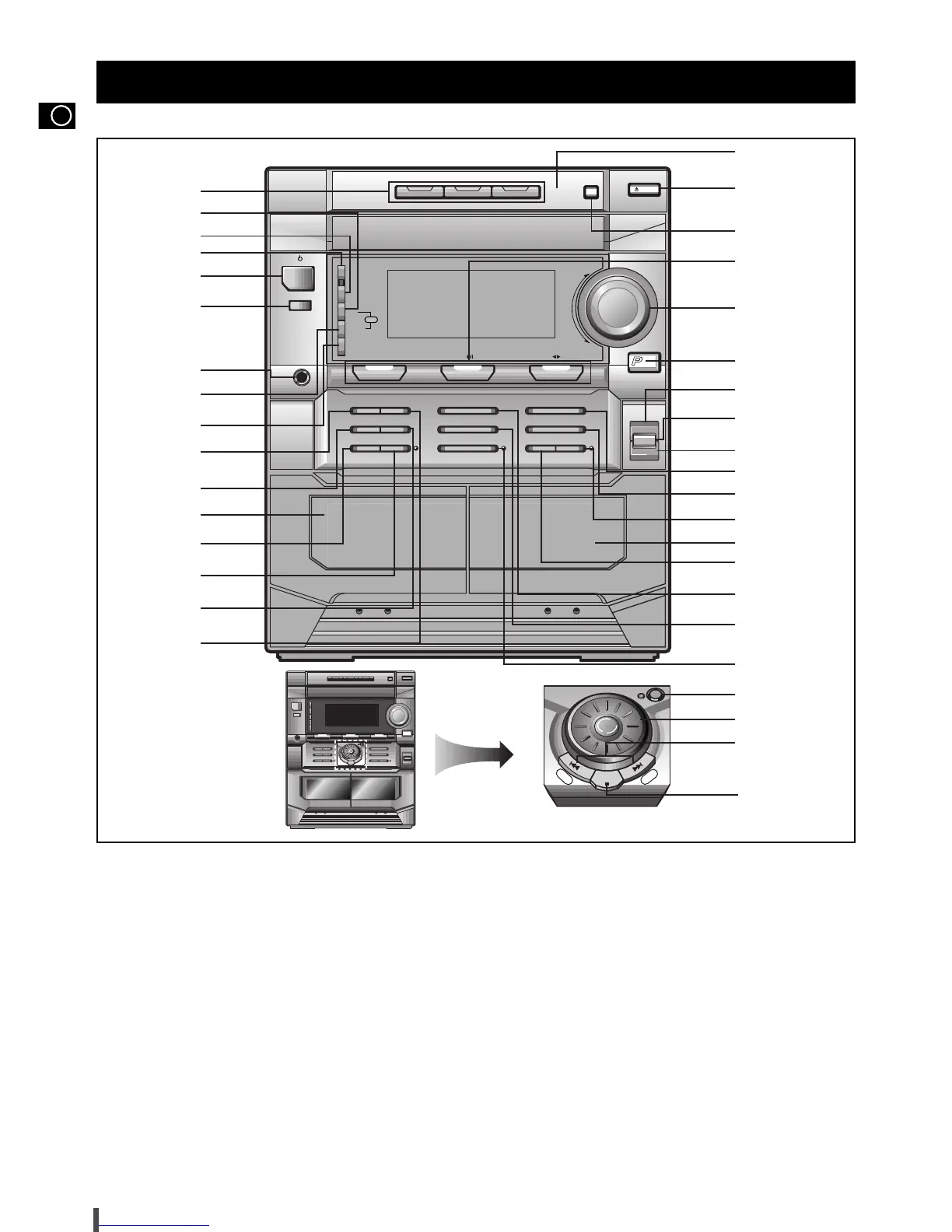
1. Disc Selection Buttons
2. PTY (RDS)
3. Demo
4. Game
5. On/Standby
6. Aux
7. Headphone Jack Connector
8. Display (RDS)
9. Timer/Clock
10. Rev Mode
11. Counter Display (MAX-N73/N72)
Dolby NR (MAX-N75)
12. Cassette Deck 1
13. Dubbing Normal
/
CD REC/Pause
14. Dubbing High
15 Counter Reset
16. Deck 1/2
17. Preset/Manual or Stop Button
18. CD Track or Radio Station Search (Down/Up)
19. Moving Jog
20. Manual EQ/Enter
21. REC/Pause
22. Preset Memory
23. Mono/ST
24. Shuffle
25. Cassette Deck 2
26. CD Synchro
27. CD Repeat
28. Program
29. 3D Surround
30. EQ
31. S. Bass
32. Power Surround
33. Volume
34. Function Selection Buttons.
35. Disc Change
36. Open/Close
37. Compact Disc Compartment
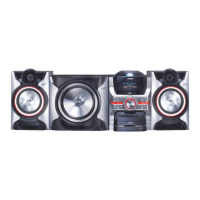
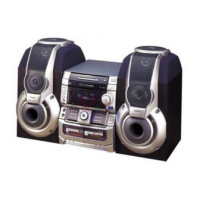
Front Panel View


 To Next Page