24
Accessing Additional Functions
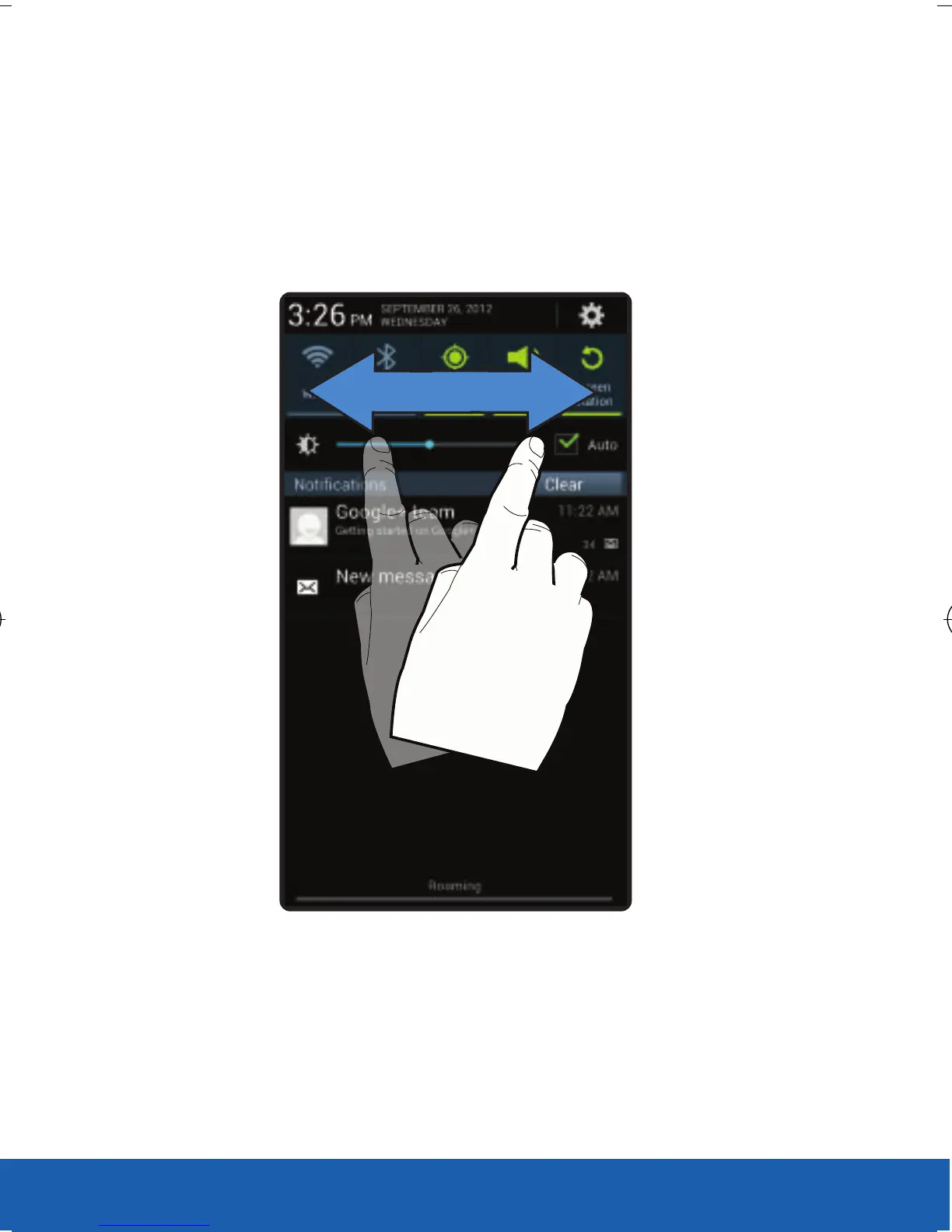
In addition to notifications, this screen also provides
quick and ready access to device functions. These
can be quickly activated or deactivated.
The following functions can either be activated
(green) or deactivated (white): Wi-Fi, Bluetooth,
GPS, Sound/Vibrate/Mute, Screen rotation,
Airplane mode, Power saving, Driving mode,
AllShare Cast or Sync.
USC_T0_QRM_75X105.indd 24 9/27/2012 9:16:05 PM












 To Next Page