10-7
Cancel Alarm Message
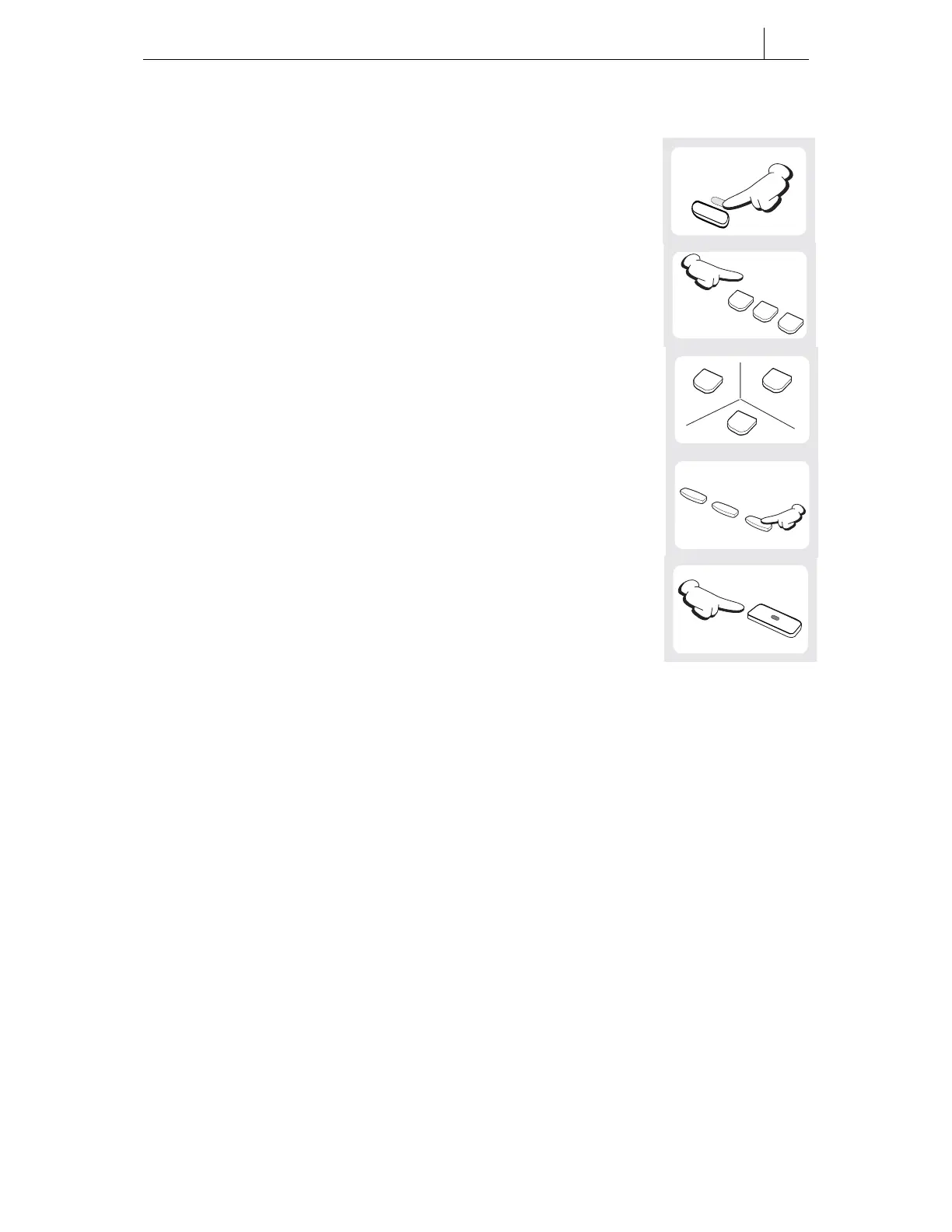
To cancel a message (but not the alarm):
1. Press the [Transfer] button.
2. Dial [1][1][6].
3. Press the alarm number [1], [2] or [3].
4. Press the right Soft button twice.
5. Press the [Hold] button to cancel the message.
(To cancel the alarm, see Cancel Alarm, above.)
1
2
ABC
3
DEF
Transfer
(Press Twice)
Hold
1
1
6
MNO





 To Next Page