Page 74 © SAMSUNG Electronics Co., Ltd.
BASIC FEATURES
Using Chain Dialling
After a speed dial number is pressed,
additional numbers can be dialled manually
or you can chain together speed dial numbers.
After the first speed dial number,
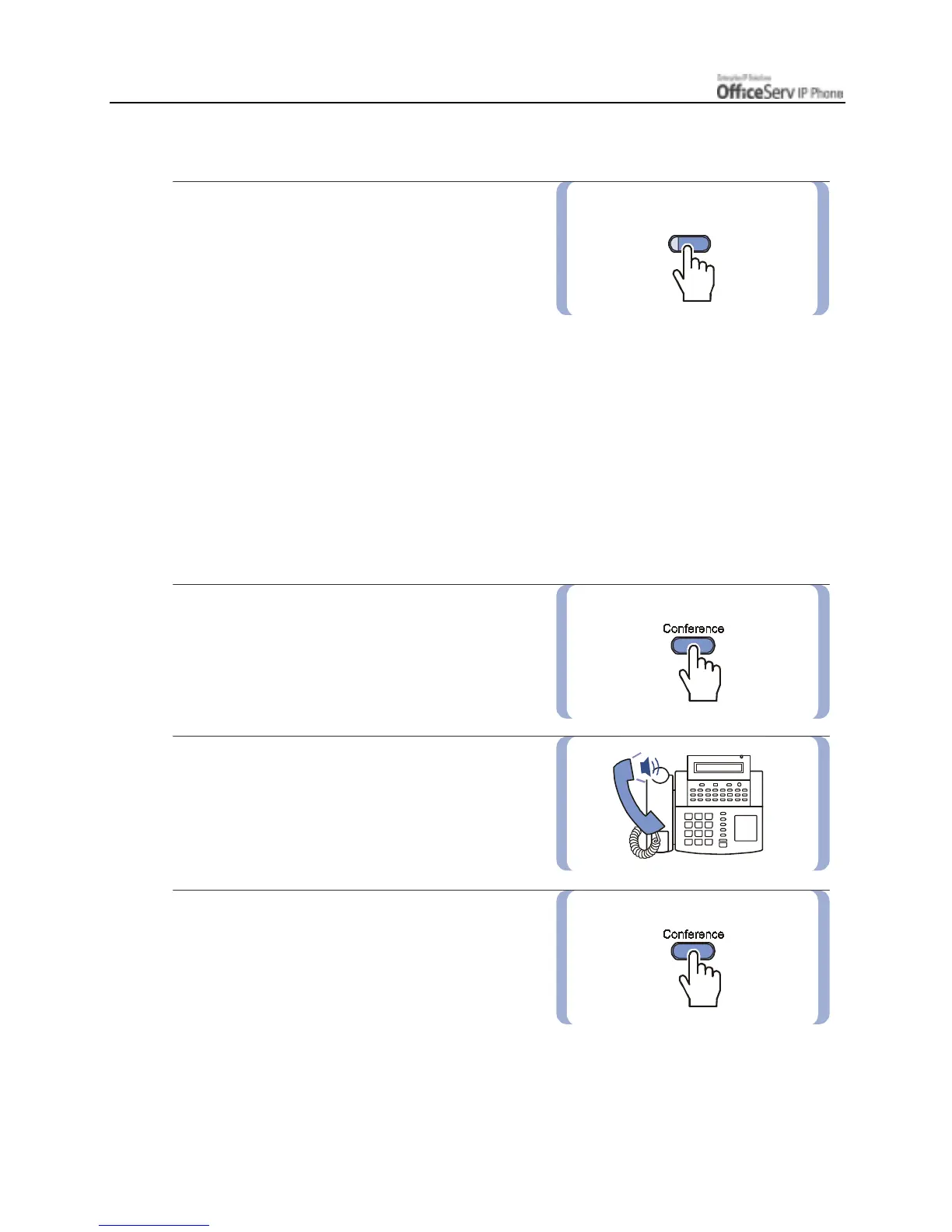
press the
[Memory]
button or dial
[1] [6]
and
then dial other speed dial number location.
Or after the speed dial number is pressed, dial the additional numbers manually.
Conference Calls
You can make a conference call of up to 5 parties including yourself. The OfficeServ system also allows each
station to pre assign up to 5 conference groups so you can set up a conference call by pressing a single
[Group Conference] programmable button. Refer to your System Administrator to confirm that this option is
available to you.
1. Press the
[Conference]
button while
engaged in a conversation.
You will hear conference tone.
2. Make another call, either intercom
or outside. Press the
[Conference]
button
and you will hear conference Tone.
3.
Make another call to add additional parties
or press the
[Conference]
button to join
all parties into the conference.
Then, Repeat the last step, until all other
parties required are connected.
[Memory]







 To Next Page