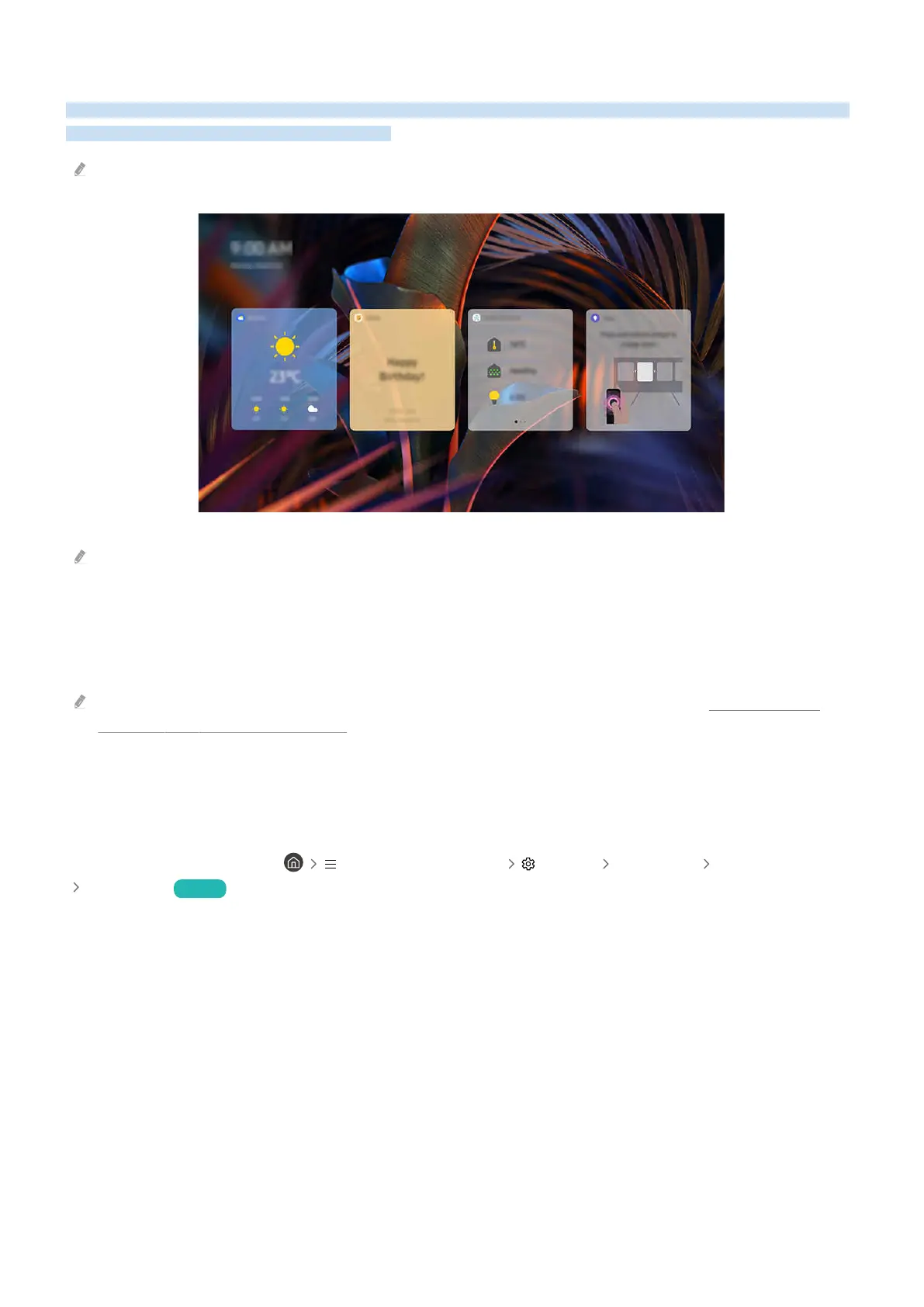
Using Daily Board
Even when the TV is off, easily access useful daily information through the smart screen, which switches on when a
user is detected or when it is activated by voice.
This function may not be supported depending on the model or geographical area.
The image on your TV may differ from the image above depending on the model and geographical area.
Starting Bixby with voice
When the TV is off, say "Hi, Bixby." You can use Daily Board which provides a variety of daily information, even when
you are not watching TV.
For best results, you need to be within 10 feet (3-4 m) of your TV. If Bixby does not answer, refer to "I spoke "Hi, Bixby/
Alexa" but Bixby/Alexa does not answer." in "Troubleshooting."
Starting Daily Board through user detection
Turn on Daily Board to automatically display the Daily Board screen if a user is detected in the vicinity, even when
the TV is off.
Daily Board can be turned on in (left directional button) Settings All Settings General & Privacy
Daily Board Try Now
- 103 -



 To Next Page