139
Go to Home
Accessible using the HOME button on the remote control.
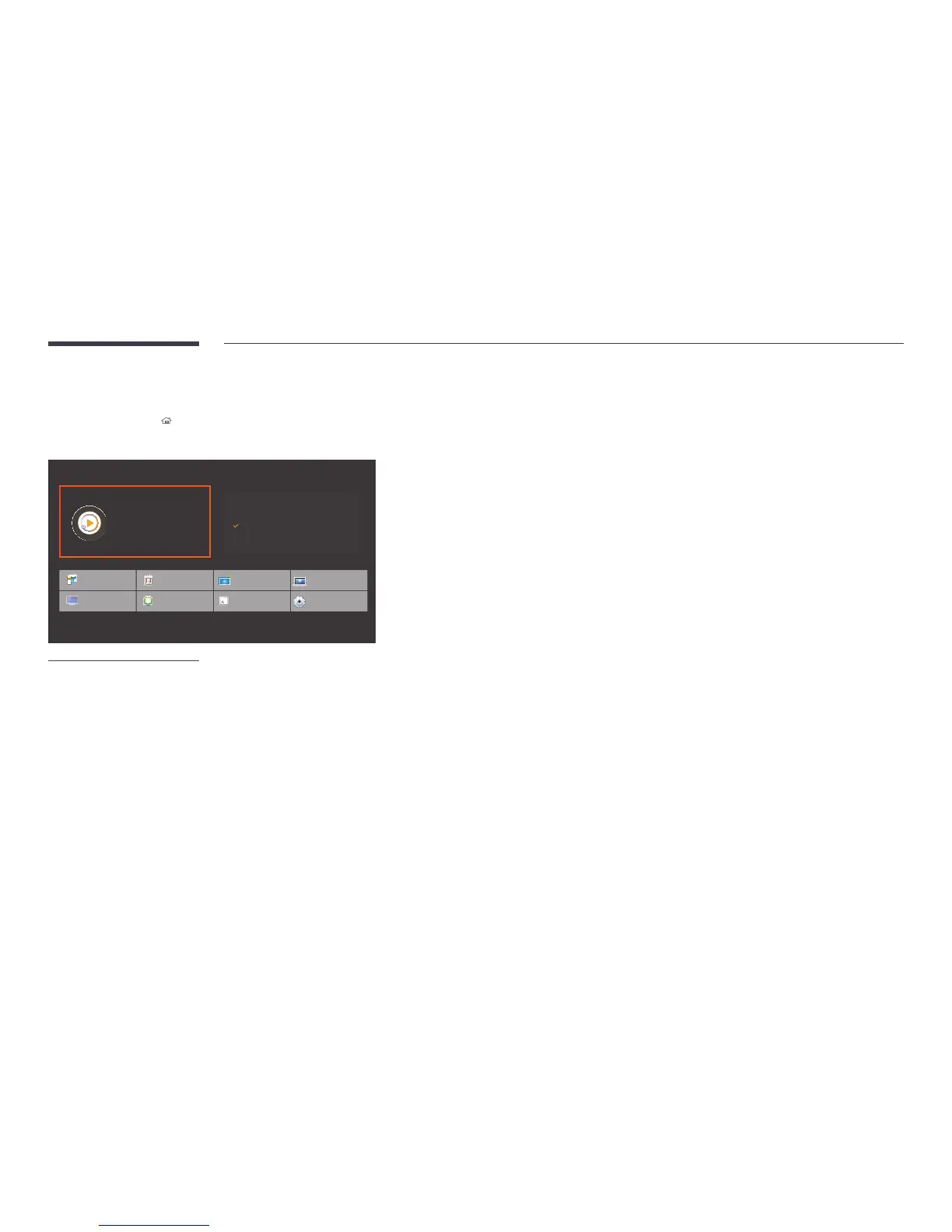
MENU m → Support → Go to Home → ENTER E
Player
Play a variety of content from internal
and external storage devices.
Clone Product
Picture Mode
ID Settings
On/Off Timer
Connectivity
Ticker
Network Status
More settings
Device Name
[Signage]
Internal storage
** GB available ** GB
External Storage
Not connected
-
The displayed image may differ depending on the model.
-
Refer to the "Home feature" chapter for details on sub-menu items.
Go to Home to play a variety of content from a memory device or a connected network.
Player
Search or play channels or content saved on devices.
Clone Product
Export settings on the product to an external storage device. You can also import settings from an external storage device.
This option is useful when assigning the same settings to several products.
ID Settings
Assign an ID to a set.
Connectivity
Configure Network Settings and Wi-Fi Direct.


 To Next Page