29
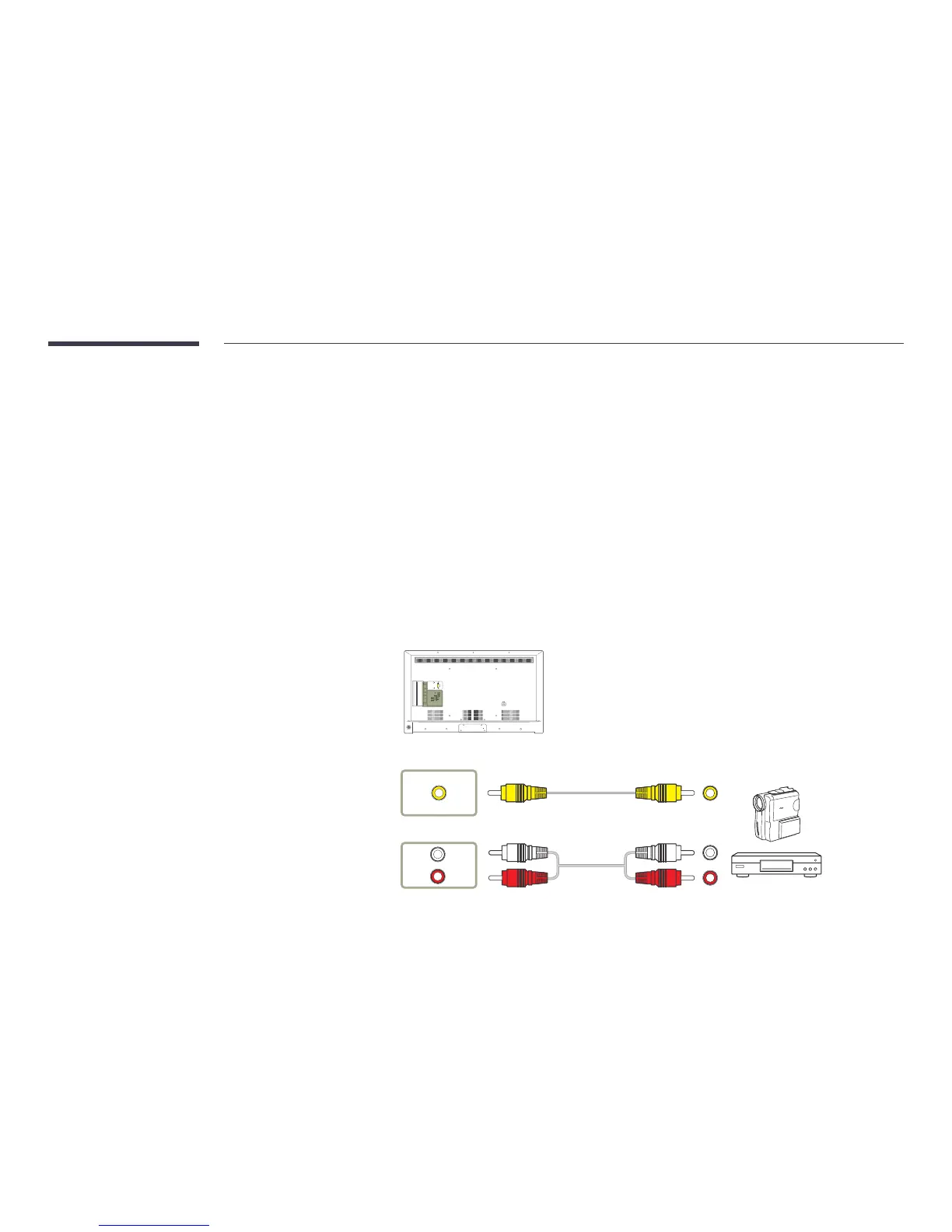
Connecting to a Video Device
•
Do not connect the power cable before connecting all other cables.
Ensure you connect a source device first before connecting the power cable.
•
You can connect a video device to the product using a cable.
―
Connecting parts may differ in different products.
―
Press the SOURCE button on the remote control to change the source.
Connection Using the AV Cable
AV IN / VIDEO
AV IN / L-AUDIO-R
PC IN
LAN
USB
(0.5A)
USB
(1.0A)
HDMI 1
ANT IN
HDMI 2
(ARC)
HDMI 3
AV IN
PC
AUDIO
IN
AUDIO
OUT
RS232C IN
VIDEO
AUDIO
RL



 To Next Page