59
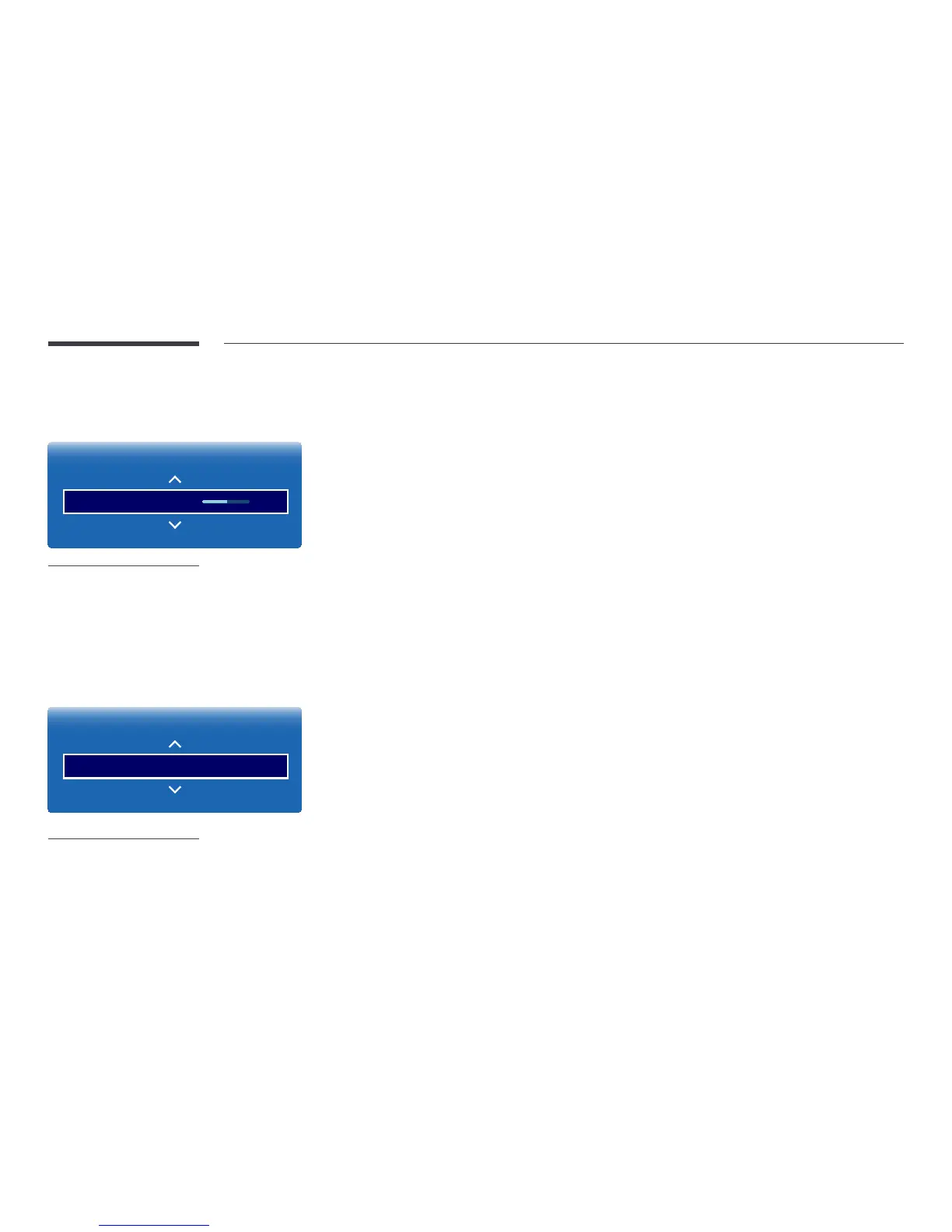
Gamma
MENU m → Picture → Gamma → ENTER E
Picture
Gamma 0
-
The displayed image may differ depending on the model.
Adjust the primary colour intensity.
―
If Picture Mode is set to Calibration, Gamma is disabled.
Calibrated value
MENU m → Picture → Calibrated value → ENTER E
Picture
Calibrated value Don't apply
-
The displayed image may differ depending on the model.
Select whether to apply the brightness, colour, gamma and uniformity settings customized using the colour calibration
programme Advanced Color Management to the Information and Advertisement modes.
•
Don't apply / Apply
―
To download the Advanced Color Management programme, visit www.samsung.com/displaysolutions.
―
If Picture Mode is set to Calibration, Calibrated value is disabled.



 To Next Page