113
Setup
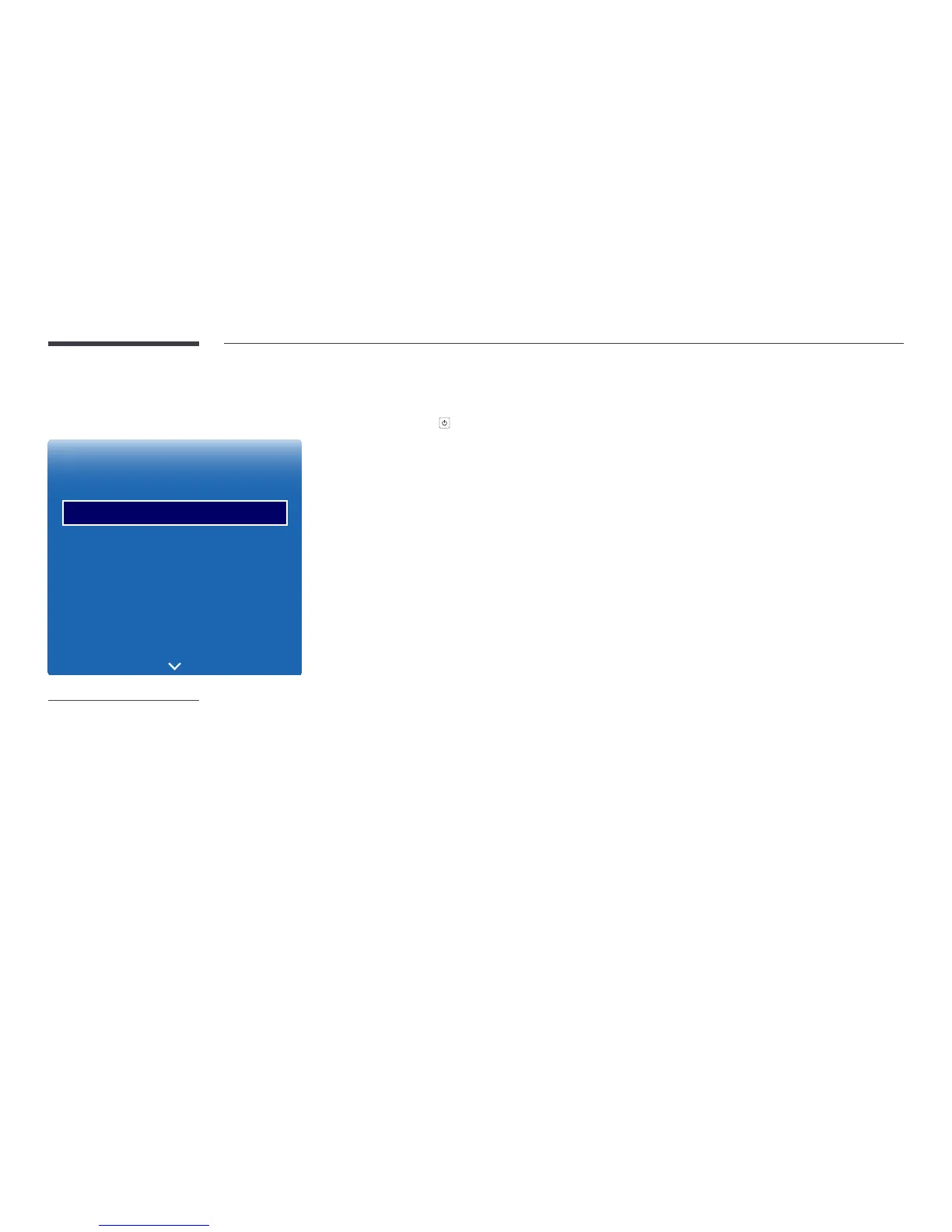
MENU m → System → Setup → ENTER E
System
Accessibility
Setup
Time
Auto Source Switching
Power Control
Eco Solution
Temperature Control
77
-
The displayed image may differ depending on the model.
Initial settings (Setup)
After powering on the product for the first time, configure basic settings such as the language, channel and time.
Press the
button.
―
Initial Setup automatically changes Source to TV.
―
The default PIN number for a new product set is “0-0-0-0”.
1
Menu Language
Selecting a language.
Press the
u
or
d
button, and then press the
E
button. Specify the OSD menu language.
2
Display Orientation
-
Landscape / Portrait
Configure the menu page orientation.
3
Auto Power Off
The product will automatically turn off if you don’t press a button on the remote or touch a button on product front
panel within select hours to prevent overheating.
-
Off (Recommended) / 4 hours / 6 hours / 8 hours
―
Availability depends on the specific model and area.
4
Network Settings
Set up your network connection. Press the
E
button to start. If you do not know your network set up information or
want to set to it later, select Skip. You can set up the network connection later using the Network menu.
5
Configure your TV
Choose where you are watching your TV.
Select the broadcast signal connected to the product.
-
Aerial (Direct to TV) / No channels (display only)



 To Next Page