40
When Content is Running
Viewing the details of the content that is running
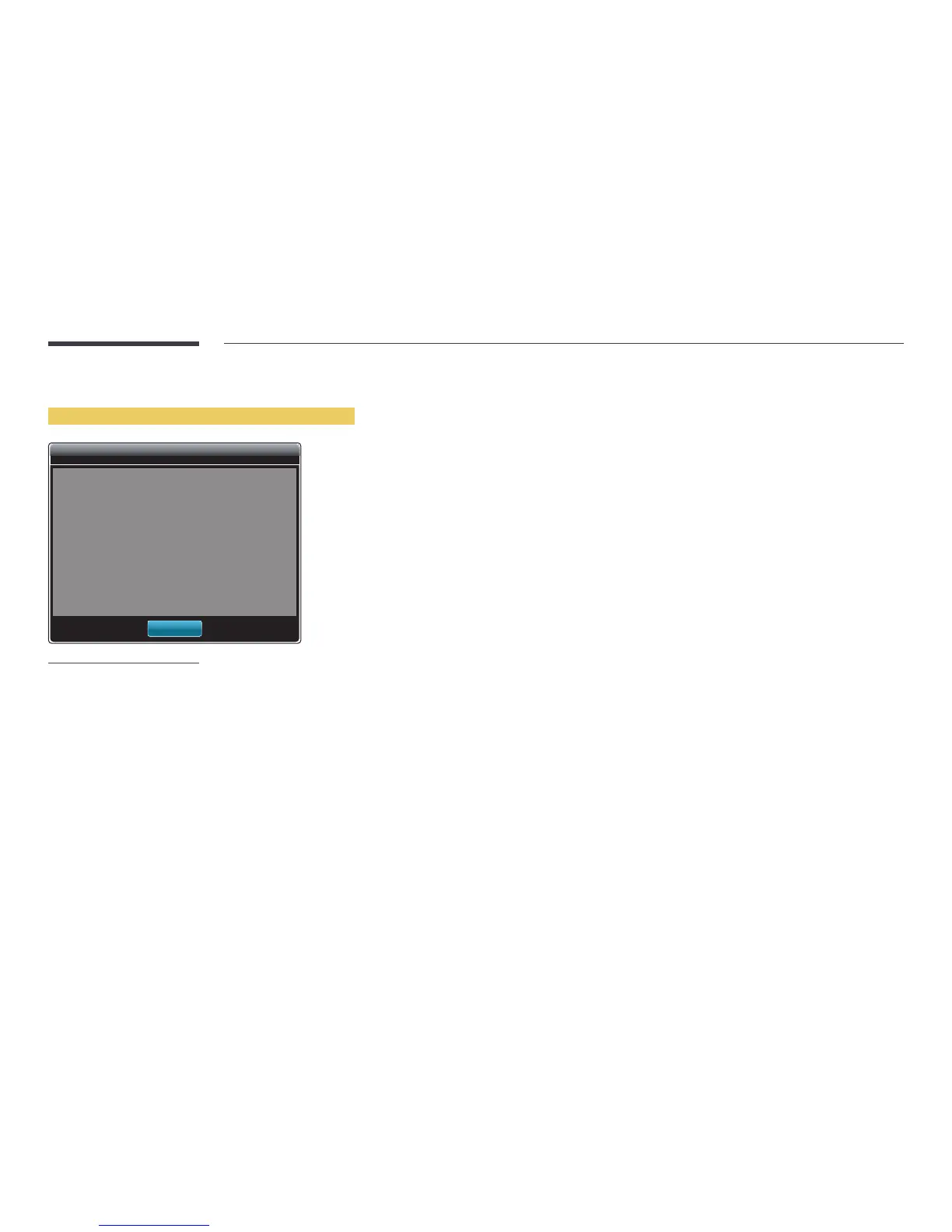
Information
Name
Current time :
Software Version :
MAC ID :
USB :
Default Storage :
00:00
DTP-EP-APP-5529
FF-FF-FF-FF-FF-FF
Connected
Internal
OK
-
The displayed image may differ depending on the model.
Press the INFO button on the remote control.
•
Name
•
Current time
•
Software Version: Displays the software version of a device
•
MAC ID: Displays the original identification number of a device
•
USB: Displays the connection status of a USB device
•
Default Storage: View the destination folder where distributed content is saved.
―
Internal is displayed if no external device is connected.



 To Next Page