41
Changing the settings for the content that is running
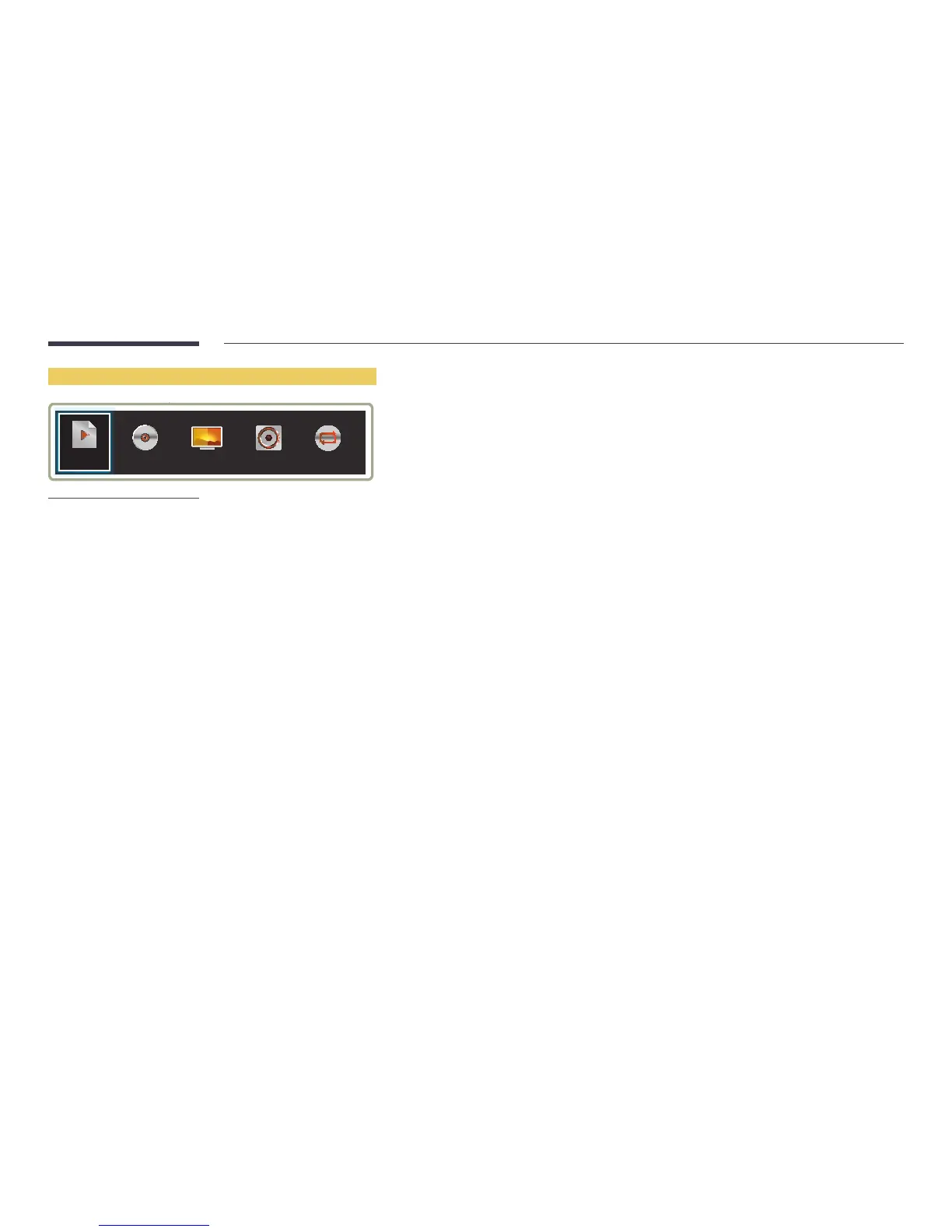
MusicPlaylist Picture Mode Sound Mode Repeat
-
The displayed image may differ depending on the model.
-
This feature is not available when content is playing through Video Wall.
Press the TOOLS button on the remote control during content playback to configure settings such as Picture Mode and
Sound Mode.
•
Playlist
View a list of content items currently playing.
•
Music
Set the background music for the content currently playing.
•
Picture Mode
Customizes the screen settings for the content currently playing
-
Shops & Shopping Centres / Offices & Schools / Terminals & Stations / Video Wall / Calibration / BD Wise
•
Sound Mode
Customizes the audio settings for the content currently playing
-
Standard / Music / Movie / Clear Voice / Amplify
•
Repeat
Set the repeat mode.
-
One / All



 To Next Page