22
PC
A
AV
B
HDMI
C
MagicInfo E
D
PIP
PIC SIZE
LOCK
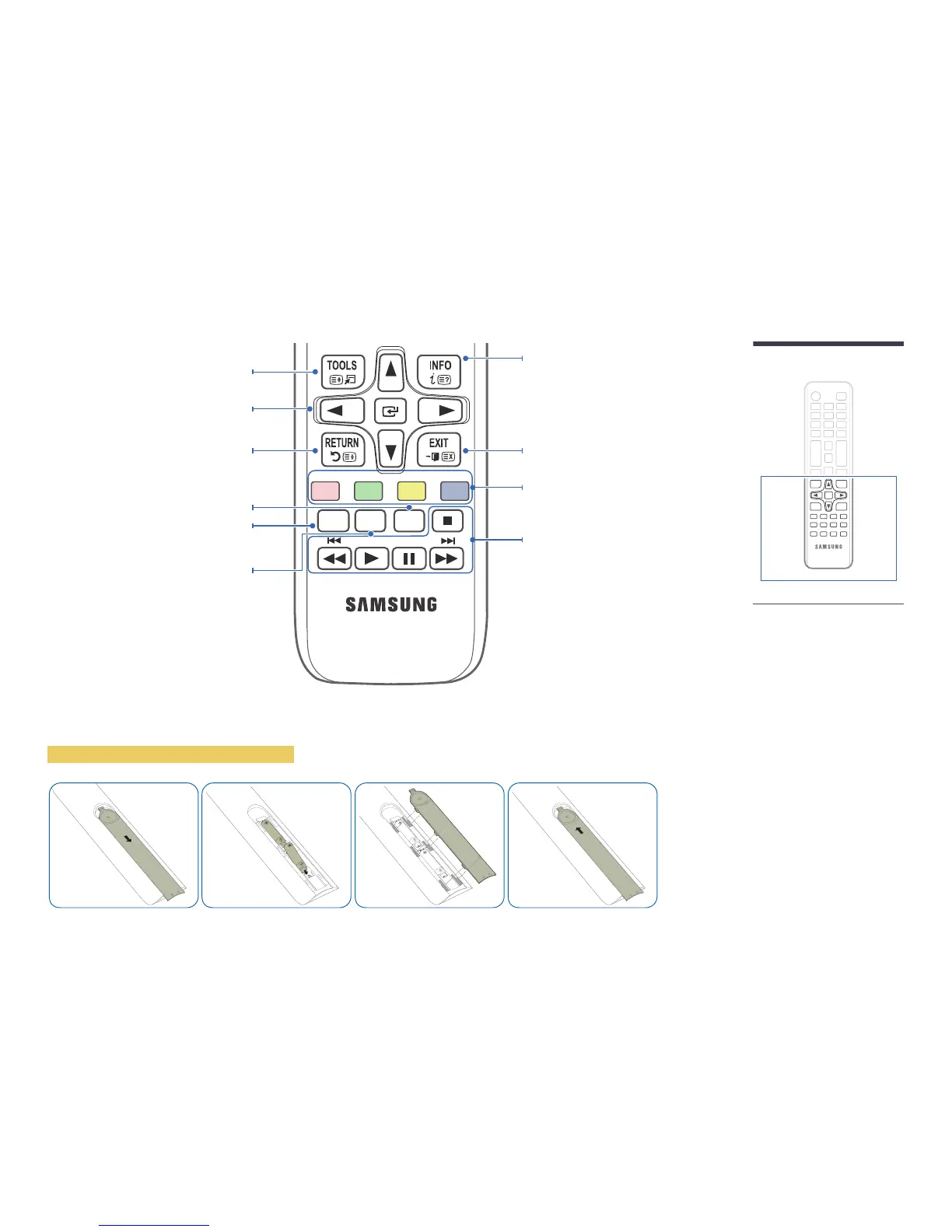
Display information about the current input
source.
Move to the upper, lower, left or right menu, or
adjust an option's setting.
Confirm a menu selection.
Exit the current menu.
Manually select a connected input source from PC,
HDMI, AV or MagicInfo E.
Play photos, videos or music.
Quickly select frequently used functions.
Return to the previous menu.
It sets safe lock function.
Activates/deactivates PIP. Selects the input source
for the PIP window.
Changes the picture size.
-
Remote control button functions may
differ for different products.
To place batteries in the remote control



 To Next Page