3 - 18 RS80A Service Manual
System General Setting
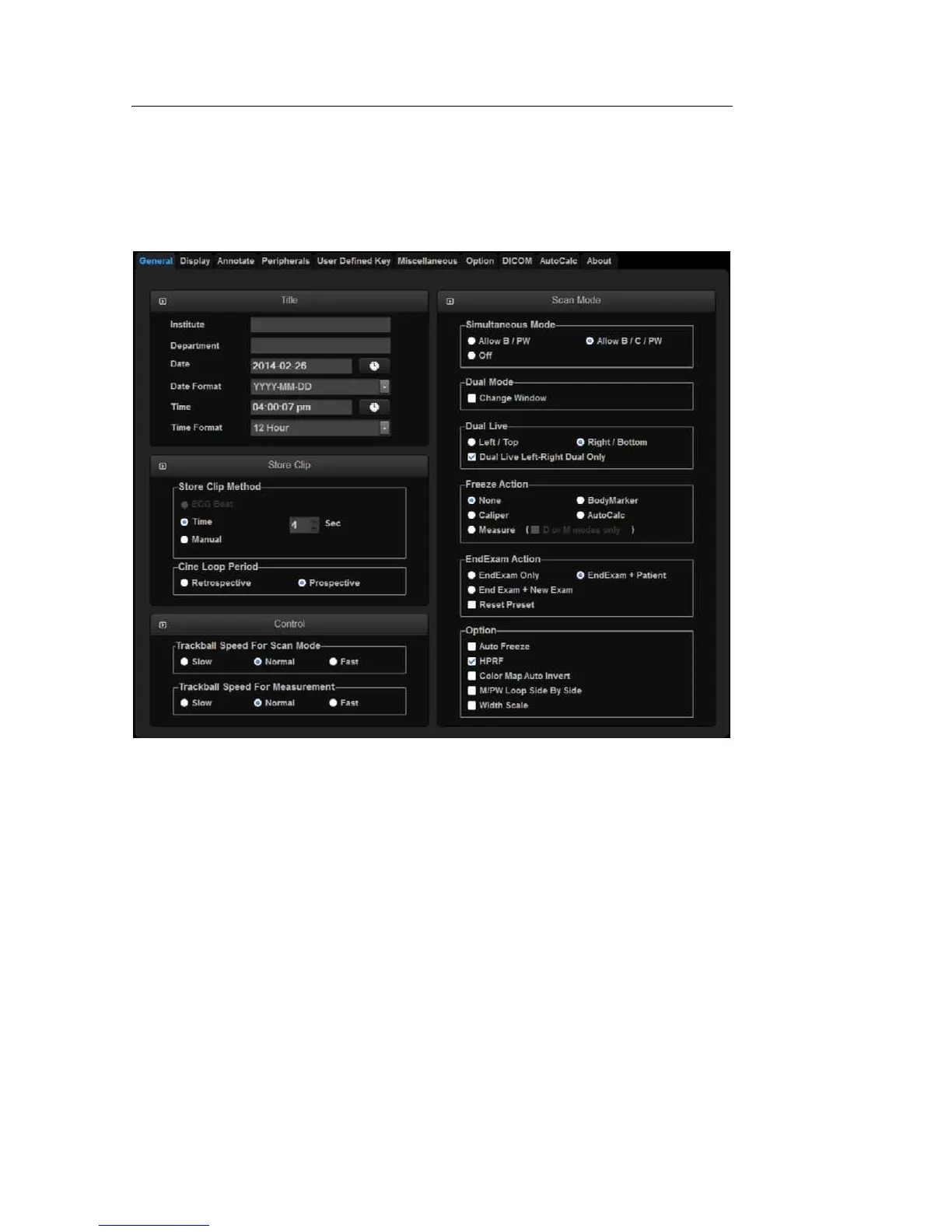
In the Setup screen, select the General tab. Or tap General on the touch screen.
You can specify general settings such as title settings.
[Figure 3.6 Setup - General]
▐ Title
You can specify the information that is displayed in the title area on the screen.
Institution
Enter the name of the hospital/institution where the product is installed.



 To Next Page