You can manage the entire configuration.
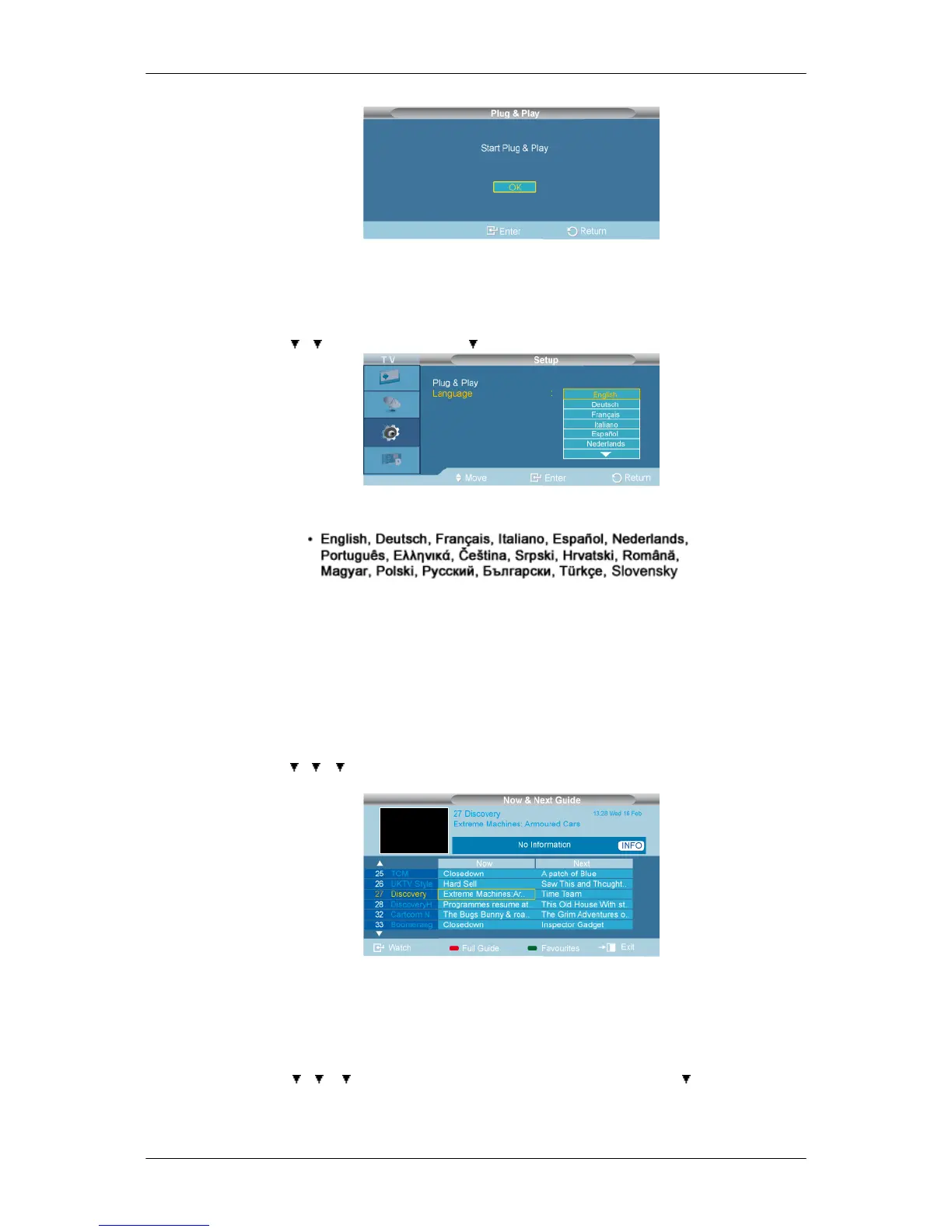
Language
D.MENU → → →[Setup] → ENTER→ →ENTER →[Language]
You can choose one of 18 languages.
The language chosen affects only the language of the OSD.
Digital Menu
Guide
Now & Next Guide
D.MENU → → → →[Digital Menu] → ENTER→[Guide] → ENTER→ENTER →[Now & Next
Guide]
For the six channels indicated in the left-hand column, displays the Current programme and the Next
programme information.
Full Guide
D.MENU → → → →[Digital Menu] → ENTER→[Guide] → ENTER→ →ENTER →[Full
Guide]



 To Next Page