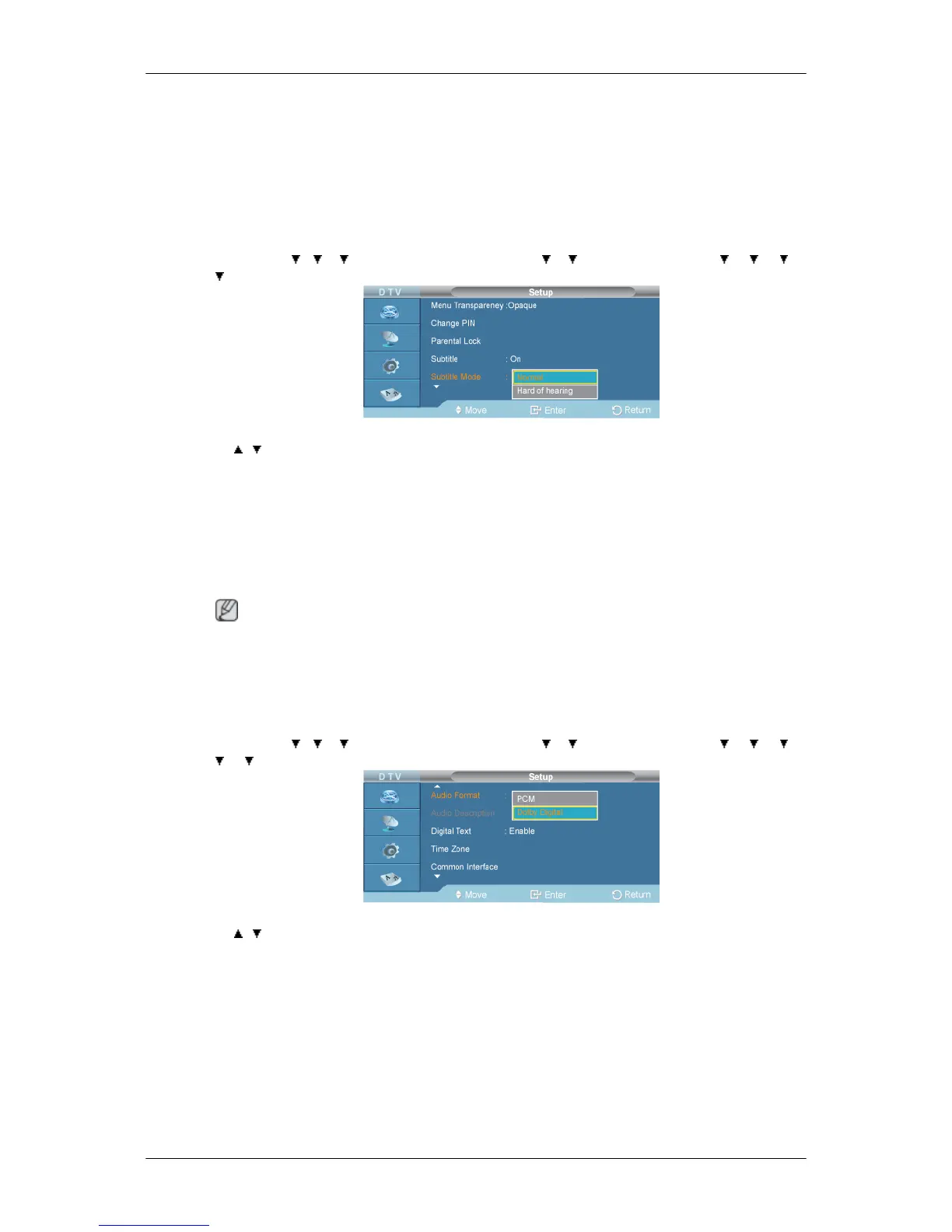
You can activate and deactivate the subtitles.
1. On
2. Off
Subtitle Mode
D.MENU →
→ → →[Digital Menu] → ENTER→ → →[Setup]→ENTER → → → →
→ [Subtitle Mode] → ENTER
→ , → ENTER
Use this menu to set the Subtitle Mode. "Normal" under the menu is the basic subtitle and "Hard of
hearing" is the subtitle for a hearing-impaired person.
1. Normal
2. Hard of hearing
Note
• If the programme you are watching does not support the "Hard of hearing" function, "Normal"
automatically activates even though "Hard of hearing" mode is selected.
Audio Format
D.MENU → → → →[Digital Menu] → ENTER→ → →[Setup]→ENTER → → → →
→ → [Audio Format] → ENTER
→ , → ENTER
You can only hear Dolby Digital sound through the audio receiver connected through an optical cable.
You can only hear PCM sound through the main speaker. When sound is emitted from both the main
speaker and the audio receiver, a sound echo may occur due to the decoding speed difference between
the main speaker and the audio receiver. In this case, use the internal mute function.
1. PCM
2. Dolby Digital







 To Next Page