Samsung Electronics 5-19
Alignment and Adjustment
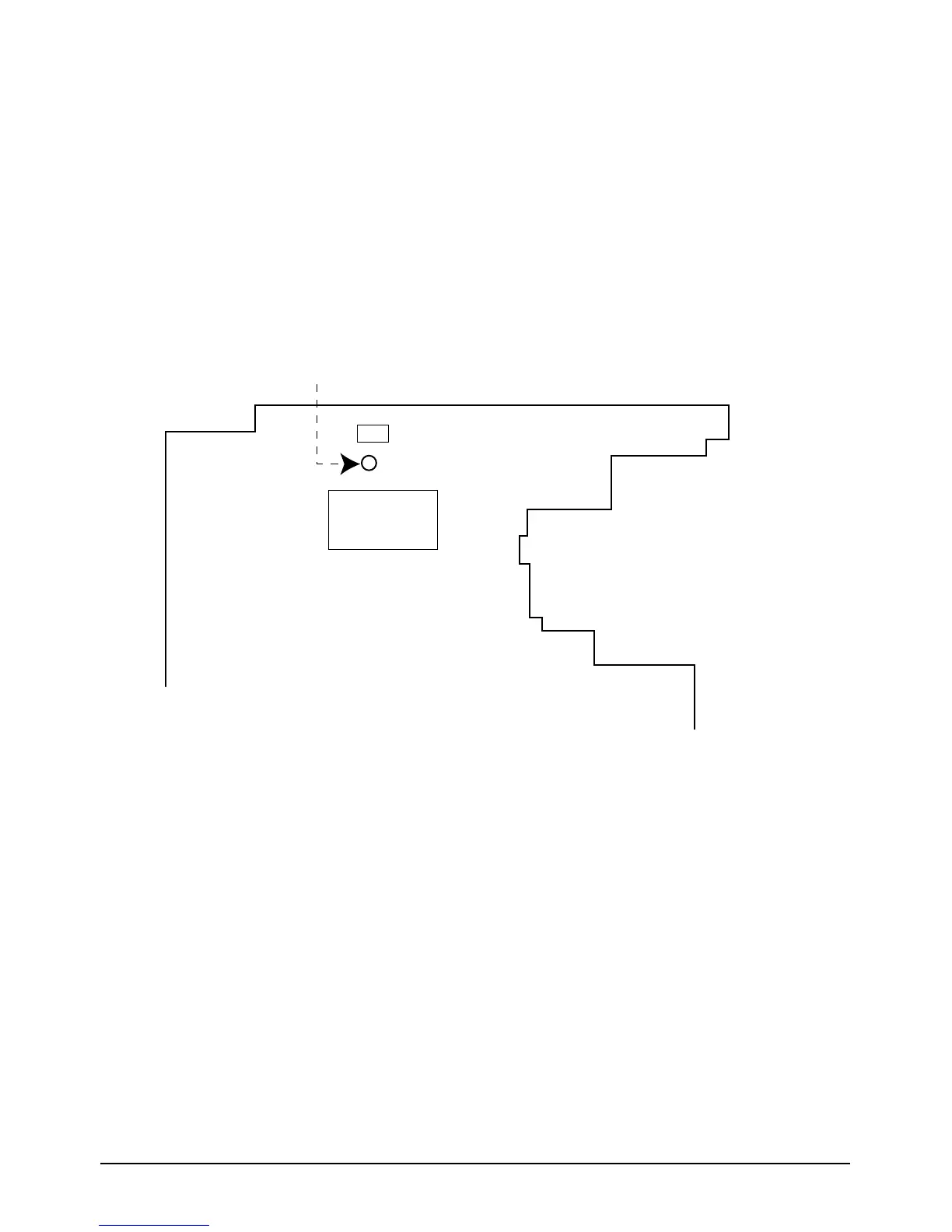
2. P. CLK Adjustment
1) “Camera”, no signal input.
2) P.CLK and AF MICOM.
3) Connect a frequency counter to P.CLK.
4) Press the “DATE/TIME (MODE UP)/TITLE(MODE DOWN)” button so that the OSD state is
“005 XX XX”.
5) Adjust the “C/RESET(DATA UP)/Z/RTN(DATA DOWN)” button and MENU/ENTER(CONFIRM)
button so that frequency is
PAL : VP-A30, VP-A31, VP-A33 --> 9.453125MHz ± 50Hz.
VP-A34, VP-A800, VP-A850 --> 14.18750MHz ± 50Hz.
NTSC : SC-A30, SC-A33, SC-A35 --> 9.534964MHz ± 50Hz.
SC-A850, SC-A85 --> 14.318182MHz ± 50Hz.
3. Zoom VR Center
1) Camera “E-E”, 3100°K gray-scale chart.
2) Video(output) jack and EVR.
3) Connect monitor TV to video(output) jack.
4) Press the “DATE/TIME (MODE UP)/TITLE
(MODE DOWN)” button so that the OSD state
is “OD6. ZVR.C XX XX”.
5) Press “MENU/ENTER(CONFIRM)” button.
6) Then, the microprocessor will work ;
- Find the Zoom VR Center position
- Store the data to mode 0AA.
4. Auto hall
1) Camera “E-E”, 3100°K gray-scale chart.
2) Video(output) jack and EVR.
3) Connect monitor TV to video(output) jack.
4) Press the “DATE/TIME(MODE UP)/TITLE
(MODE DOWN)” button so that the OSD state
is “OCD. HALL XX XX”.
5) Press “MENU/ENTER(CONFIRM)” button.
6) Then, the microprocessor will work ;
- IRIS open, HALL maximum value found,
- IRIS closed, HALL minimum value found,
- Store the HALL REF/GAIN data to mode 00E
and mode 00F.
- Store the HALL min./max. data to mode 0BA
and mode 0BB.
P.CLK ADJUSTMENT
X-TAL
ICP01
DSP
Main PCB (Solder side)



 To Next Page