Samsung Electronics5-32
Alignment and Adjustment
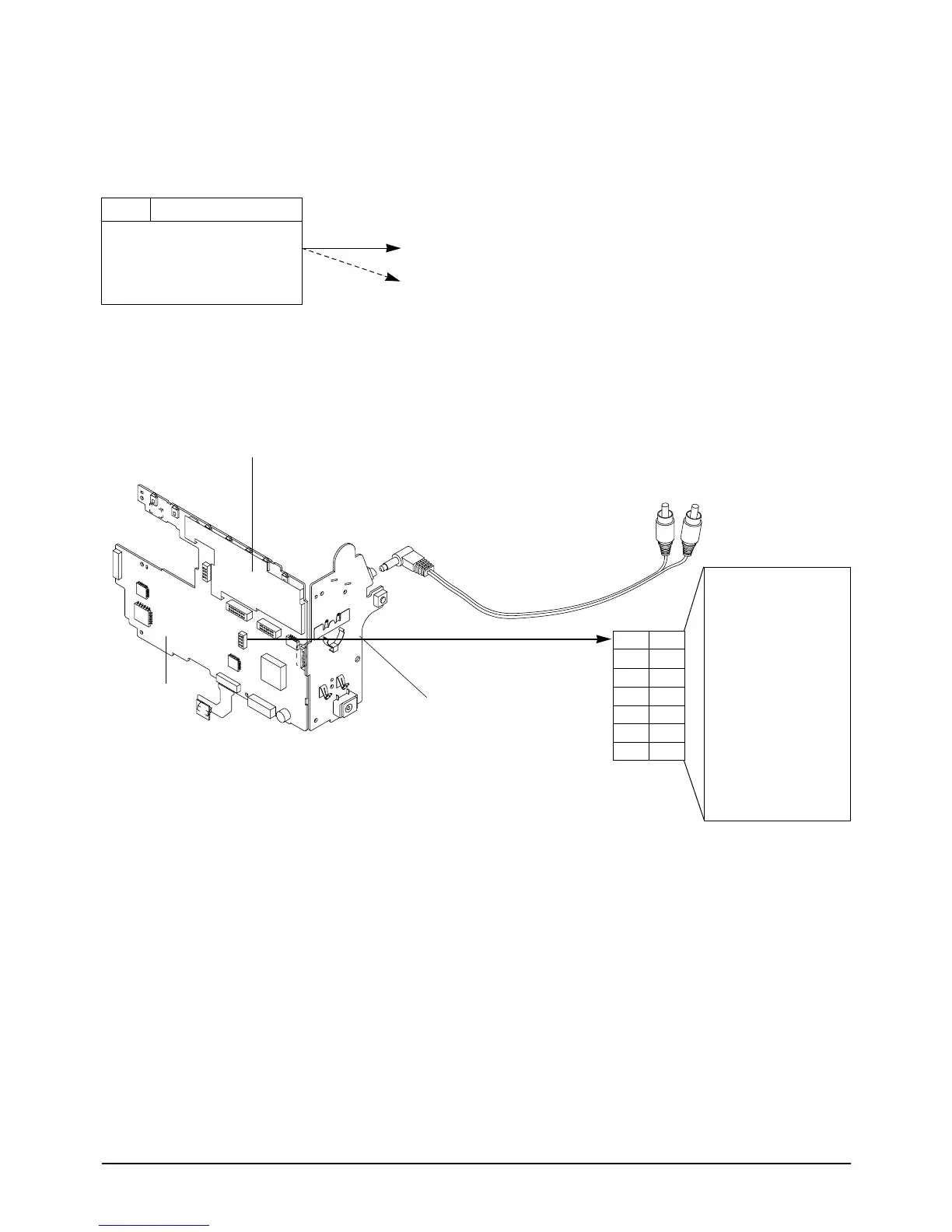
Note 2 : How to connect video out signal.
-Connect the video cable to ass’y A/V Jack.
Note 3 : How to record -1. Insert a recordable tape.
-2. Press the SW772 (START/STOP)button on the Rear board in the adjustment
mode.
5-3-2 VCR Section
Note 1 : From this point forward, the structure of every adjustment is as follows.
Test point
Step Adjustment Item
1. Mode and input signal/
alignment tape
2. Test point and ADJ. part
3. Result and Remarks
ADJ. point
Fig. 1 Video Signal Connection
14
12
10
8
6
4
2
13
11
9
7
5
3
1
13
VIDEO OUT
12
11
10
9
8
7
6
5
4
3
2
1
AUDIO OUT R
PB RF
AUDIO OUT L
HD SW
VCR UNREG
JIG CS
VCR UNREG
JIG SCK
SS GND
JIG SO
JIG DETECT
JIG SI
AUDIO OUT R
14
MAIN PCB
SW772
MAIN PCB



 To Next Page