ENGLISH_
Advanced Recording
1, Insert the dubbed tape and press MENU button.
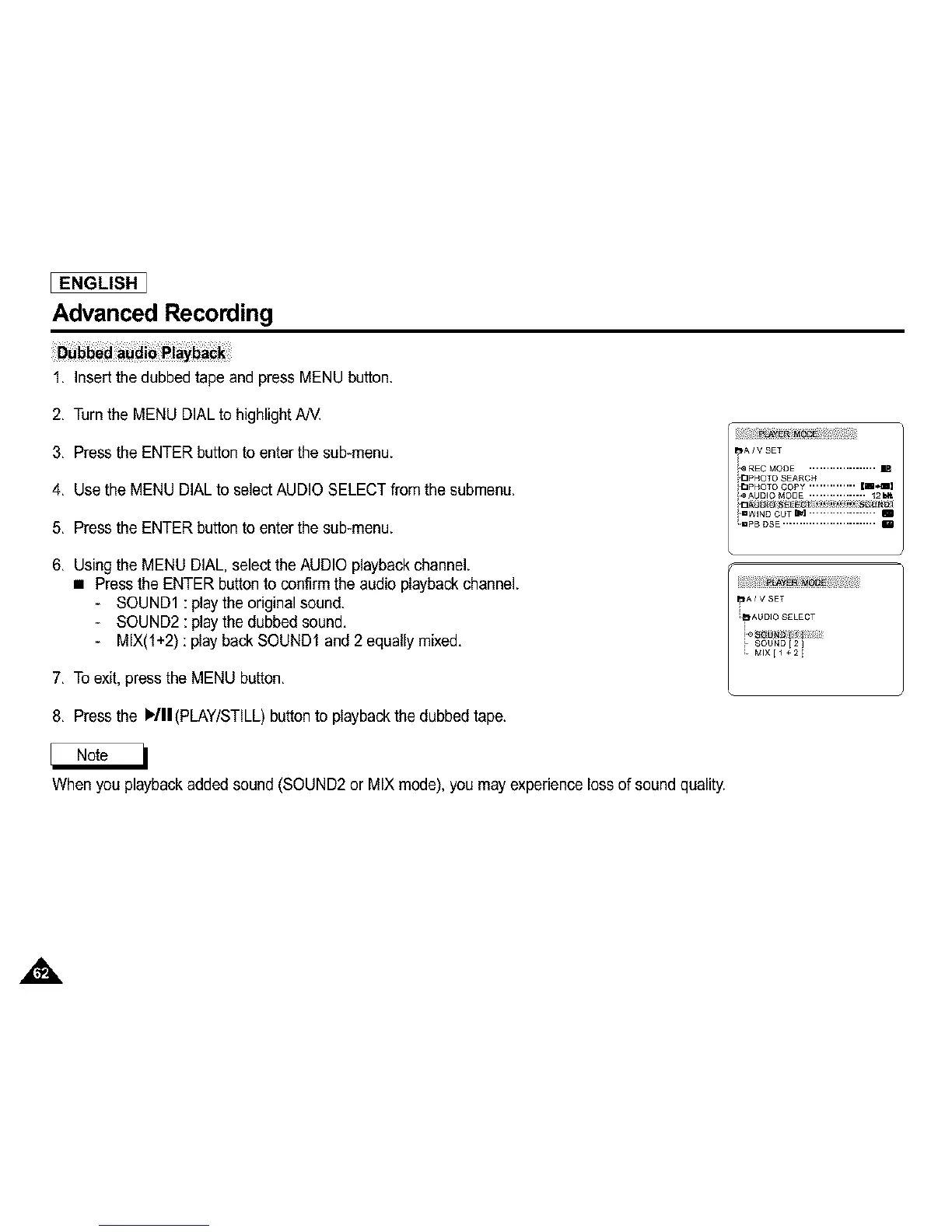
2, Turnthe MENU DIAL to highlight AN.
3, Press the ENTER button to enter the sub-menu.
4, Use the MENU DIALto selectAUDIO SELECT from the submenu.
5, Press the ENTER button to enter the sub-menu.
6, Using the MENU DIAL, select the AUDIO playbackchannel.
• Press the ENTER button to confirm the audio playback channel.
- SOUND1 : playthe original sound.
- SOUND2 : playthe dubbed sound,
- MIX(l+2) : play back SOUND1 and 2 equally mixed,
7, To exit,pressthe MENU button,
8, Press the )/11 (PLAY/STILL) button to playback the dubbed tape.
When you playbackadded sound (SOUND2 or MIX mode), you may experience loss of sound quality.
A



 To Next Page