8
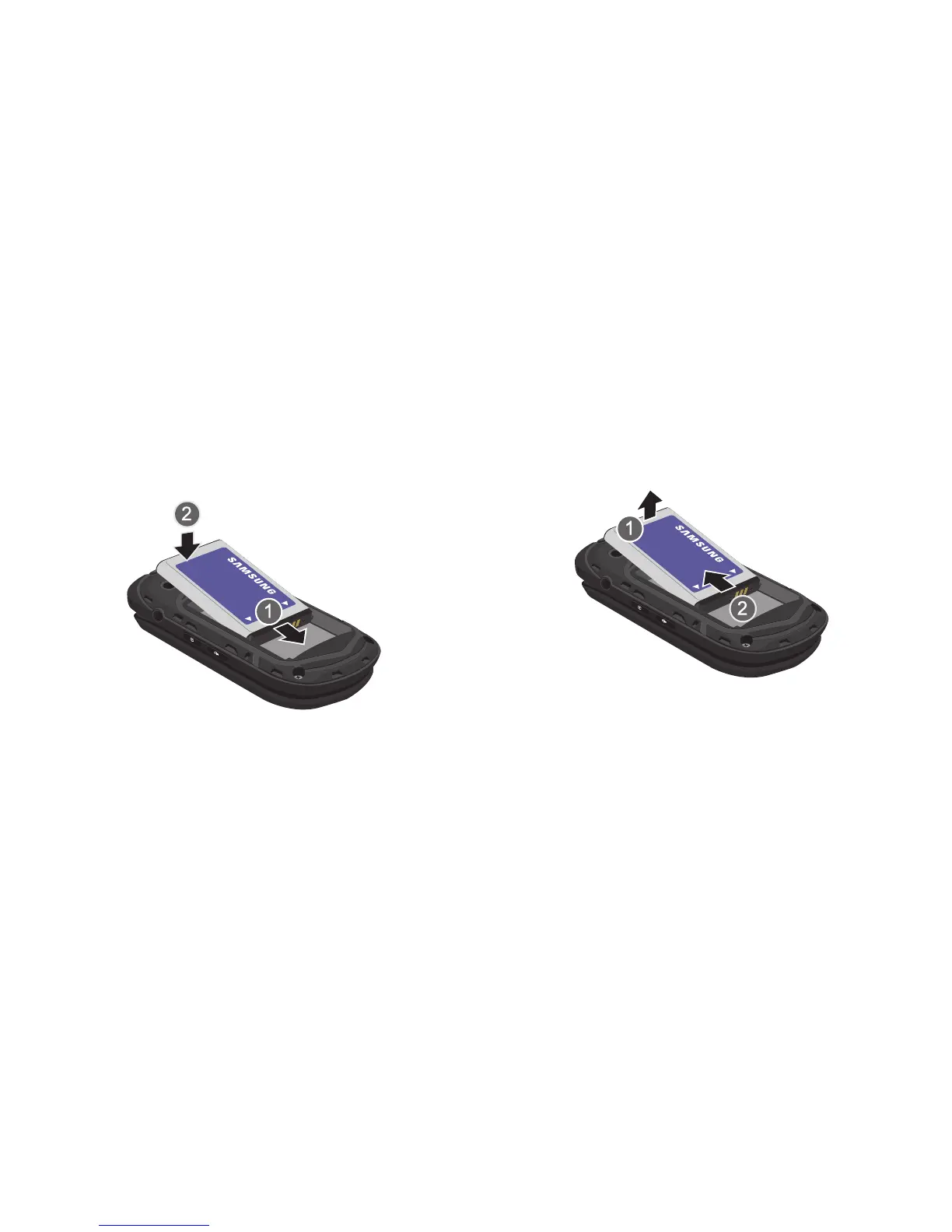
Installing the Battery
1. Remove the battery cover (see “Removing the battery
cover” on page 7).
2. Insert the battery into the phone, aligning the gold
contacts on the battery with the gold contacts in the
phone.
3. Install the battery cover (see “Installing the battery
cover” on page 7).
Removing the Battery
1. Remove the battery cover (see “Removing the battery
cover” on page 7).
2. Lift the battery from the bottom end (see arrow 1) and
remove.
3. Install the battery cover (see “Installing the battery
cover” on page 7).














 To Next Page