Getting Started 9
Charging the Battery
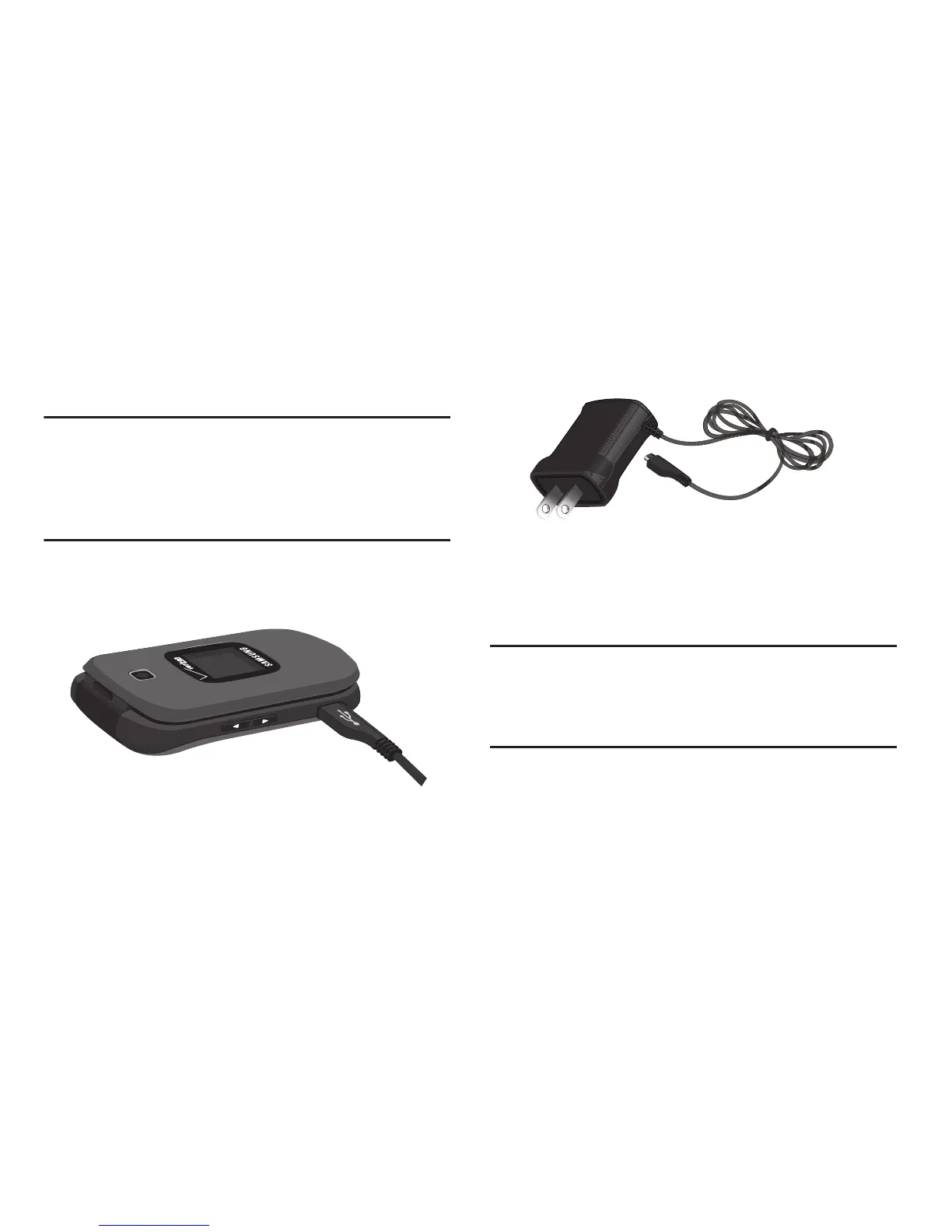
Your phone comes with a charging head to charge your
phone from any 120/220 VAC outlet.
Note:
The battery comes partially charged. You must fully
charge the battery before using your phone for the first
time. A fully discharged battery can require up to 4
hours of charge time. After the first charge, you can use
the phone while charging.
1. Insert the charger cable into the Charging/Accessory
port.
2. Plug the charging head into a standard AC power
outlet.
3. When charging is complete, unplug the charging head
from the power outlet and remove the cable from the
phone.
Non-Supported Batteries
Important!
Samsung handsets do not support the use of a
non-approved battery. Using a non-approved
battery may cause damage to your phone. Use a
Samsung approved battery only.
Samsung charging accessories (such as a wall charger, and
cigarette lighter adapter) will only charge a Samsung
approved battery. When using a non-approved battery the
handset can only be used for the duration of the life of the
battery and cannot be recharged.














 To Next Page