Alignment and adjustment
Samsung Electronics 5-25
5-2-2 Camera System Adjustment
Note : From now on, the structure of every adjustment is as follows.
Step Adjustment Item
1) Mode and input signal/
alignment tape
2) Test point and ADJ. part
3) And after Result and Remarks
Note : The on-screen display information.
ÒXX XXÓ means arbitrary value.
It can be different number depend on the conditions.
CD HALLA XX XX
1. Focus to zoom tracking
Note : To maintain proper focus throughout the zoom range, the focus lens position must be
changed as the zoom lens is moved.
During this adjustment the microprocessor will measure the focus positioning requirements at the wide
and telephoto position of the zoom lens.
1) Camera ÒE-EÓ.
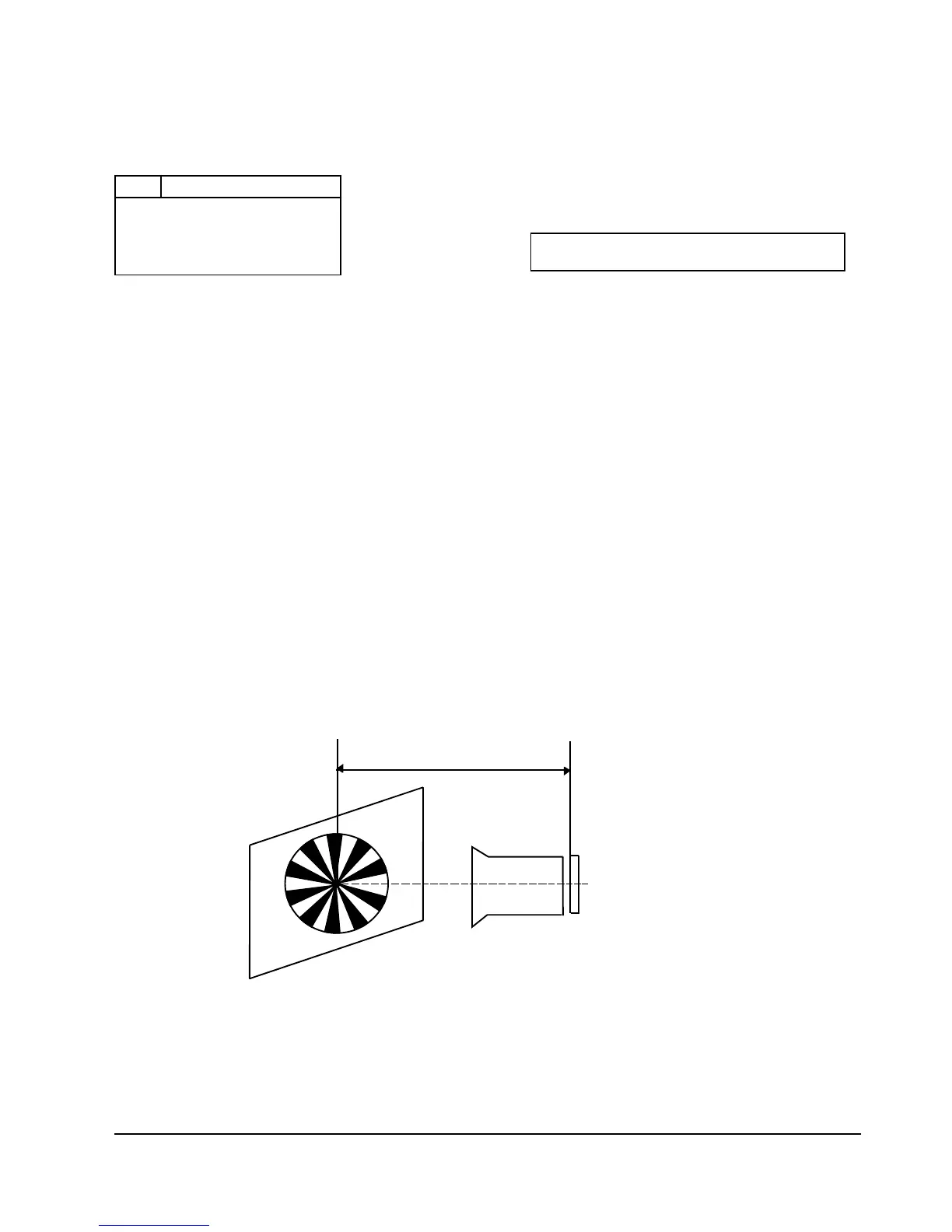
2) Focus chart (Attached on the last page of this manual).
3) Aim the camera at the focus chart placed about 30ft. (8 to 10 meters) away and perpendicular
to the center of the lens.
The chart should be placed on the flat, gray or white wall.
4) Connect monitor TV jack to video output jack.
5) Press the ÒMENU(MODE UP)Ó and ÒDATE (MODE DOWN)Ó button,
so that the OSD start is ÒDO LENSA XX XXÓ.
6) Focus adjustment
a. Full auto : Press ÒTITLE (CONFIRM)Ó button for full auto adjustment.
The camera will move both zoom and focus lens.
The adjustment is finished when the O.K! message appears on the TV screen.



 To Next Page