26
Accessing Information from the Home Screen
From the Home screen, you can:
• access your Contact List
• view upcoming appointments
• view unread text (SMS) messages, multimedia (MMS)
messages and Email messages
• access the most recently accessed programs
• change the profile option
To change information on each item:
1. From the Home screen, scroll to the item you want on the
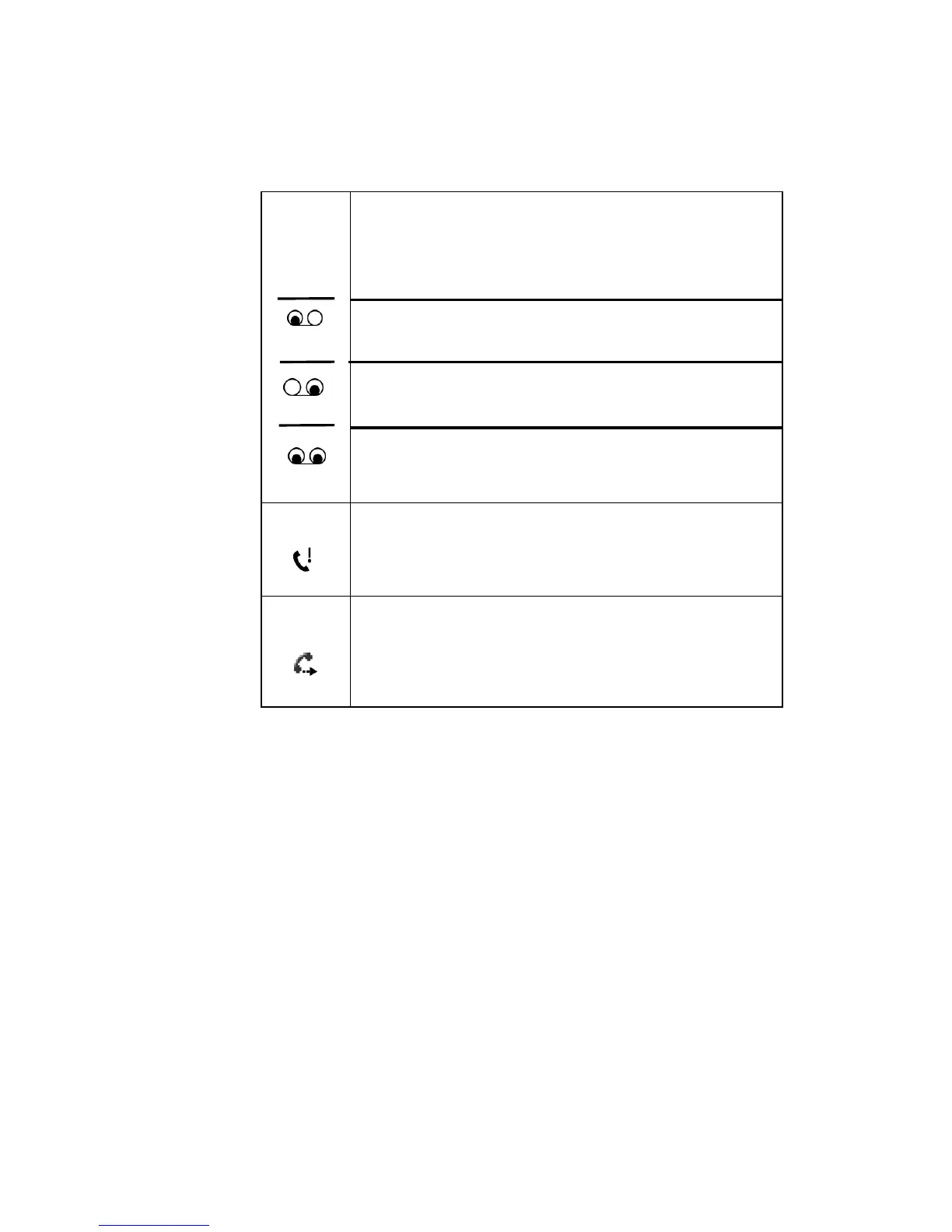
If your SIM card provides multiple lines you
could see the following icons:
Appears when a new voicemail from line 1
has been received.
Appears when a new voicemail from line 2
has been received.
Appears when a new voicemail from both
lines has been received.
Appears when there is a call you have missed
.
Appears when you have set incoming calls to
be forwarded to another destination.











 To Next Page