50
3. Click OK.
Connecting Your Phone to a Computer
To connect the phone to your computer, you can choose
one of the following ways:
• Using a PC data cable
• Using a Bluetooth connection
Connecting with a PC data cable
Connect one end of the PC data cable to the jack on the
left side of the phone and the other end to the USB port
on your computer.
Note: USB mode of your phone must be set for Microsoft
®
ActiveSync
®
.
Press the Start > Settings > Connections > USB. Then change the mode.
The connection is established and the Microsoft
®
ActiveSync
®
window appears. The synchronization
automatically begins.
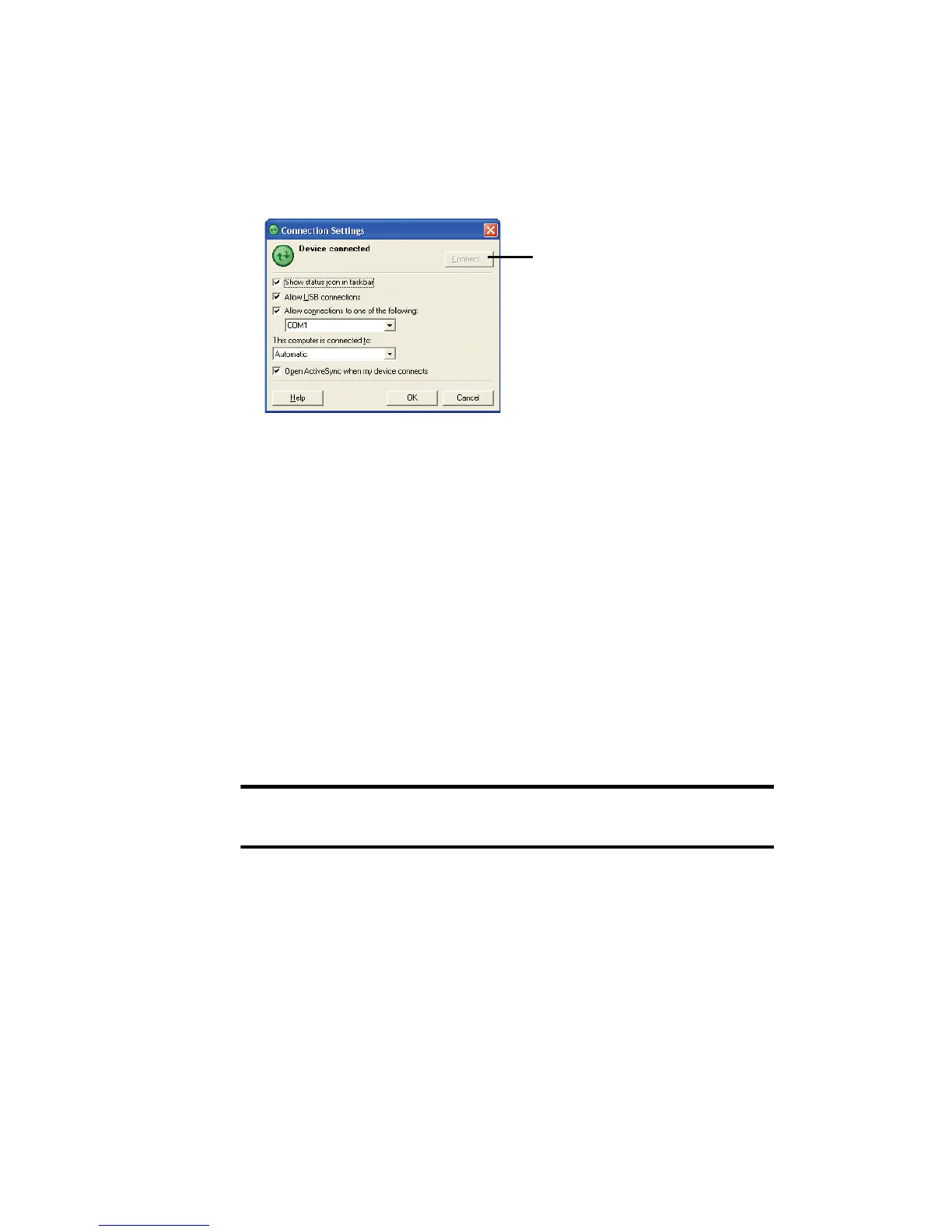
If your phone is not
connected to the computer,
click this button to establish a
connection.











 To Next Page