40
Using an Optional microSD Memory Card
Your phone has an expansion slot compatible with
microSD memory cards, which are primarily used to
back up or transfer files and data.
Note: Use only compatible memory cards with your phone. Using
incompatible memory cards, such as Secure Digital (SD) cards, may
damage the card, as well as the phone, and data stored on the card.
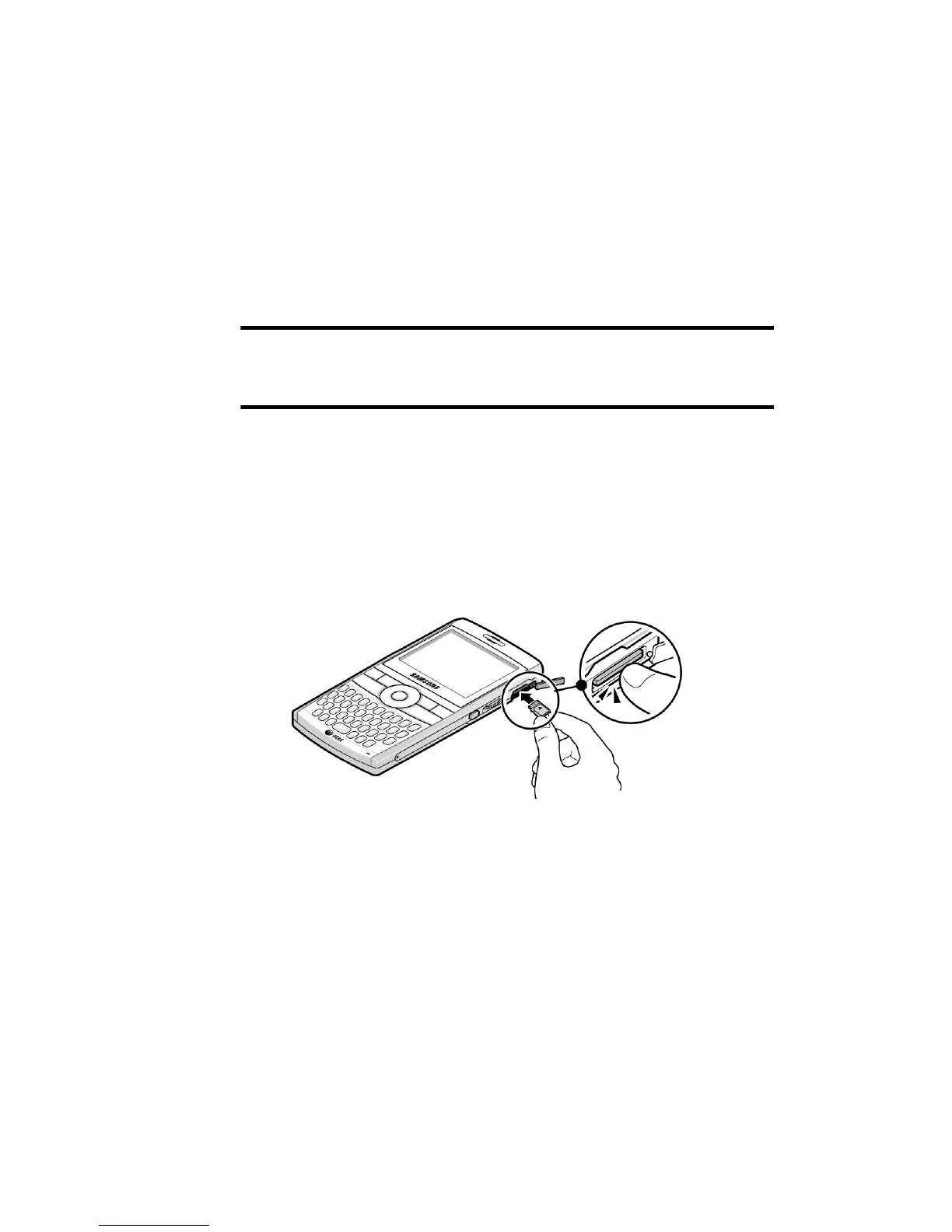
Inserting the microSD memory card
Push the microSD memory card into the slot, with the
arrow pointing toward the handset and with the label
side face down until it clicks into place. The card is
secure when it is not protruding from the phone.











 To Next Page