Section 2: Understanding Your Phone 41
Using an Optional microSD Memory Card
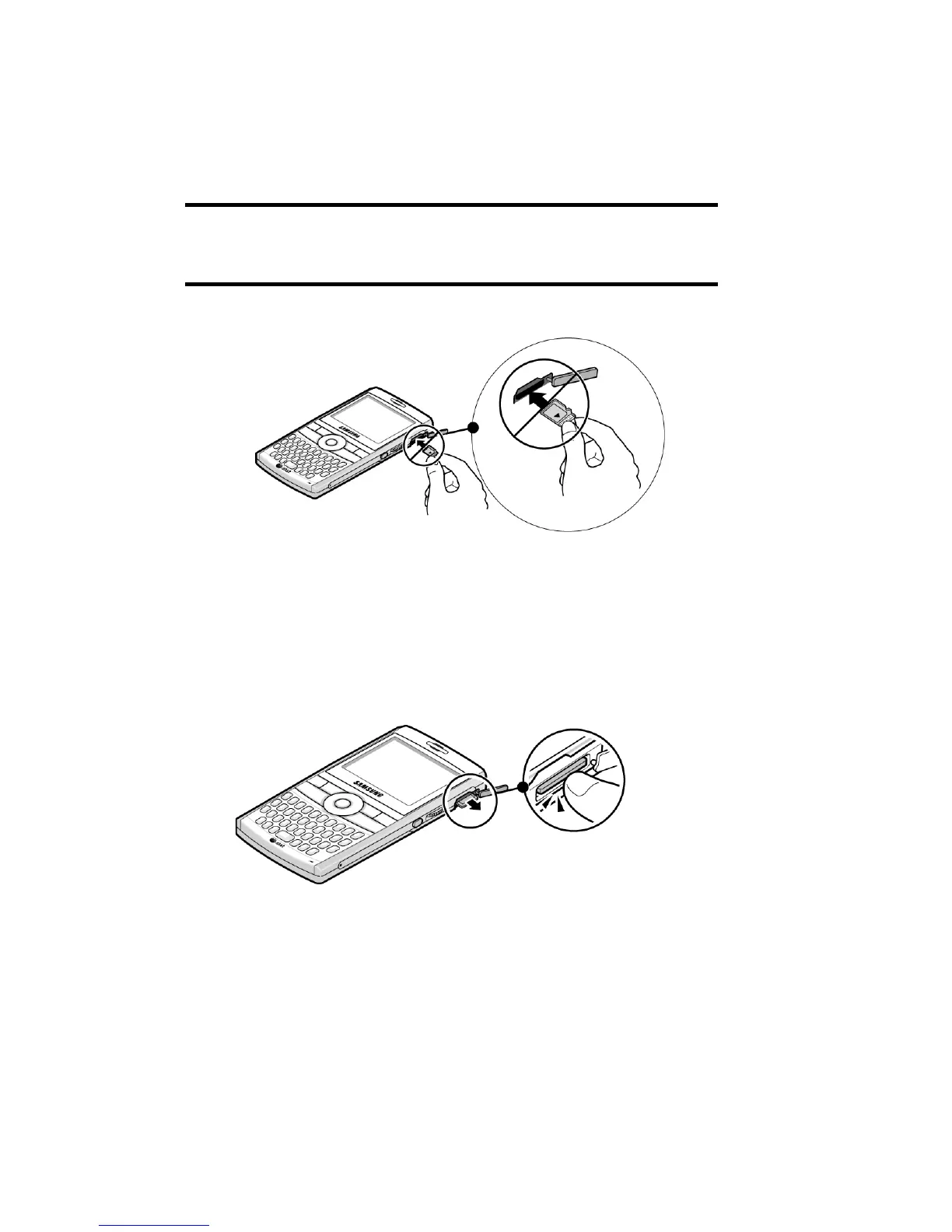
Note: The following illustration is the incorrect method for inserting the
microSD card. If attempted, damage to the accessory port will occur
therefore voiding the phone’s warranty.
Removing the microSD memory card
To remove the microSD memory card, push it in and
release so that it is disengaged from the slot. Then slide
the card out.
Adding and removing programs
You can install any program created for your phone, as
long as the phone has enough memory. The most











 To Next Page