Section 1: Getting Started 9
Activating Your Phone
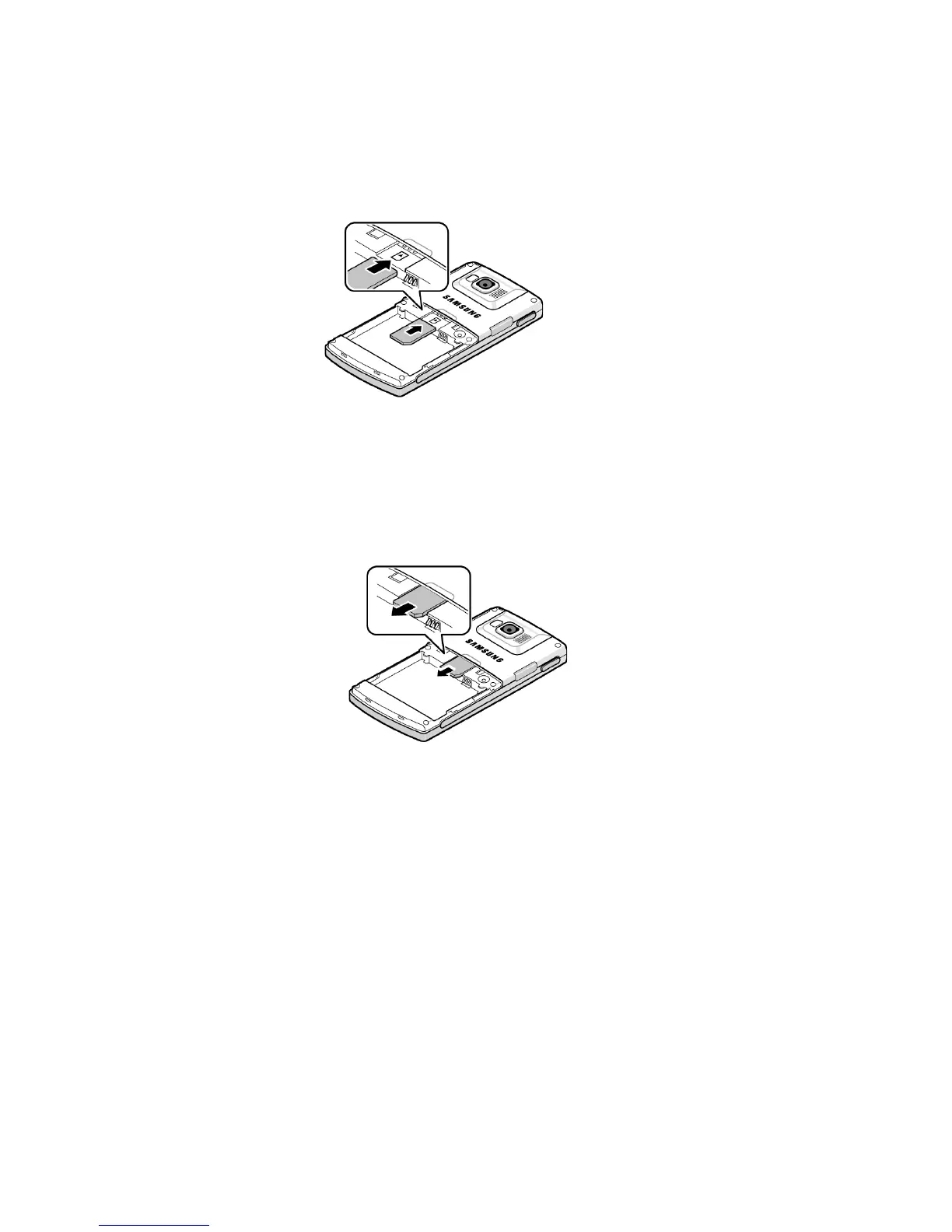
Removing the SIM Card
To remove the SIM card, slide it away from socket. See
the following illustration.
Installing the Battery
1. Align the battery tabs with the slots at the bottom of the
phone.
2. Press the battery down until it clicks into place. Make
sure that the battery is properly installed before
switching on the phone.











 To Next Page