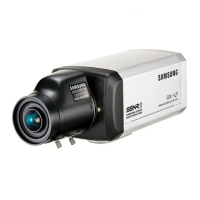
COLOR CCD CAMERA User’s Manual
21
COLOR CCD CAMERA User’s Manual
20
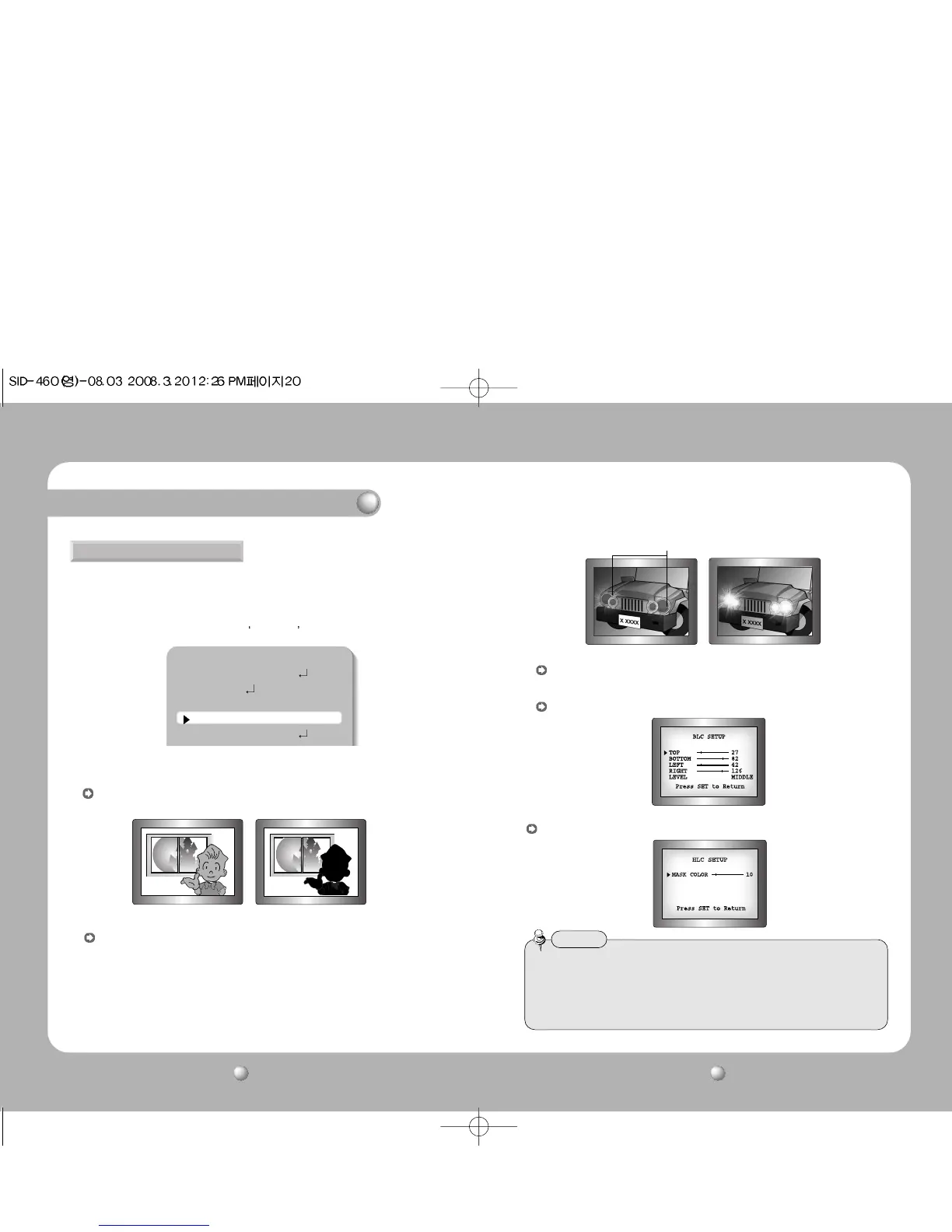
This camera is designed so that it delivers a distinctive subject and background at the
same time, even when the subject is in backlight, unlike conventional cameras, by
adopting a proprietary W-IV DSP chip.
1. When the SETUP menu screen is displayed, select ‘BACKLIGHT’ by using the Function
Setup switch so that the arrow indicates
BACKLIGHT .
2. Select a desired mode using the Function Setup switch depending on the camera
purpose.
BACKLIGHT
MAIN SETUP
1.LENS DC
2.EXPOSURE
3.WHITE BAL ATW
4.BACKLIGHT OFF
5.SSNR ON
BLC : Enables a user to directly select a desired area from a picture, and to view the
area more clearly.
BLC ON
BLC OFF
HLC (High Light Compensation) :
If there is a high light installed in a limited environment such as an apartment parking
garage or gas station entrance, removing the high light makes it possible to view car
license plates efficiently.
- DAY : In normal daylight conditions, the HLC is not activated.
- NIGHT : If a high light that is larger than a certain size is present on the screen,
remove the high light to see license plates clearly.
OFF : Not being used
HLC MASKING AREA
HLC ON
HLC OFF
3. Select a desired mode using the Function Setup switch and press the switch.
• Because there can be a difference in the effectiveness of HLC according to the amount of
light area in the screen, optimize the installation angle for the best HLC performance.
• In a dark environment, the HLC is only activated when a high light that is larger than a
certain area is present.
• The HLC is not activated in light or overly dark conditions.
Notes
Select ‘BLC’ to adjust the area to be enhanced and enhancement level.
HLC : Enable a user to select a mask color of high light area from a picture.
Operating Your Camera



 To Next Page