Camera and Video 174
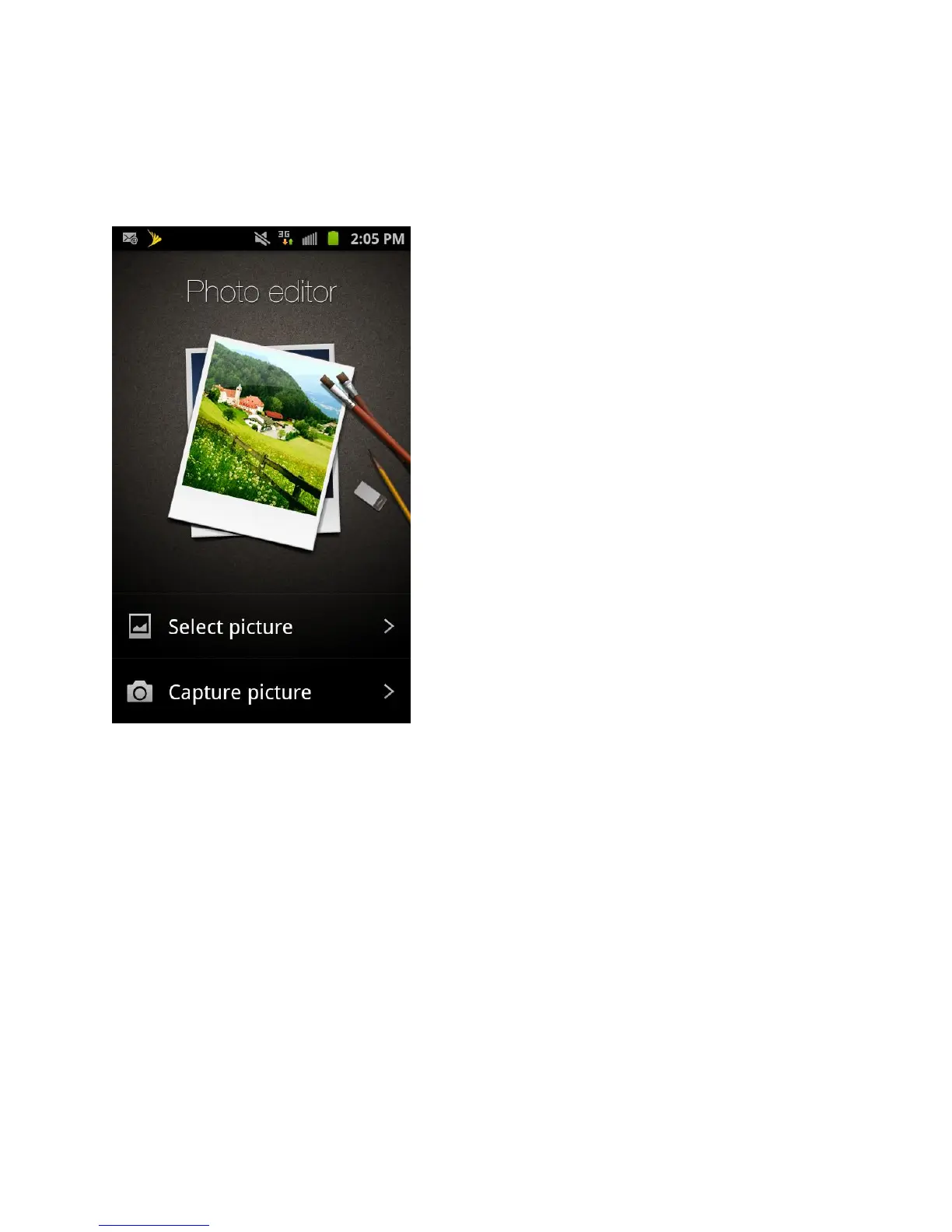
1. Tap Select picture to edit a picture in your Gallery.
- or -
Tap Capture picture to take a picture with the camera.
2. Tap the picture and it is loaded into the Photo editor.
3. Use the following Photo editor controls to edit your picture:
Selection Size: allows you to set the size of the selection tool to Small, Medium, or
Large.
Selection: use the selection tool to mark an area for cropping, rotating, etc.









 To Next Page