Camera and Video 175
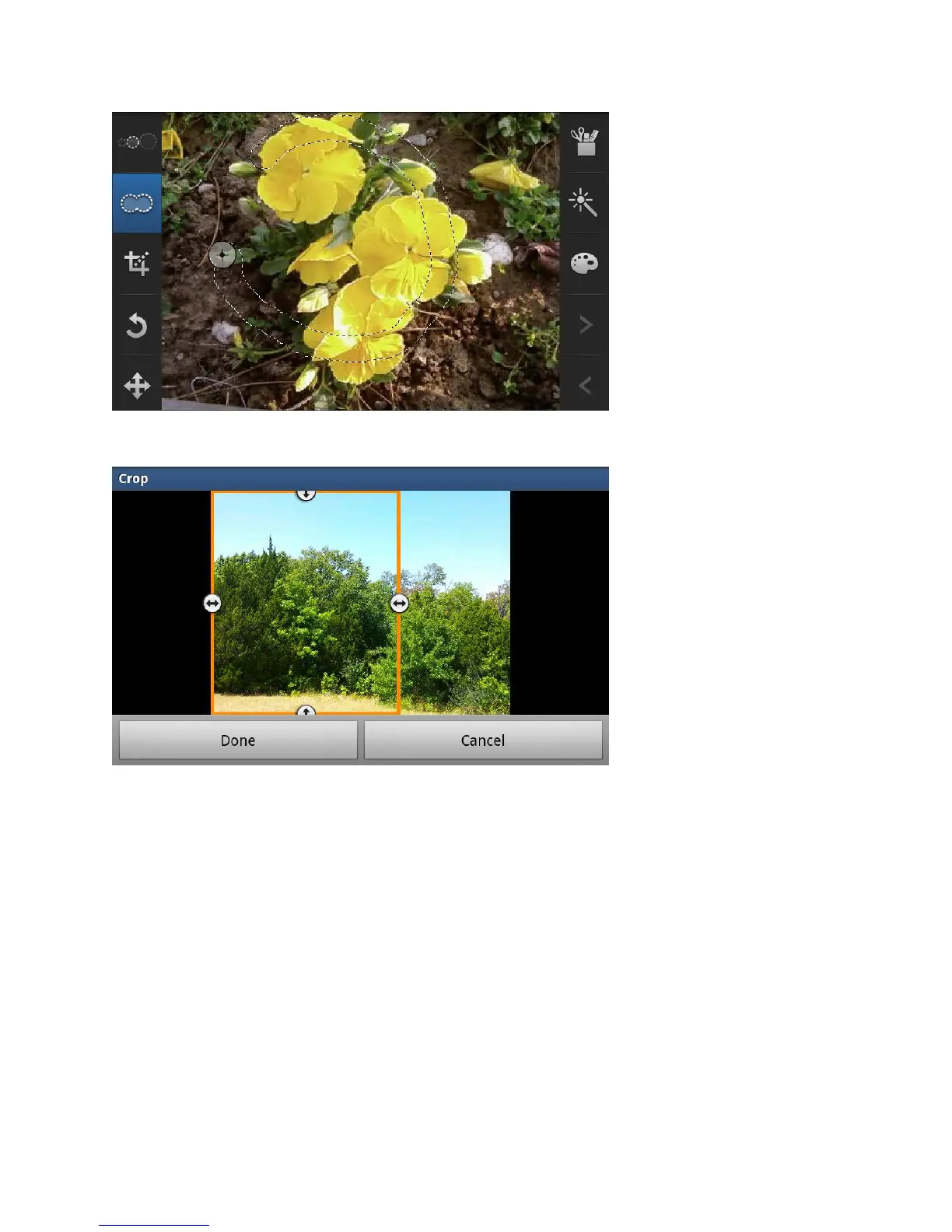
Crop: allows you to crop (cut-out) an area of a photo.
Rotate: allows you to rotate a photo in all 4 directions. You can also mirror image a
photo.
Move: use the move feature to move a photo around when you are zoomed in and
the entire photo is not showing on the screen.
Tools: allows you to Copy and Paste to different images. You can also use Warping
and Fill.
Effects: allows you to add various effects to your photo.









 To Next Page