Camera and Video 176
Color: allows you to adjust the Saturation, Contrast, and Brightness of a photo.
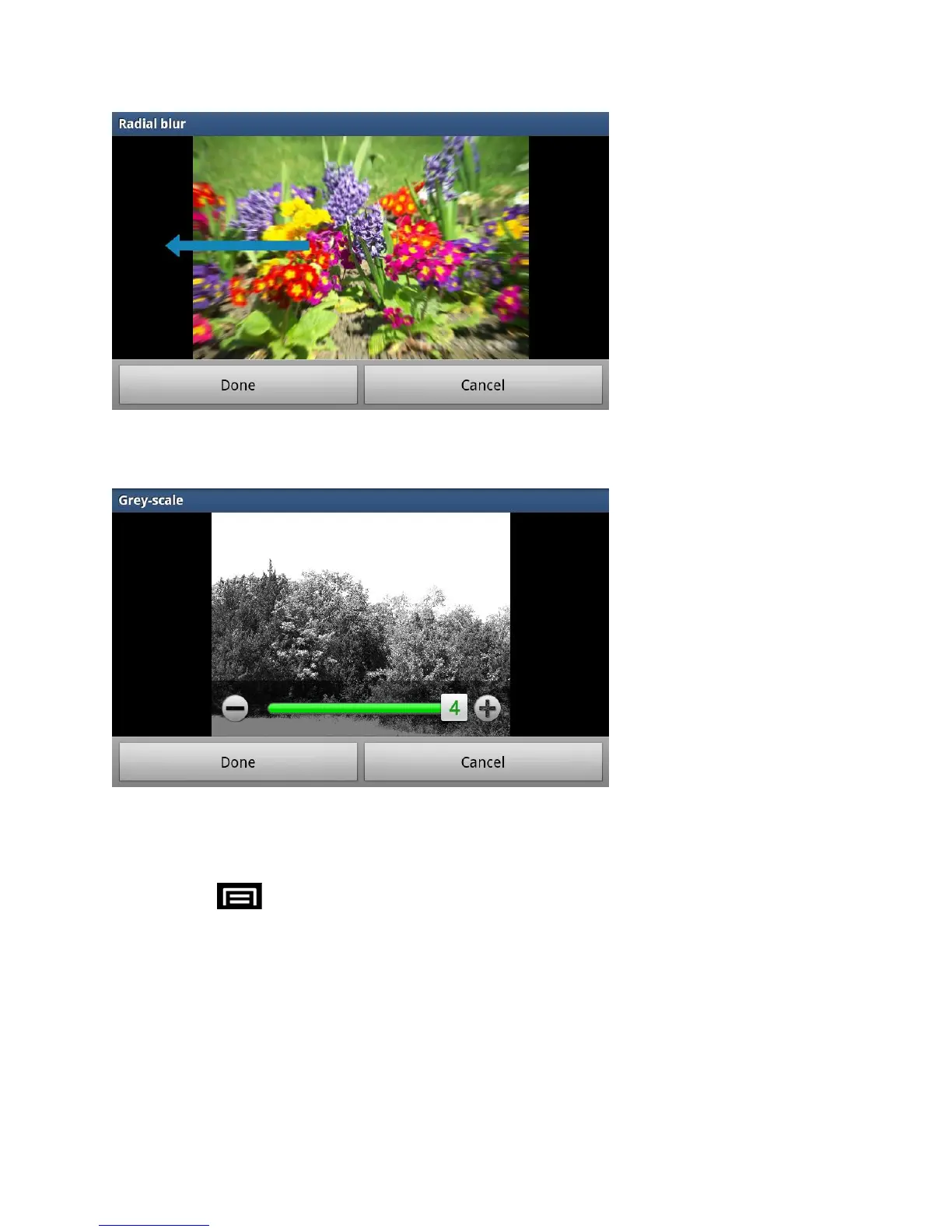
You can also make it Greyscale.
Next: move to next photo project.
Previous: move to previous photo project.
4. Press to access the following options:
New: starts a new Photo editor project. Be sure and save the photo you are working
on before starting a new project.
Save: saves your photo to your gallery.
Share: allows you to share your photo via AllShare, Bluetooth, Email, Gmail,
Google+, Messaging, Picasa, Social Hub, or Wi-Fi Direct.









 To Next Page