English - 32
( 5 )
Fridge
(Hold 3
sec for
Power
Cool)
TheFridgebuttonservestwopurposes:
- TosettheFridgetoyourdesired
temperature.
- ToturnthePowerCoolfunctionon
andoff.
1) TosettheFridgetemperature
PresstheFridgebuttontosetthe
refrigeratortothetemperatureyouwant.
Youcansetthetemperaturebetween
7°Cand1°C.
2) PowerCoolfunction
Touchandholdthisbuttonfor3seconds
todecreasethetimeneededtocool
productsintheRefrigerator.Itcanbe
helpfulifyouneedtoquicklycooleasily
spoileditemsorifthetemperaturein
thefridgehaswarmeddramatically(For
example,ifthedoorwasleftopen).
( 6 )
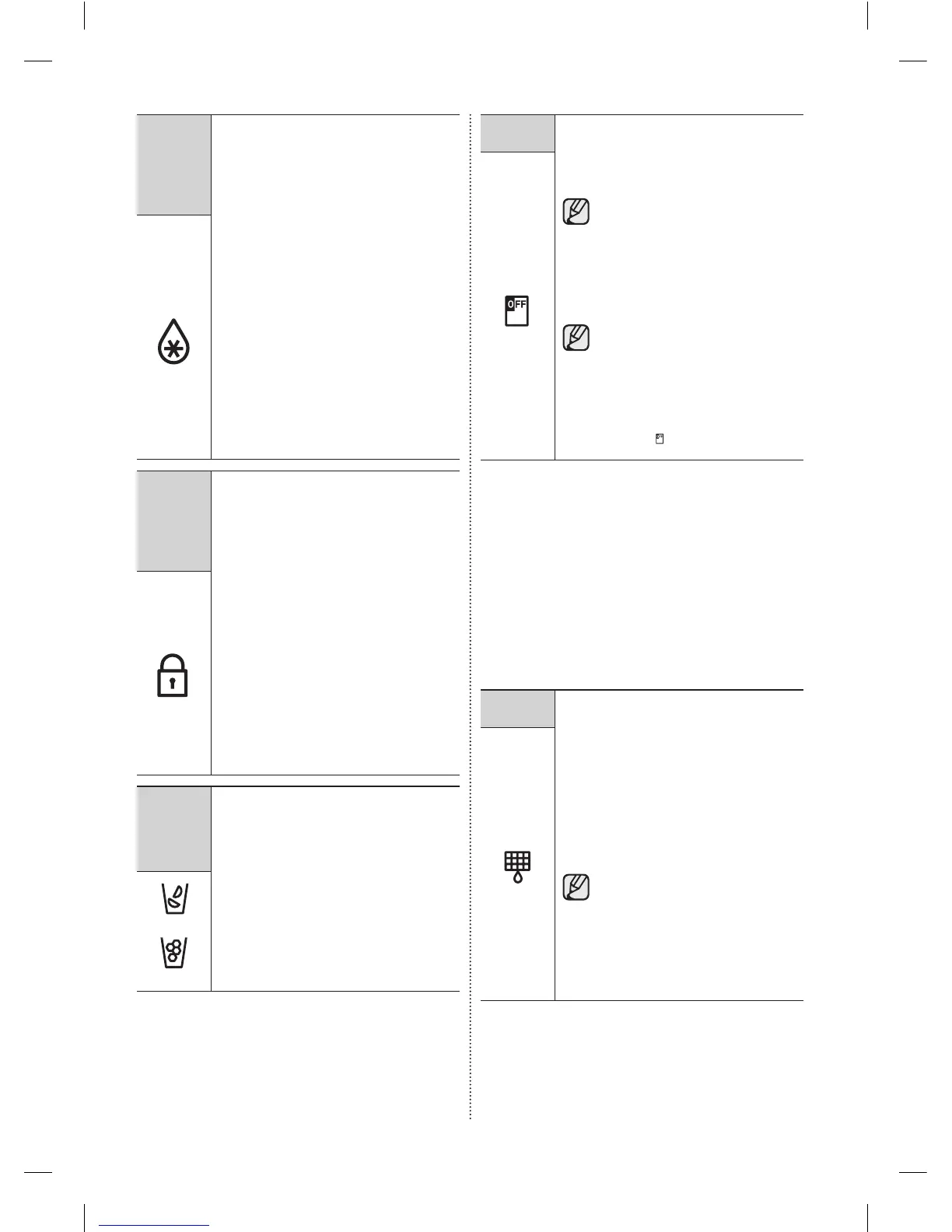
Ice Off
(Hold 3
sec for
Child
Lock)
TheIceOffbuttonservestwopurposes:
- ToturntheIcemakeronandoff.
- ToturntheChildLockFunctionon
andoff.
1) IceOffFunction
Ifyoudon’twanttomakemoreice,press
theIceOffbutton.
2) ChildLockFunction
Touchandholdthisbuttonfor3seconds
tolockthedisplay,theFlexZonepanel,
andthedispenserbuttonssothebuttons
cannotbeused.
WhentheChildLockison,therefrigerator
doesnotdispenseiceorwaterevenifyou
presstheDispenserLever.
Thechildlockiconlightsuptoindicate
you’veactivatedthechildlockfunction.
Press3secondstounlock.
(7)
Cubed Ice
(8)
Crushed
Ice
PresstheCubedIceorCrushedIce
buttontoselectthetypeoficeyouwant
dispensed.
Eachtimeyoupressthebutton,the
cubedandcrushedicemodesalternate
andtheCubedorCrushediceiconlights
up,indicatingyourselection.
(Cubed)
(Crushed)
( 9 )
Ice Off
Ifyoudon’twanttomakemoreice,touch
theIceOffbutton.
TheiconwilllightupandtheIce-Maker
stopsmakingice.
Werecommendyoustopice
makingifthefollowingoccur:
- Thereisenoughiceintheice
bucket.
- Youwanttosavewaterand
energy.
- Waterisnotbeingsuppliedto
therefrigerator.
IftheicemakerfunctionisON,and
thewaterlineisnotconnected,
therewillbeawatervalvenoise
fromthebackoftheunit.Ifthis
occurs,presstheIceOff(Hold
3secforchildlock)buttonforless
than3secondsuntiltheIceOff
Indicator( )illuminates.
To save electricity, the Panel Display turns off
automatically under the following conditions:
When no button has been pressed, when no
doors are open, or when no Dispenser Lever
has been pushed. However, the icon indicating
your cubed or crushed ice selection will stay
on. When you press a button, open a door, or
push a Dispenser Lever, the Panel Display will
turn on again. All function keys, except Energy
Saver and the Cubed and Crushed keys will
become operational after you remove your
finger from the button you pressed.
( 10 )
Filter
Water filter usage
Thisiconlightsupwhenyouneed
tochangethelter,usuallyafterthe
refrigeratorhasdispensedabout300
gallonsofwater(afterabout6months).
Theiconwillblinkredforseveralseconds
whenyouopenorclosethedoor.
Afteryouinstallthenewwaterlter,reset
thelterindicatorbytouchingandholding
theHold3secforFilterResetbuttonfor
3seconds.
- Ifwaterisnotdispensingor
dispensingslowly,youneedto
replacethewaterlterbecause
thewaterlterisclogged.
- Someareashavelargeamounts
oflimeintheirwater,which
causesthewaterltertoclog
morequickly.
DA68-02915A-11.indd 32 2015. 5. 8. �� 8:52













 To Next Page