English - 10
Adjusting Your Monitor
Information
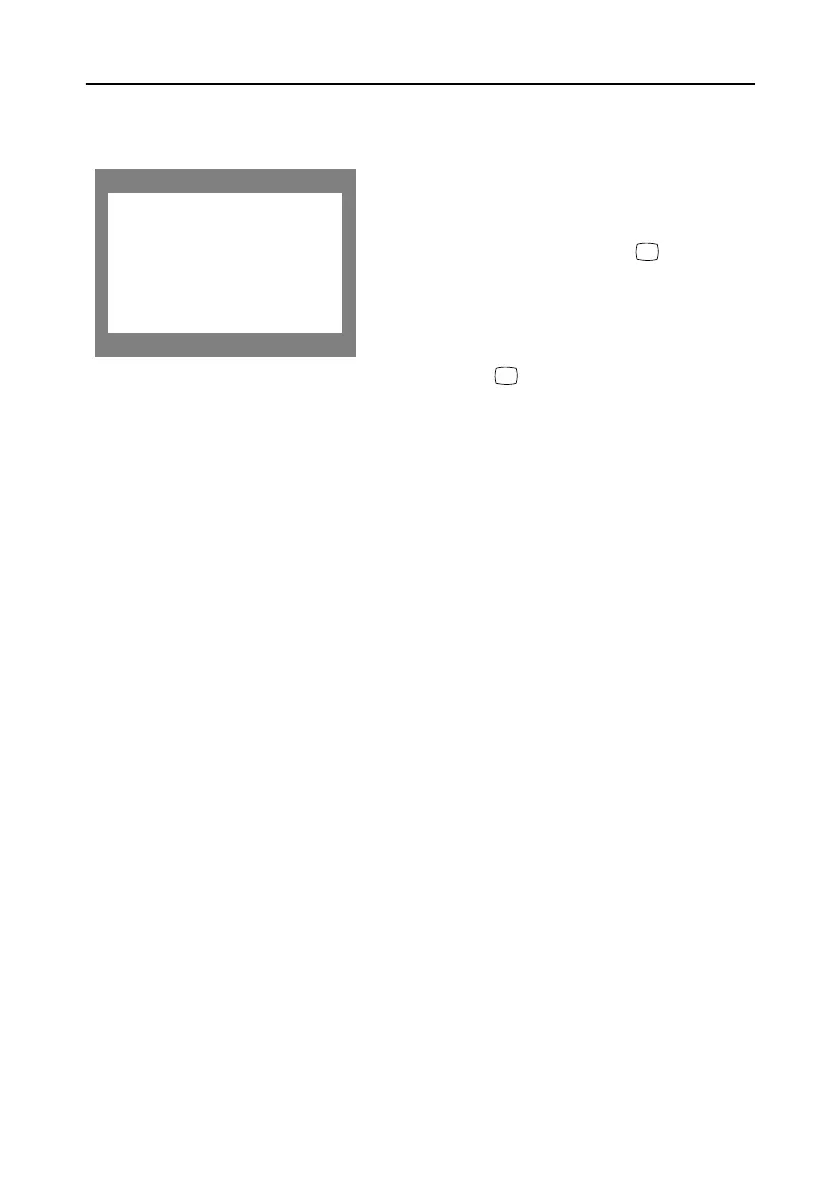
The Information on this screen shows available
horizontal and vertical frequencies and display
resolution.
1
With the menu off, push the button
once to see information about your monitor.
The current Horizontal/Vertical frequencies
received from the computer or video board is
displayed along the bottom.
2
Push the button once moré to see the
user defined timing mode.
3
Scroll down with the button to display the
factory preset timings.
Note: These screens do not allow any changes to
the settings; they are for information only.
Information
Frequency Range:
H: 30 - 85KHz
V: 50 - 160Hz
Recommended Timing:
1280x1024 / 75Hz
Serial Number:
i
i
9550eApp.book Page 10 Thursday, December 30, 1999 10:19 AM









 To Next Page