63
Setup and Reset
7
7 Setup and Reset
7.7 Key Repeat Time
Control the response rate of a button when the button is pressed.
7.7.1 Configuring Key Repeat Time
1 Press any button on the front of the product to display the Key guide. Next, press [ ] to display
the corresponding menu screen.
2 Press [ ] to move to SETUP&RESET and press [ ] on the product.
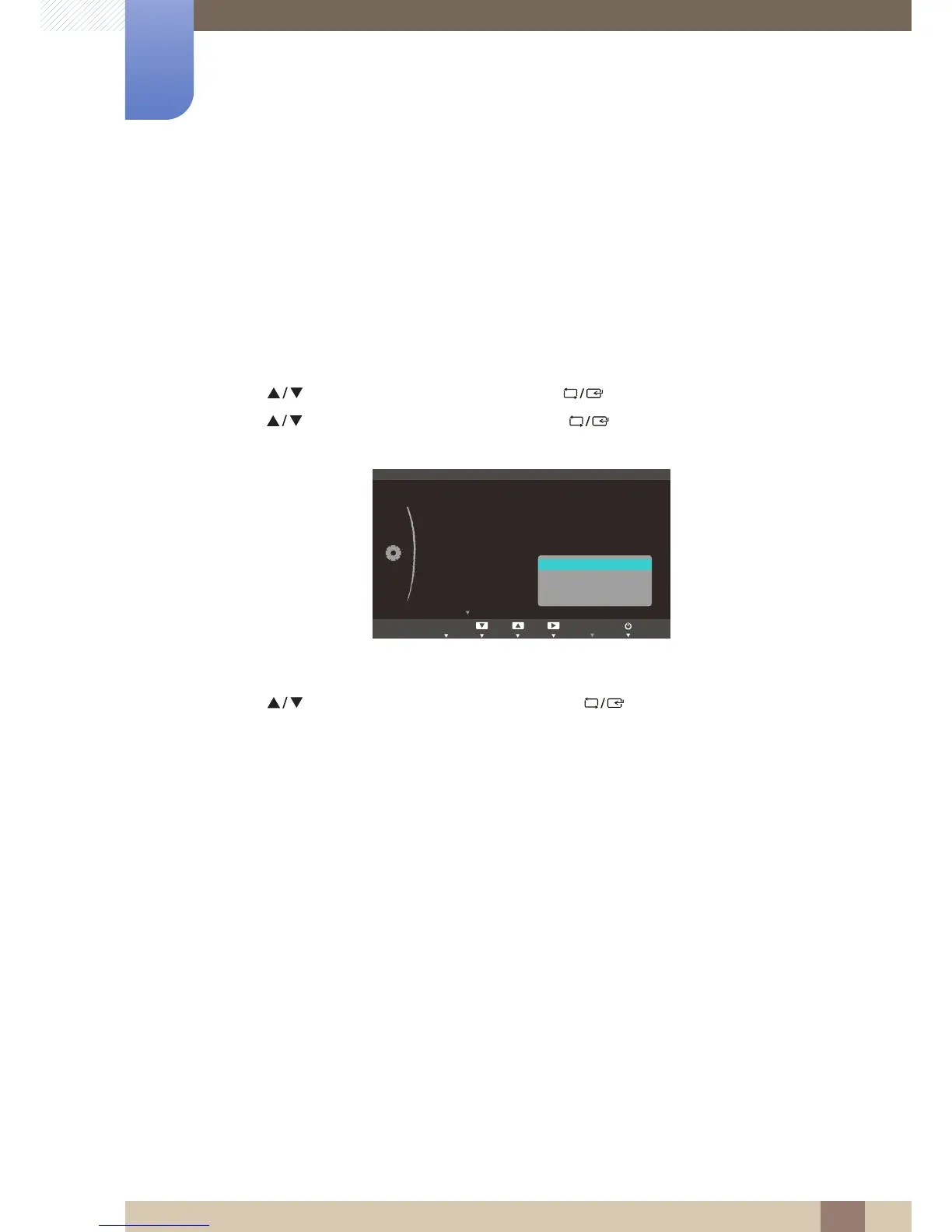
3 Press [ ] to move to Key Repeat Time and press [ ] on the product. The following screen
will appear.
z Acceleration, 1 sec, or 2 sec can be selected. If No Repeat is selected, a command responds
only once when a button is pressed.
4 Press [ ] to move to the option you want and press [ ].
5 The selected option will be applied.





 To Next Page