71
INFORMATION Menu and Others
8
8 INFORMATION Menu and Others
8.3 Configuring Brightness and Contrast in the Initial Screen
(S24B750H / S27B750H)
The Brightness and Contrast can be adjusted in the initial screen on the S24B750H / S27B750H
model only.
Adjust the Brightness or Contrast setting using the [ ] buttons in the initial screen (where no OSD
menu is displayed).
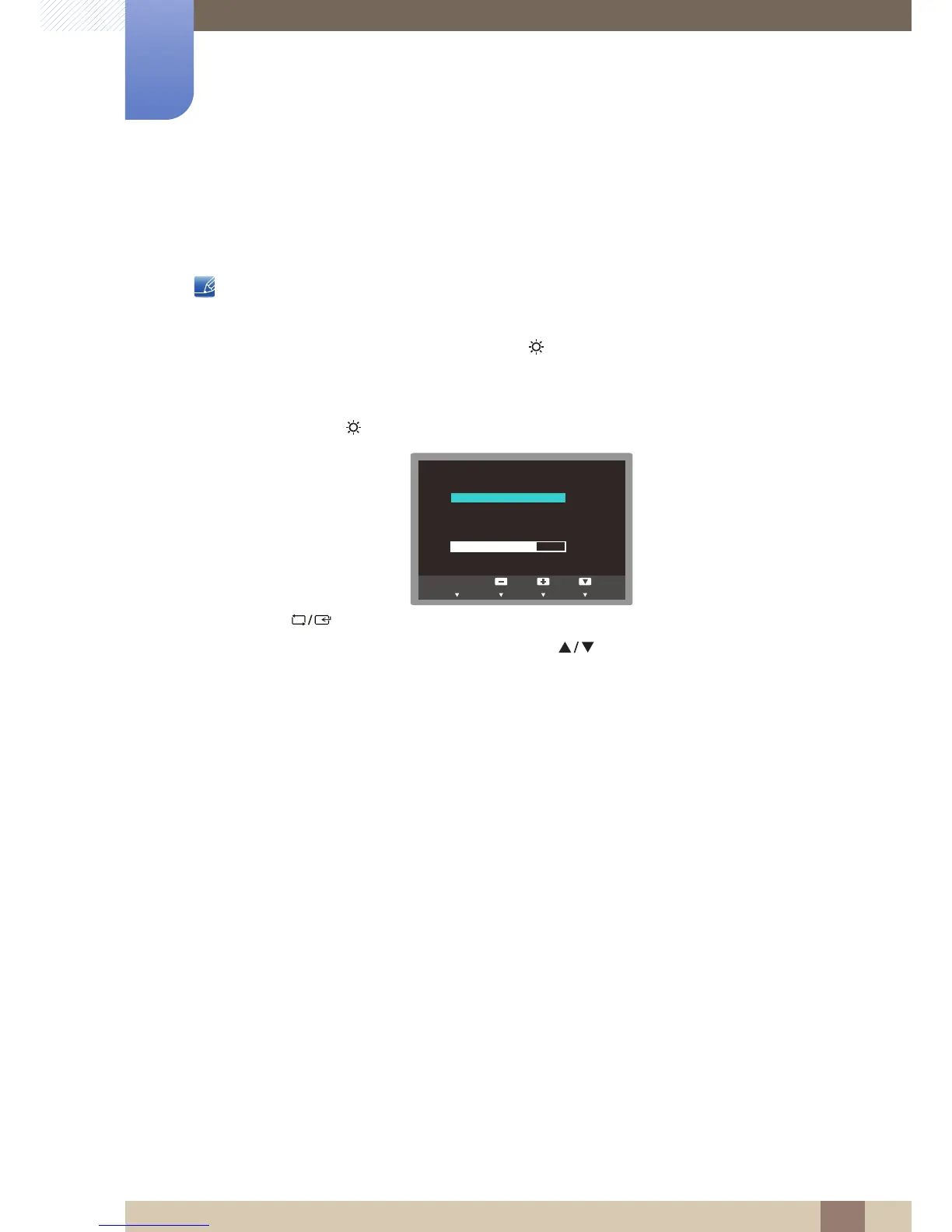
1 Press any button on the front of the product (when no menu screen is displayed) to display the Key
guide. Next, press [ ]. The following screen will appear.
2 Press the [ ] button to alternate between the Brightness and Contrast settings.
3 Adjust the Brightness or Contrast setting using the [ ] buttons.



 To Next Page